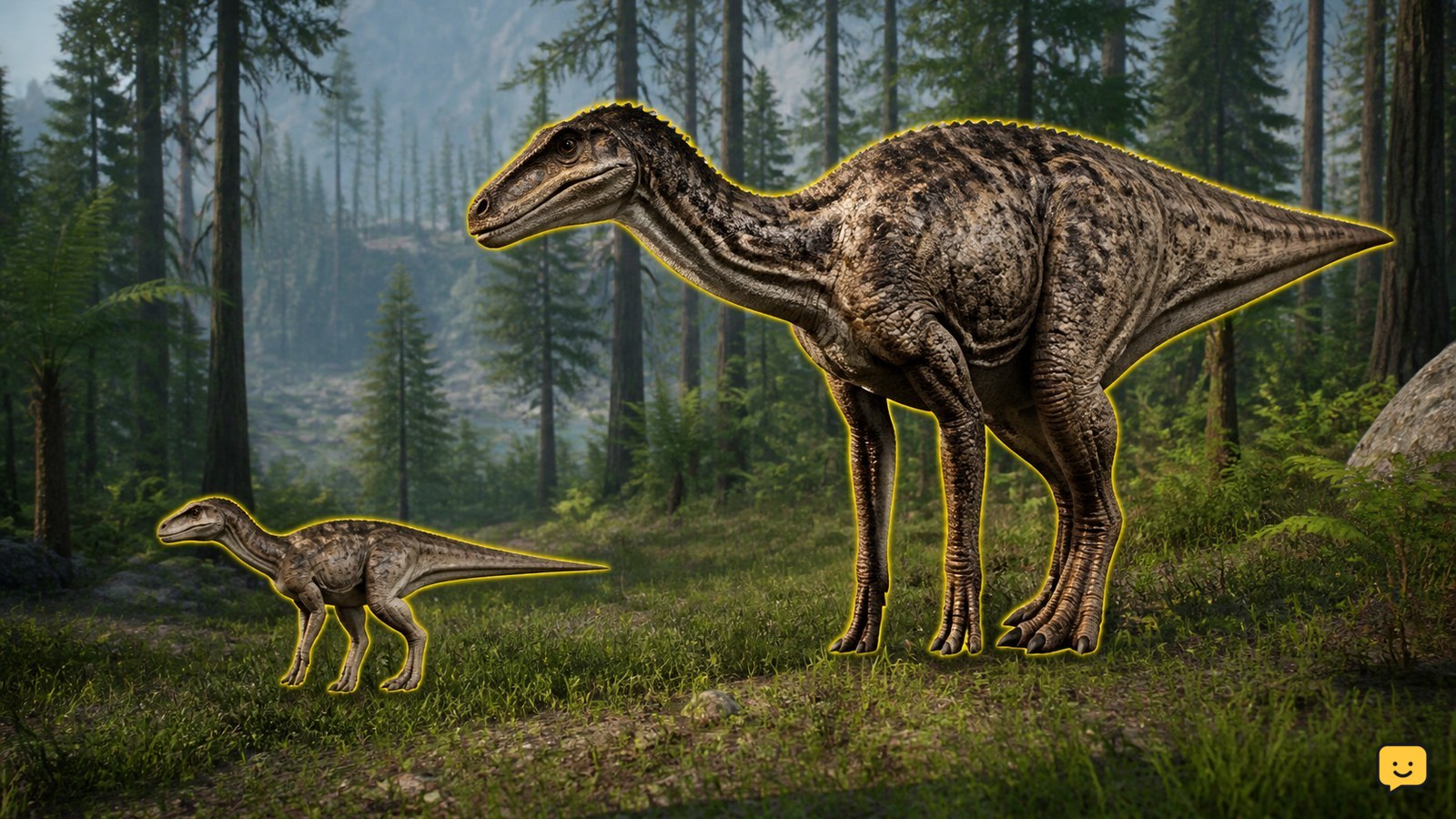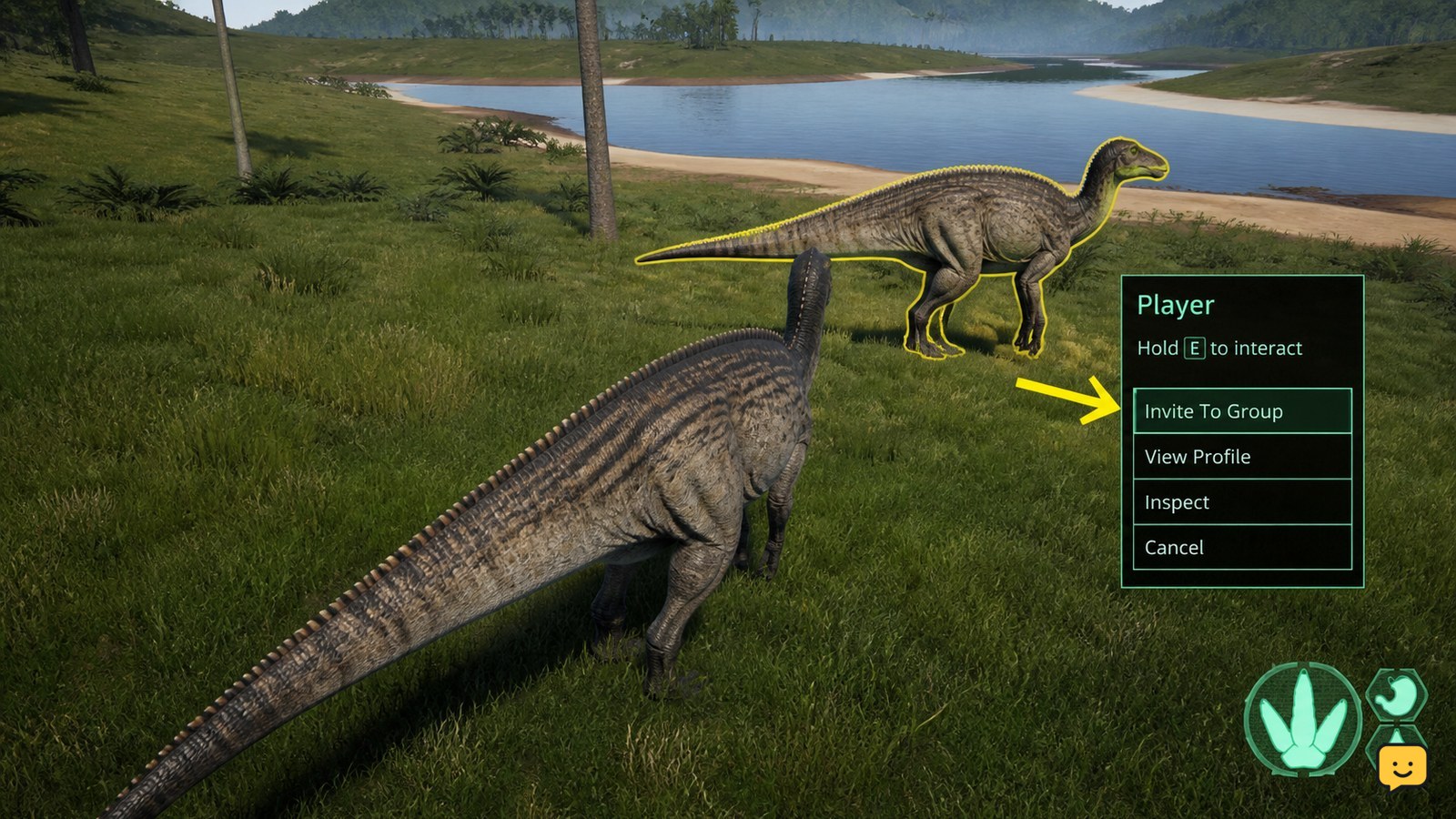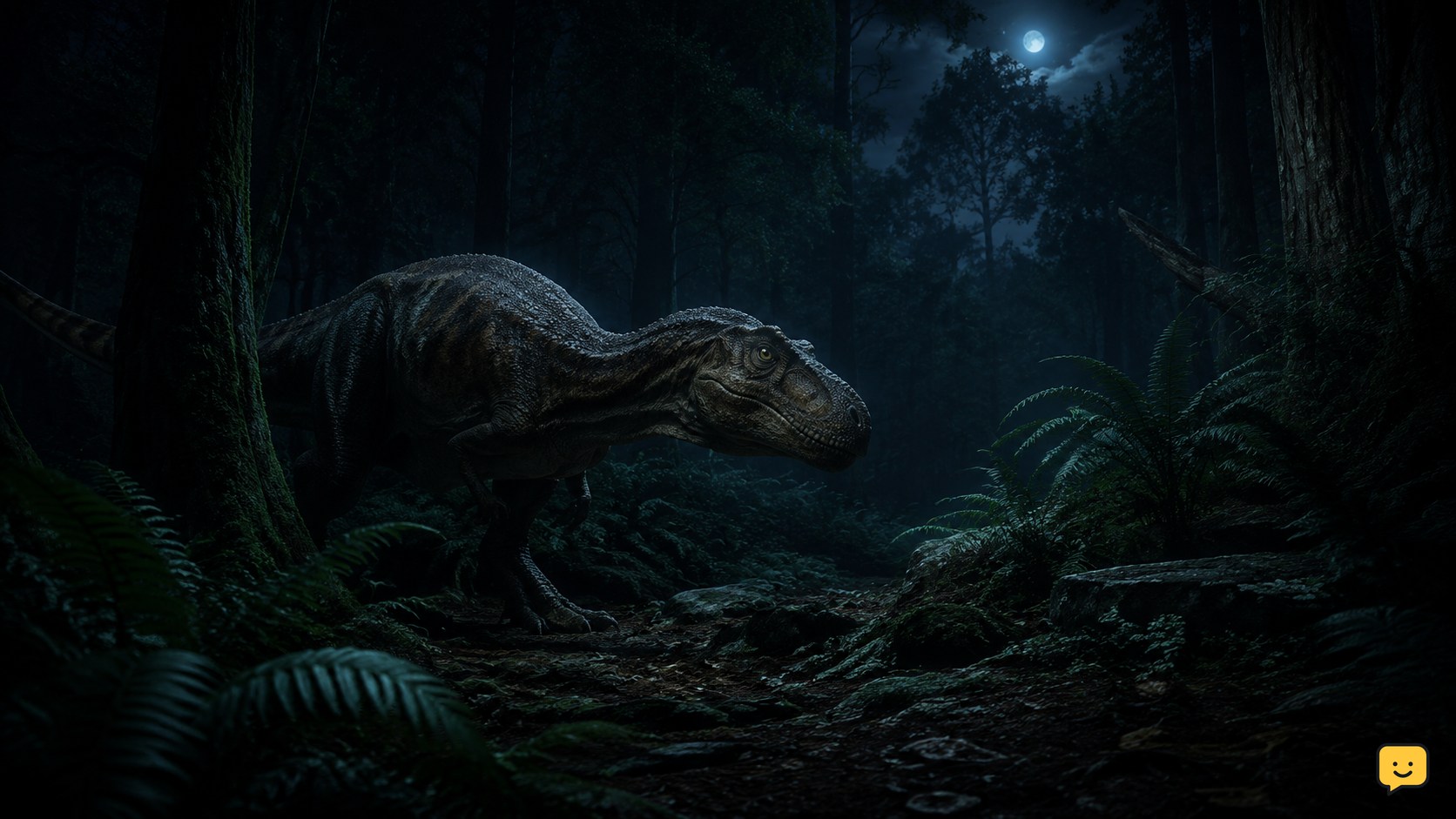
Night Vision can make darkness manageable in The Isle: Evrima, but it is not a substitute for careful movement. It improves your view of nearby terrain and creatures while reducing the risk of walking into danger. The feature is commonly bound to X in Evrima, although controls can change between updates, profiles, and servers. Before relying on it, confirm the binding in your own game.
How to activate Night Vision
- Launch the Evrima branch of The Isle and join your intended server.
- Open the game menu and select Settings.
- Open Key Bindings, then look for Toggle Night Vision.
- Note the key shown beside the action. It is commonly X, but your installation may use another key or have no active binding.
- Close the menu and press the assigned key once. Press it again to turn Night Vision off, if the action is configured as a toggle.
If the key is configured as a hold action rather than a toggle, the behavior may be different. Check the displayed control and test it in a safe location during dusk or nighttime. Avoid testing beside a cliff, deep water, or a known predator route.
Check your binding before changing anything
A missing response usually indicates a control or branch problem rather than a failure of Night Vision itself. In Settings > Key Bindings, search carefully for Toggle Night Vision. Check whether another action uses the same key. Duplicate bindings can cause one command to replace, block, or interfere with another, depending on the current input setup.
- Remove an unnecessary duplicate from the Night Vision key or assign Night Vision to a spare key.
- Apply the change, leave the menu, and test it again.
- Restart the game if the new binding does not take effect immediately.
- In Steam, verify that the active game branch is the Evrima branch. A branch mismatch can make expected controls or features appear unavailable.
Only after those checks should you consider resetting the game configuration. A reset can remove custom key bindings and may affect other personal settings, including saved presentation or skin-related preferences. Record your preferred controls first, and treat a configuration reset as a last resort rather than a routine fix.
Using Night Vision safely
Night Vision helps you identify silhouettes, terrain, and movement, but darkness still limits reaction time. Use it to gather information, not to justify reckless travel.
Move instead of rushing
Move slowly when visibility is poor. Do not sprint blindly through forest, rocky ground, or unfamiliar slopes. A sprint can carry you into a drop, a river, another player, or a territorial animal before you can react. Slow movement also gives you more time to listen and reassess what Night Vision reveals.
Combine sight with scent
Use the scent action alongside Night Vision when you are searching for food, water, tracks, or signs of nearby animals. Scent can provide information that a dark visual filter cannot, while Night Vision helps you interpret the surrounding terrain. Check both before leaving cover or approaching a resource.
Conserve stamina
Keep enough stamina for an emergency escape. Nighttime encounters can begin with very little warning, and a long sprint through unfamiliar terrain may leave you unable to defend yourself or reach cover. Rest before traveling, avoid unnecessary bursts of speed, and do not spend your entire stamina reserve simply to investigate a distant shape.
Respect water and cliffs
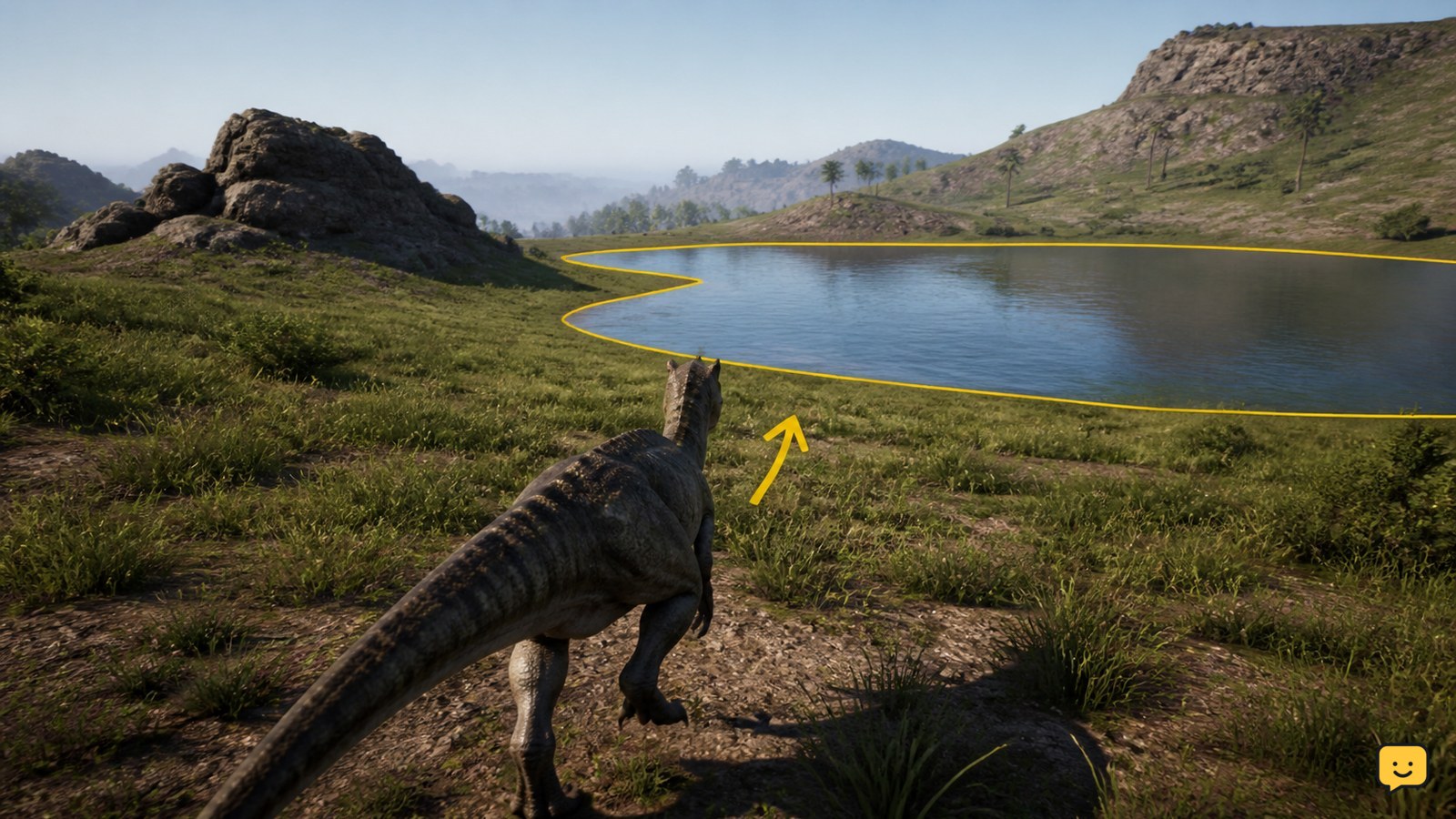
Be especially cautious near water edges. Dark shorelines can hide steep banks, deep water, ambushes, or a route that leaves you exposed. Stop before entering a shoreline and inspect the approach rather than running directly toward a reflection or sound. Cliffs and sharp slopes deserve the same treatment: approach slowly, check the ground, and keep an escape route behind you.
Practical nighttime routine
- Turn Night Vision on from cover and wait briefly for your surroundings to become readable.
- Use scent to check for useful resources and nearby activity.
- Choose a route with cover, broad ground, and more than one escape direction.
- Walk or use short, controlled movements instead of continuous sprinting.
- Pause at rises, crossings, and water edges to inspect the next section.
- Turn the feature off when it is unnecessary if doing so helps you notice normal visual details or manage your preferred display.
Troubleshooting
Night Vision does nothing
Confirm that the key is assigned to Toggle Night Vision, then check for a duplicate assignment. Apply the change and restart the game. Also verify that Steam is launching the Evrima branch rather than a different branch or outdated installation.
The binding disappeared
Updates, profile changes, or configuration problems can alter controls. Reopen Key Bindings and assign the action again. If you reset configuration, expect to rebuild custom controls and review other settings afterward.
The display is hard to read
Night Vision does not remove every hazard. Slow down, use scent, and move toward cover. Server rules or game updates may also affect how the feature looks or behaves.
FAQ
Is Night Vision always bound to X?
No. X is a common default or commonly reported binding for Evrima, but your controls may differ. Check Settings > Key Bindings every time you change branches, profiles, or major settings.
Can Night Vision prevent ambushes?
No. It improves visibility but cannot guarantee safety. Use cover, sound awareness, scent, stamina management, and cautious routes.
Should I reset my configuration immediately?
No. Check the binding, duplicates, restart the game, and verify the Evrima branch first. Resetting can erase custom settings and skin-related preferences.
Planning your next route? Use the The Isle Evrima map to find key locations before you move.
Browse more The Isle guides for help with this topic.