In Star Citizen, press Y once while looking forward from the pilot seat to use the default exit-seat control. If nothing happens, move your view slightly and try Y again. A stuck interaction is usually a seat-state bug rather than a flight-control setting. Store and retrieve the ship to reset it; use backspace only when recovery is acceptable.
For more help with this topic, use the Star Citizen guides.
Press Y and reset the seat interaction
Star Citizen normally uses the default Y key to leave an occupied pilot seat on PC. Press Y once, wait briefly, and check whether the character stands up or the seat interaction prompt changes.
- Release the movement and flight keys.
- Keep the view aimed toward the cockpit rather than an MFD or nearby control.
- Press Y once.
- Wait for the stand-up animation or the return of normal first-person movement.
Community reports on the RSI Community Hub specifically describe Y failing to exit the pilot seat, so a missing response does not necessarily mean the key is wrong. If the first press does nothing, move the camera a small amount and press Y once more.
Verify the fix: You should be able to walk away from the seat and interact with another cockpit or ship object. Do not keep tapping Y repeatedly if the character remains locked in place.
Check whether the ship is blocking the exit
A ship can appear stuck when the exit interaction is being blocked by the current position, nearby geometry, or another active cockpit interaction. Clear the interaction state before attempting a reset.
- Stop the ship and engage the appropriate flight controls for a stable state.
- Look away from screens, buttons, beds, ladders, and other interactable objects.
- Move the camera slightly left or right to refresh the seat interaction.
- Press Y once and wait.
If the character stands but immediately snaps back into the seat, treat the issue as a failed interaction rather than a normal control mistake. Avoid entering another seat or repeatedly switching between ship controls, because that can leave the character attached to the original seat state.
Verify the result: The pilot HUD should no longer behave as if you are seated, and ordinary walking movement should return. If the prompt never appears or the character remains fixed, continue to the ship-state reset.
Store and retrieve the ship to reset the seat state
Storing the affected ship and retrieving it again is the least disruptive reported reset when the pilot-seat interaction remains stuck. This method requires access to a location with an ASOP terminal and a ship that can be safely stored.
If you need a reminder for the terminal process, use {link} before continuing.
- Leave the ship only if you can do so safely; otherwise travel to an ASOP terminal by another available route.
- Store the affected ship through the terminal.
- Wait until the terminal shows the ship as stored rather than retrieved or active.
- Retrieve the same ship again.
- Return to the assigned hangar or pad and enter the ship.
- Test Y from the pilot seat before starting flight.
A community gameplay report describes storing the ship and bringing it back as a way to refresh a broken pilot-seat state. This is a player-reported workaround, not a guaranteed fix for every build or ship.
Verify the fix: Entering the newly retrieved ship should provide a fresh seat interaction. Press Y once; success means the character exits and can walk through the cockpit normally.
Use retrieve the ship from ASOP if you need the exact terminal steps before resetting the ship.
Use respawn recovery only when the seat cannot be reset
Backspace is a last-resort recovery option when the character cannot leave the seat and the ship cannot be safely stored. It ends the current character state and sends you through the game’s normal respawn process, so it is not a harmless interaction reset.
- First confirm that Y, camera movement, and ship storage have failed.
- Check that you are not carrying cargo or equipment you cannot afford to recover.
- Use backspace only if remaining trapped prevents meaningful play.
- After respawning, return to an ASOP terminal and verify the ship’s stored or retrieved state.
One community video report recommends leaving the area with another ship or using backspace to refresh the affected ship’s state. Because these are player-reported workarounds, use the safer storage route whenever possible.
Stop condition: Do not use backspace merely because Y was slow to respond. Give the normal interaction a moment, and avoid this option during a valuable cargo run unless you accept the recovery consequences.
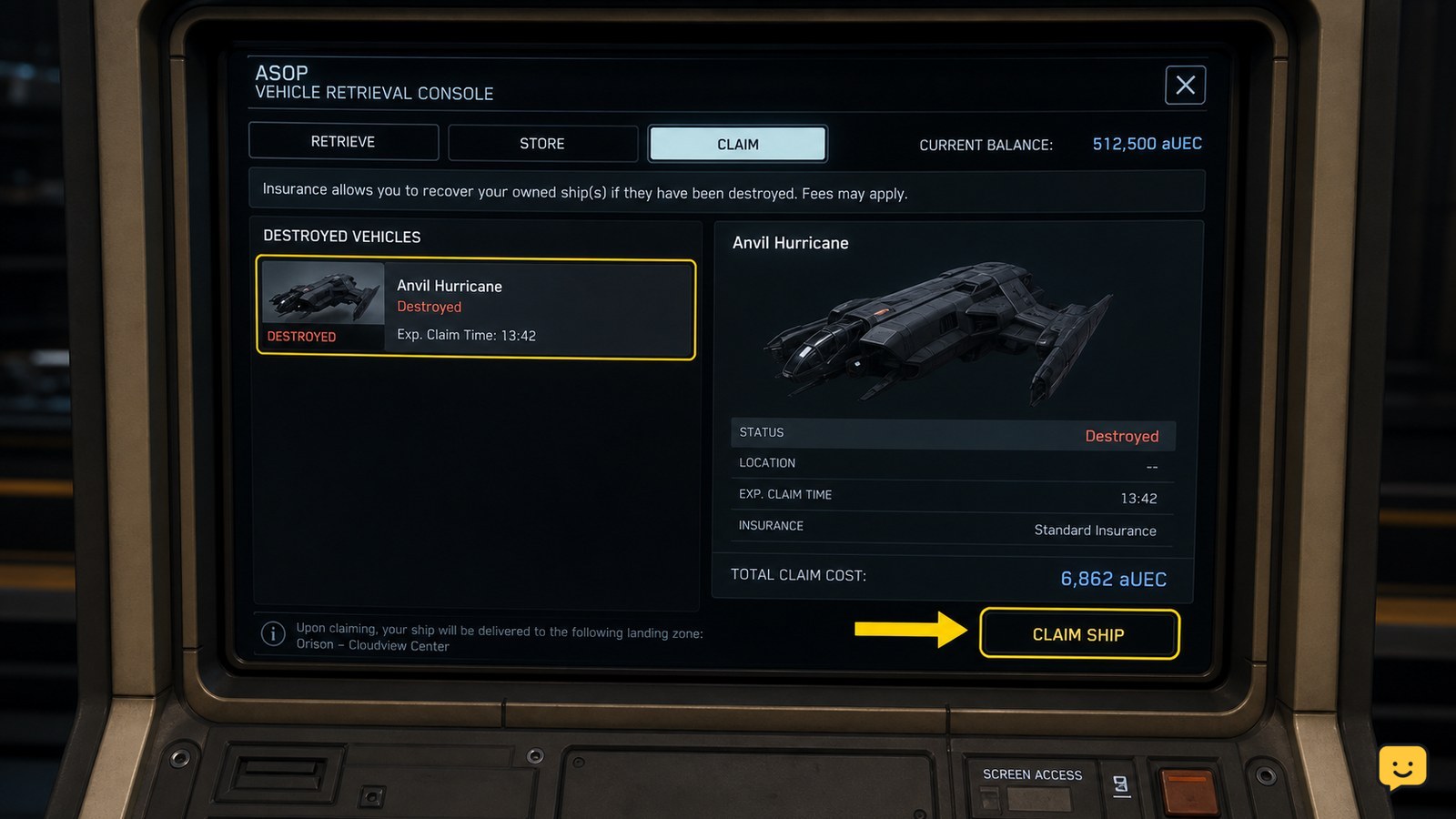
If the ship is destroyed during recovery, use recover a destroyed ship to restore access safely.
Fix a recurring seat lock by changing the session state
If the same ship repeatedly traps you after retrieval, the problem may be tied to the current session, ship instance, or interaction state rather than one missed key press.
- Store the ship and confirm the terminal has finished processing it.
- Leave the immediate area before retrieving it again, if practical.
- Retrieve the ship once and test the pilot seat while stationary.
- If the seat still locks, exit the session and reconnect before testing again.
Do not claim the ship is permanently broken based on one failed exit attempt. The available evidence consists of player reports describing intermittent seat bugs and state resets, so behavior can vary by ship, location, and game build.
If the issue affects several ships after reconnecting, record the ship model, location, seat type, and exact failed interaction. That information is more useful for a bug report than repeatedly forcing the character out of the seat.
Check the ship state before starting another activity
After the character exits successfully, verify the ship before beginning quantum travel, cargo handling, or combat. A seat fix is complete only when both walking control and ship control work normally.
- Walk several steps away from the pilot seat.
- Open and close a nearby ship interaction without snapping back into the seat.
- Re-enter the seat and press Y once to confirm the interaction works in both directions.
- Check that the ship is correctly retrieved and not still marked stored at the terminal.
If you plan to travel next, confirm the ship’s navigation state separately. A seat lock and a quantum-travel failure are different problems; use the quantum travel troubleshooting checklist if the ship exits normally but will not spool or calibrate.
Use the quantum travel troubleshooting checklist if the seat works but quantum travel still fails.
Frequently asked questions
What key gets you out of a pilot seat in Star Citizen?
The default PC key is Y. Press it once while looking away from other cockpit interactables, then wait for the stand-up animation. If the key does nothing, move the camera slightly and try once more. Custom keybinds can change the control, so check your current bindings if Y never produces an exit prompt.
Why does Y do nothing in my Star Citizen ship?
Y may do nothing when the seat interaction has failed, the camera is focused on another cockpit object, or the ship instance is in a bad state. Stop moving, look toward an open area of the cockpit, and press Y once. If there is still no response, store and retrieve the ship rather than repeatedly pressing the key.
Can storing the ship fix being stuck in the seat?
It can refresh the ship instance and has been reported by players as a workaround for a broken pilot-seat state. Store the ship at an ASOP terminal, wait for the stored status, retrieve it again, and test the seat while stationary. This is not guaranteed for every ship or game build.
Is backspace safe to use when stuck in a ship seat?
Backspace is a last resort, not a normal seat-exit fix. It triggers character respawn and may interrupt your current activity, so avoid it when carrying valuable cargo or equipment. Try Y, reposition the camera, and store the ship first. Use backspace only when remaining trapped is worse than accepting the recovery consequences.