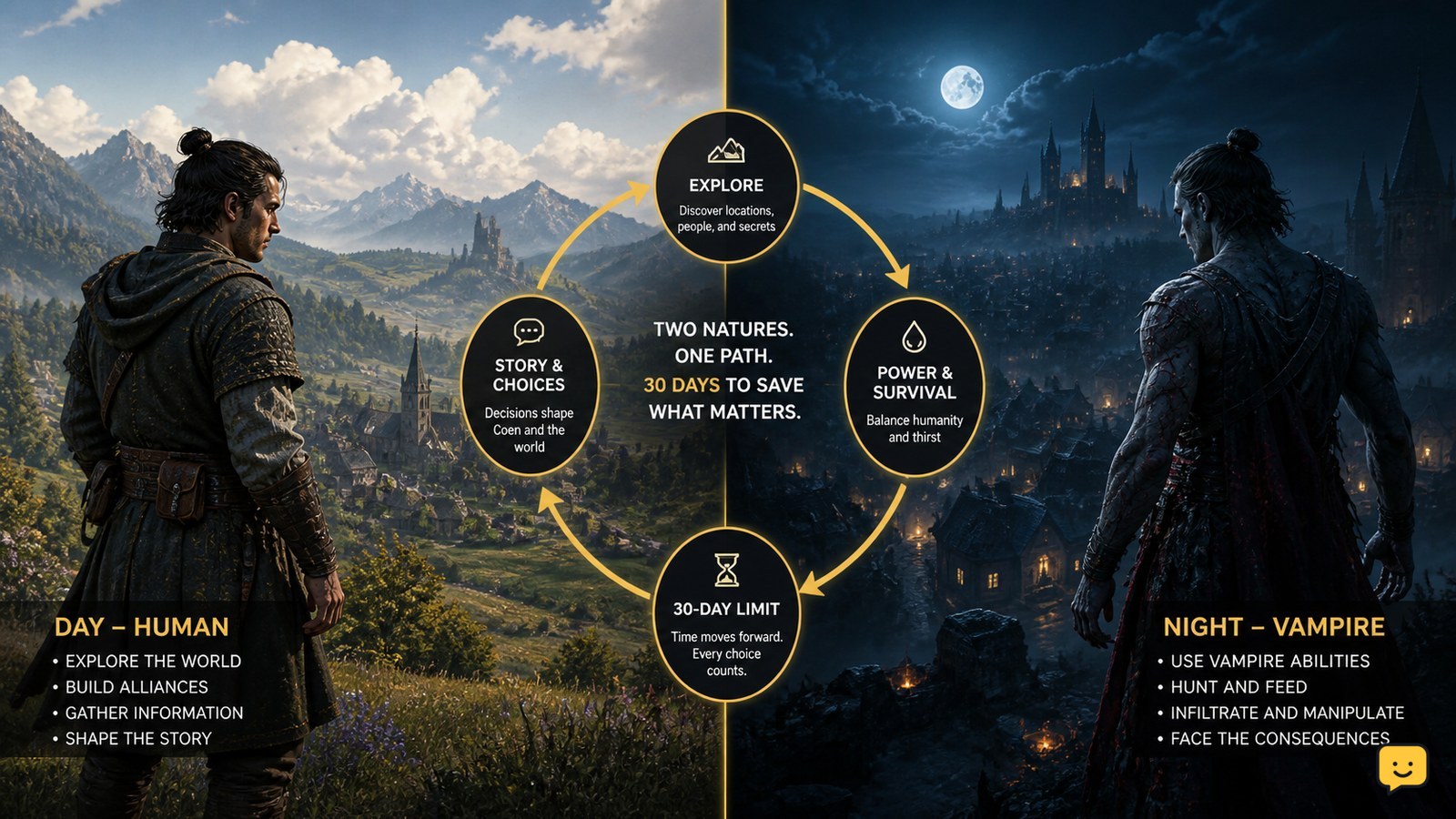
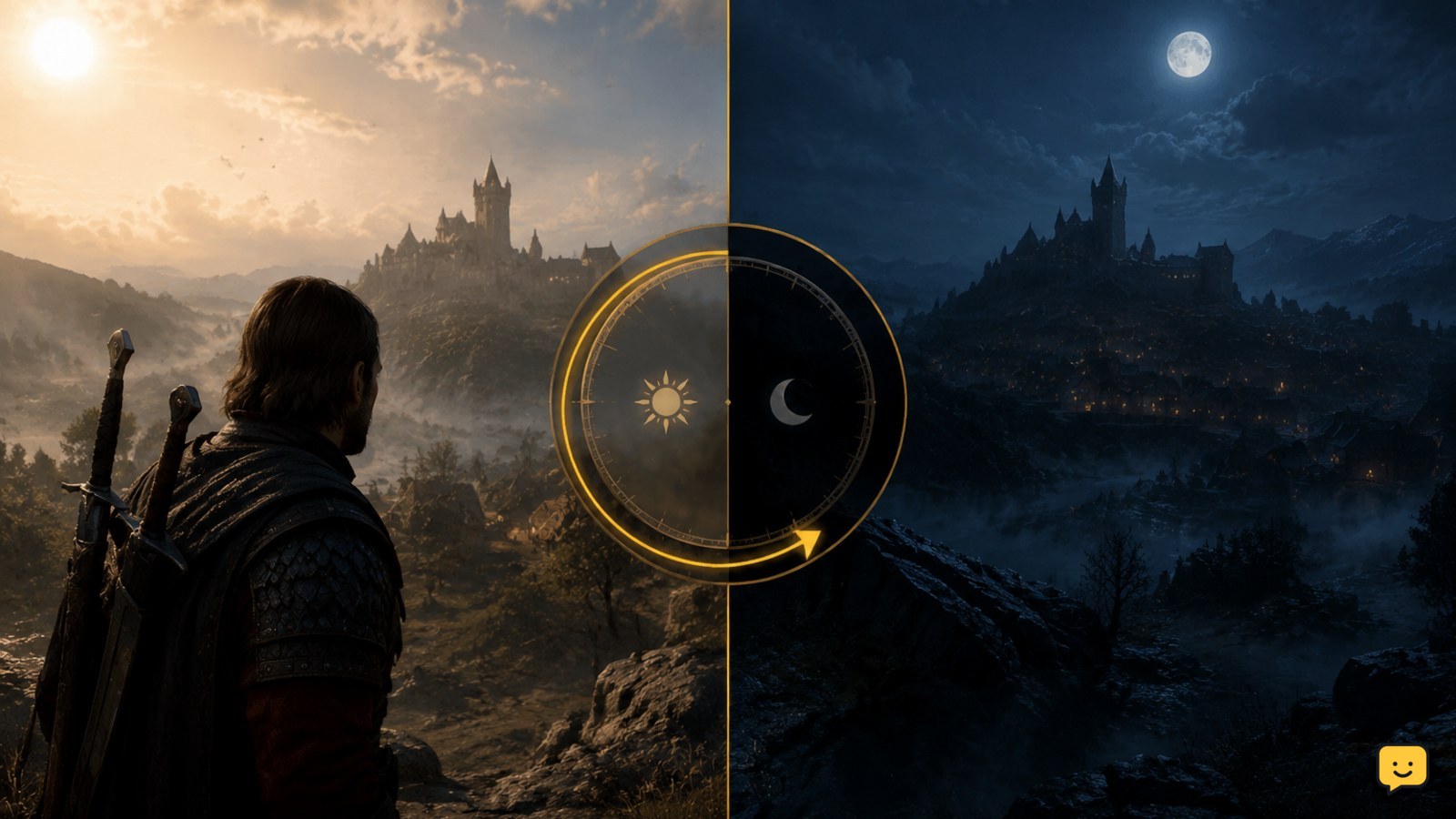
The Blood of Dawnwalker does not use a simple real-time sunrise-and-sunset loop. Based on the developer explanation and published gameplay previews, the world begins in daytime, and you choose actions or quest objectives that move the clock forward toward night. The campaign uses a 30-day countdown divided into eight segments per day, so planning choices matters more than waiting for darkness.
Browse all the selected game guides
How the day and night cycle works
The most important distinction is that The Blood of Dawnwalker’s day and night system is not described as a standard clock that naturally moves from morning to evening while you explore. The developer explanation says that day will not simply turn into night on its own. Instead, you choose how the day unfolds, and meaningful actions move the campaign clock forward.
This makes time a decision system. Travelling, investigating, helping a character, pursuing a lead, or completing another objective may consume part of the available schedule, depending on the final implementation. Check the time display after each major commitment rather than assuming every activity costs the same amount.
What the 30-day countdown means
The campaign is presented around a 30-day countdown. Published gameplay coverage describes each day and night as a bar divided into eight segments. Completing quest objectives consumes one or more of those segments, creating a visible limit on how much you can accomplish before the story reaches its next major stage.
The countdown is best understood as a pressure and consequence system, not a conventional speedrun timer. Reports on the developer’s explanation state that the game does not simply end when the available time runs out. Instead, your decisions can determine which opportunities, characters, and quest outcomes remain available.
The exact consequences can vary by quest and final game version. Do not treat the eight segments as a guaranteed cost for every action unless the game explicitly shows that cost.
Why day and night affect gameplay
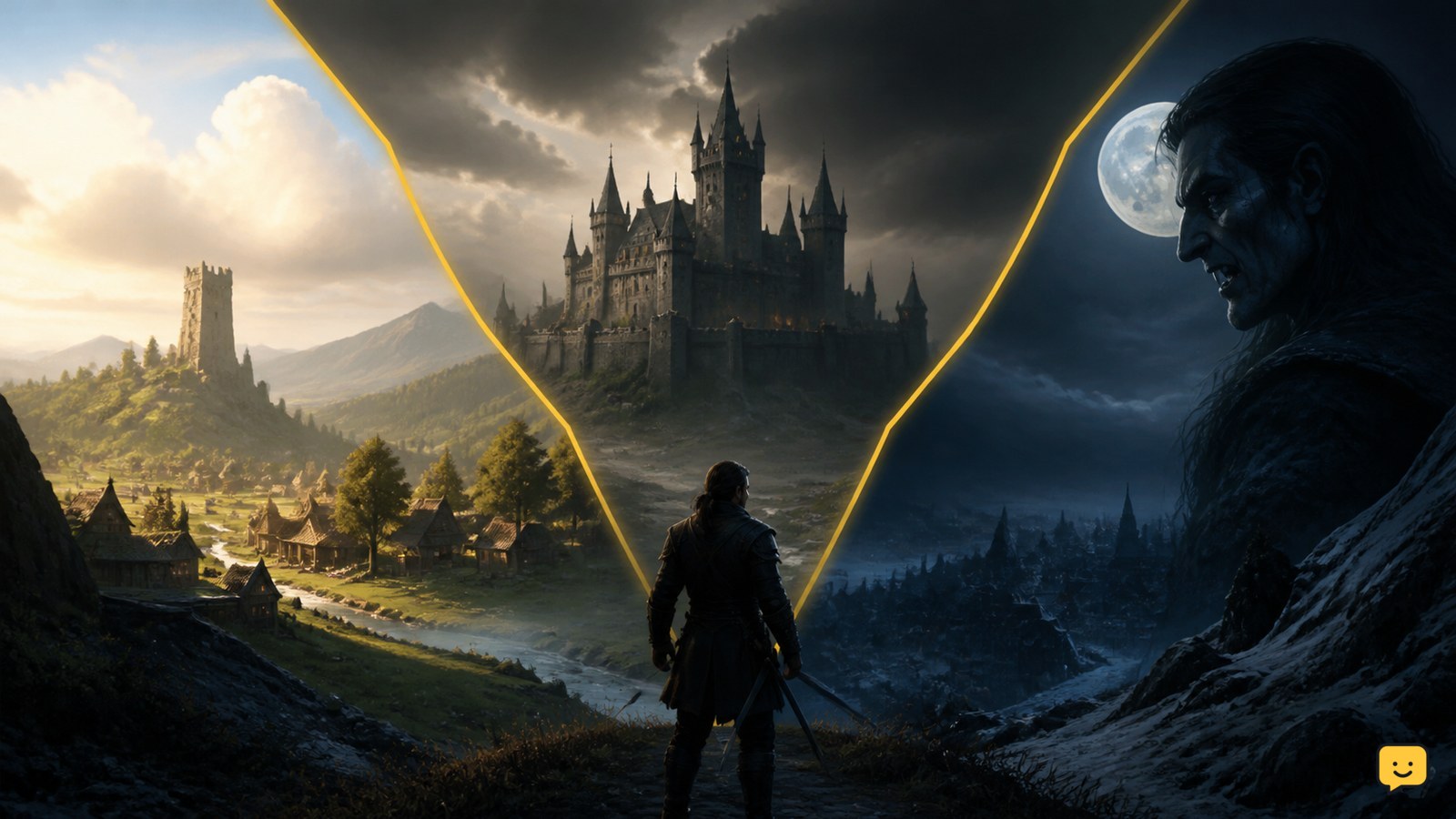
Day and night represent different opportunities for Coen. The game’s vampire premise means darkness is closely connected to his abilities, while daytime supports a different rhythm of exploration, investigation, and interaction. Public gameplay coverage shows the cycle as a central part of the game’s combat and progression design, but it does not establish one universal rule such as “all vampire actions are disabled during the day.”
Use the cycle to make deliberate trade-offs:
- Use daytime to follow objectives that depend on people, investigation, or safer access.
- Reserve later segments for activities that benefit from darkness when the current quest allows you to choose the timing.
- Read the objective text before advancing time, because a decision may close or delay another opportunity.
- Compare the reward, risk, and remaining segments instead of choosing night automatically.
Night is therefore a strategic window, not merely a visual change. The best choice depends on Coen’s current abilities, the active quest, and the opportunities you are willing to leave unresolved.
How to plan a day without wasting segments
Start each day by checking the available segments and identifying the objective with the clearest consequence. Group nearby or related tasks when the game presents them together, then avoid spending time on optional activities until you know what the main quest requires.
- Open the quest or progression screen and note the current day, night state, and remaining segments.
- Choose one priority objective rather than accepting every available lead immediately.
- Before confirming an action, look for a time cost, warning, or change in the countdown.
- After the action resolves, verify the remaining segments and review any updated objectives.
- Stop planning the old route if a character, location, or quest state changes.
Do not reload simply because a segment was consumed. The system is designed around choices and consequences, and a lost segment may be part of the intended outcome. Reload only when the game fails to record the action correctly, a clear bug occurs, or you are testing a decision in a separate save.
How to verify which phase you are in
Verify the phase from the game’s own interface and world presentation together. Look for the day-and-night bar, the current segment, objective prompts, and any visual change in the environment. A darker sky alone is not enough to prove that a gameplay rule has changed.
- Check the time bar before starting the activity.
- Confirm whether the interface identifies the current period as day, night, or a transition.
- Read the active objective for timing requirements or restrictions.
- Perform the action once and check whether the segment count changes.
- Confirm that the quest log, reward, or destination updates before travelling onward.
If the interface does not show a clear cost, record the segment count before and after the action. This prevents a preview assumption or community report from being mistaken for a universal rule.
What to do when the cycle seems stuck
If day never becomes night, that may be normal rather than a fault: the published developer explanation specifically describes time as something the player advances through choices. First check whether the current objective requires a decision, interaction, or quest completion before the phase can change.
- Review every active objective and look for a required choice or character interaction.
- Return to the marked quest location if the objective has not registered.
- Check the time bar after completing the requirement.
- Save, return to the title screen, and reload if the objective clearly completed but the interface did not update.
- Verify the game build and consult current patch information if the issue remains.
Do not use waiting, standing still, or repeated fast travel as a guaranteed way to trigger night. If the current build provides no progression prompt and the bar does not change after a confirmed objective, treat it as a possible quest or interface issue and stop before spending more segments.
What is confirmed and what may change
The confirmed high-level picture from the available developer and preview material is that time is choice-driven, the campaign uses a 30-day structure, and each day and night is represented by eight segments. The game does not appear to end automatically when the countdown reaches zero.
Details such as the exact time cost of individual quests, which powers are strongest in each phase, whether specific locations change, and how every ending is affected should be checked in the released game. Avoid guides that present preview information as a complete list of fixed rules.
Frequently asked questions
Does night happen automatically in The Blood of Dawnwalker?
No, not according to the available developer explanation. Day does not simply turn into night while you wait. You advance time by choosing actions and progressing through objectives. Check the final game’s tutorial and time interface for the exact action that moves the current day forward.
How long is one day in The Blood of Dawnwalker?
The available previews describe each day and night as eight segments on a time bar. The sources do not establish that every segment represents the same real-world duration or that every activity has a fixed universal cost. Use the in-game bar to confirm how many segments a specific choice consumes.
What happens when the 30 days run out?
Running out of the 30-day countdown is not described as an instant game over. The system is intended to create consequences and different outcomes from your choices. The precise result can depend on the quest state and final release version, so verify the current in-game explanation before assuming that a particular ending is guaranteed.
Should I save time for nighttime quests?
Yes, when an objective or ability clearly benefits from darkness, but do not reserve night automatically. Choose based on the active quest, available segments, and the opportunities you are willing to delay or lose. Confirm the time cost before committing, then check the updated bar and quest log.
Browse more The Blood of Dawnwalker guides for help with this topic.