Privacy & Online Safety
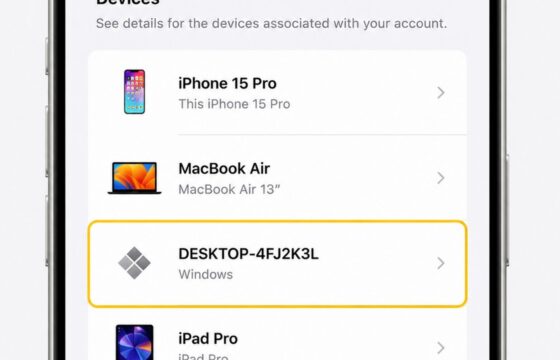
How to Remove an Unknown Device From an Apple Account
Remove an unfamiliar device from your Apple Account, verify whether access ended, then change your password and review two-factor authentication settings.
Remove an unfamiliar device from your Apple Account, verify whether access ended, then change your password and review two-factor authentication settings.
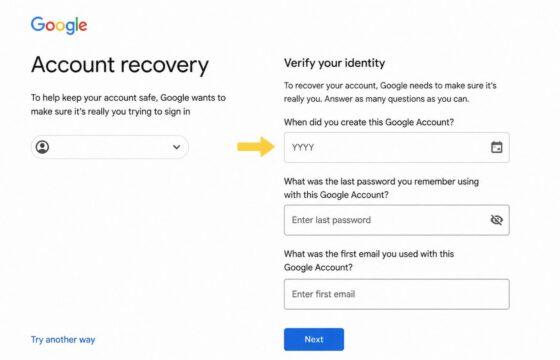
Can't access your account and lost all recovery options? Learn verified steps to regain access through official identity verification alternatives.
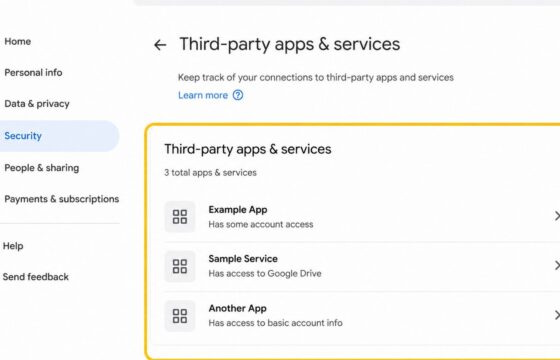
Review unfamiliar apps linked to your Google Account, revoke access safely, verify removal, and secure your account without assuming a breach.
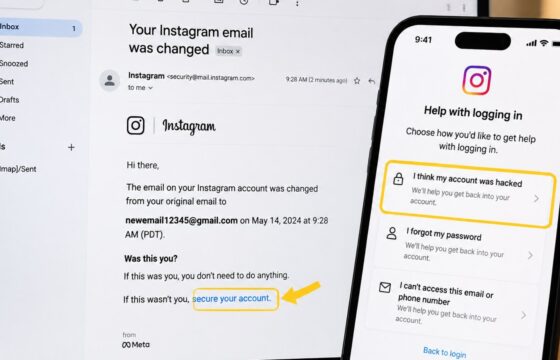
Recover Instagram after someone changed your email. Use the official reversal link, hacked-account route, identity checks, and safety steps.
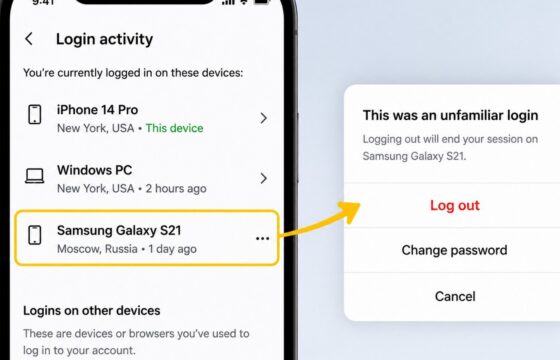
Review Instagram login sessions, sign out unfamiliar devices, change your password, enable two-factor authentication, and check for signs of account misuse.
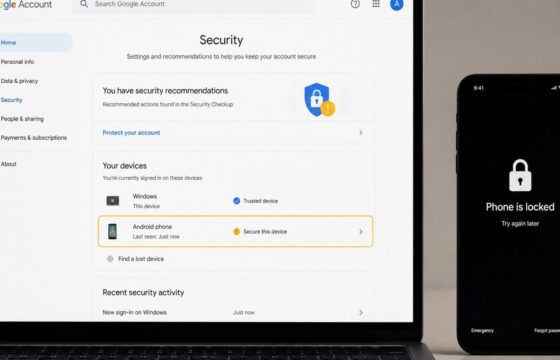
Secure your Google Account after a stolen phone by locking the device, changing your password, ending sessions, checking recovery options, and reviewing payments.
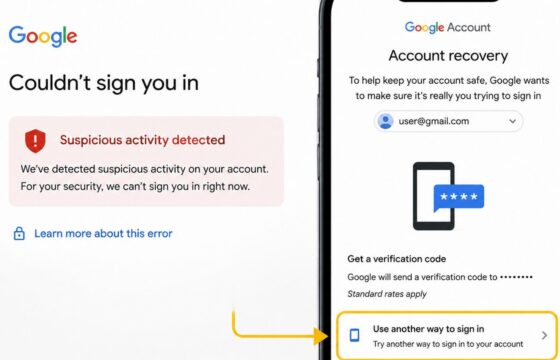
Recover a Gmail account locked for suspicious activity using a trusted device, Google verification, official recovery steps, and post-recovery security checks.
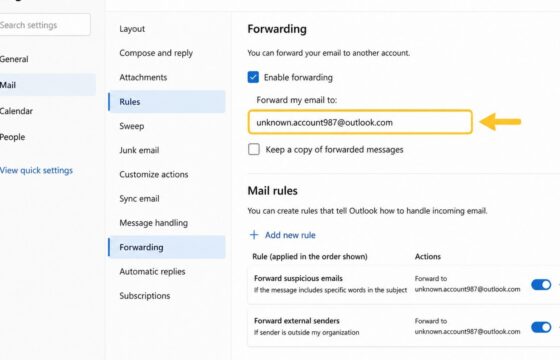
Learn how to check email forwarding rules, forwarding addresses, filters, sign-in activity, and security settings for unauthorized mailbox access.
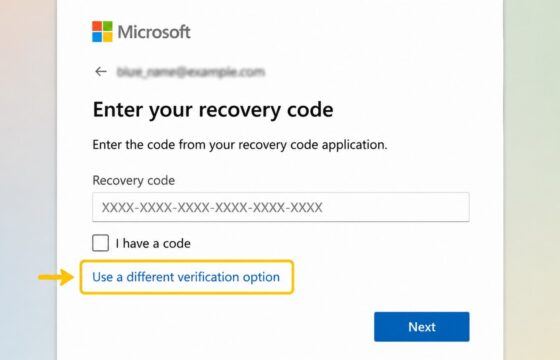
Is your Microsoft account recovery code not working? Check the code type, account identity, replacement codes, verification methods, and safe recovery options.
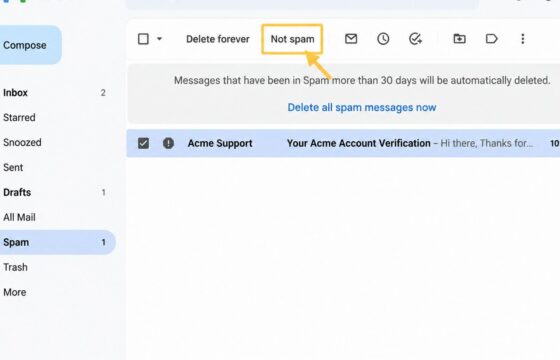
Gmail sends legitimate emails to Spam even when you did not report them. Check Spam, filters, blocked senders, contacts, and Gmail feedback controls.