Access & Recovery
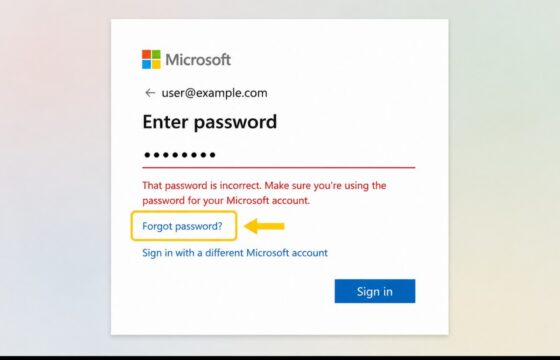
How to Recover a Microsoft Account When the Password Is Wrong
Recover a Microsoft account after a wrong-password message with official reset steps, sign-in checks, security-info guidance, lockout fixes, and safety checks.
Recover a Microsoft account after a wrong-password message with official reset steps, sign-in checks, security-info guidance, lockout fixes, and safety checks.
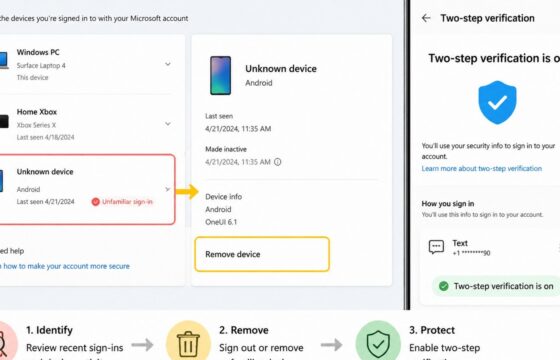
Stop an unknown device from accessing your Microsoft account by reviewing activity, removing the device, changing your password, and enabling MFA.
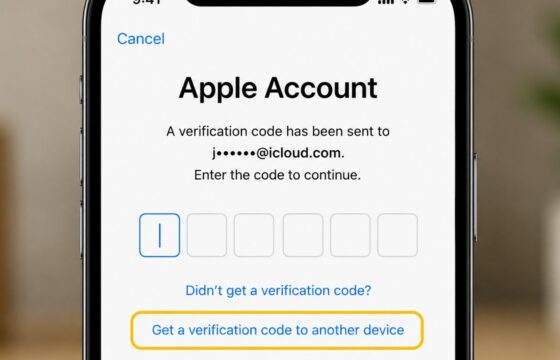
Not receiving your Apple Account verification code? Check trusted devices, SMS delivery, phone settings, email, and Apple’s secure recovery options.
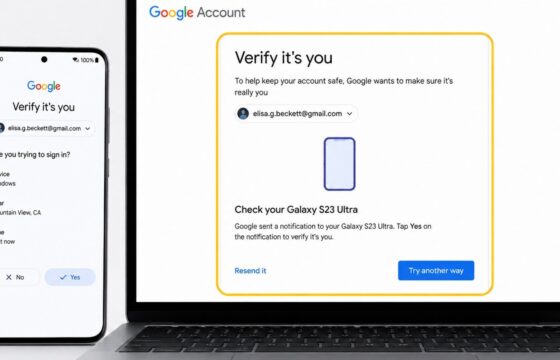
Fix repeated Google Account identity checks by reviewing trusted devices, browser sessions, recovery methods, 2-Step Verification, and recent security activity.
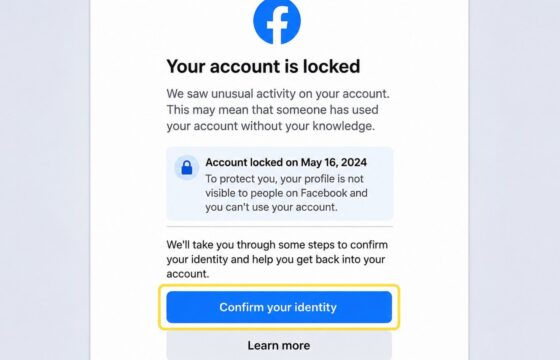
Facebook locked your account and requests identity confirmation? Follow the official process, prepare a clear submission, fix common failures, and avoid phishing scams.
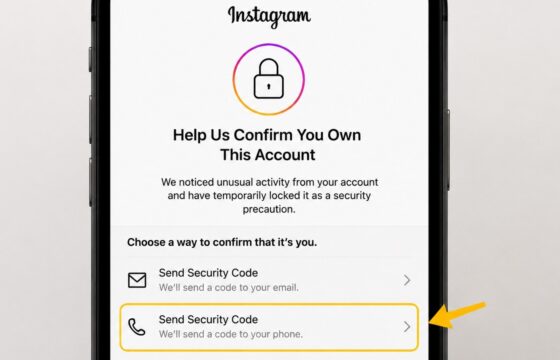
Fix an Instagram security checkpoint safely with official recovery steps, trusted-device checks, 2FA troubleshooting, phishing warnings, and stop conditions.
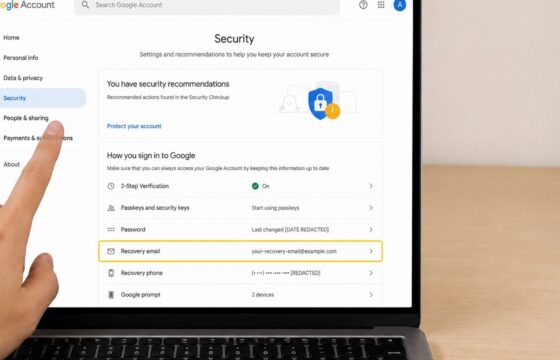
Learn how to remove an outdated recovery email from your Google Account, replace it safely, verify the change, and review recent account activity.
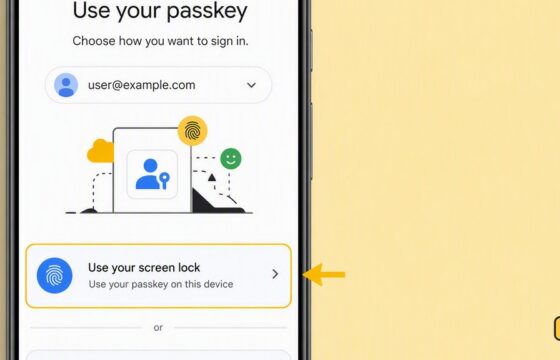
Fix a Google Account passkey that will not work by checking device support, screen lock, browser updates, sync, Bluetooth, and recovery options.
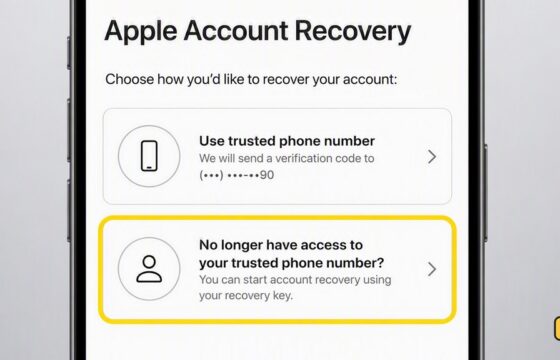
Lost access to your Apple Account’s trusted number? Use a trusted device, recovery contact, or Apple’s account recovery process to regain access safely.
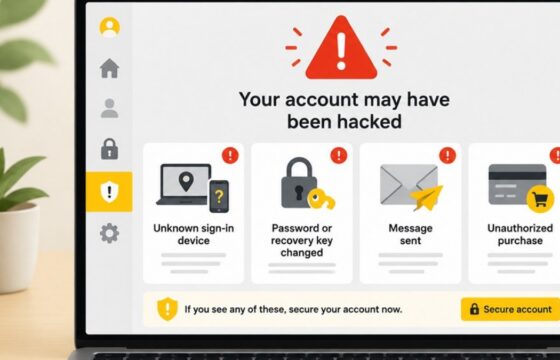
The strongest signs you have been hacked are unknown sign-ins, changed passwords or recovery details, messages you did not send, unfamiliar account access, and unauthorized purchases. Use a clean device, secure your main email, review active sessions, recover affected accounts, replace reused passwords, and contact your bank immediately if money is at risk.