How to Sign Out of a Google Account on All Devices: Remote Access
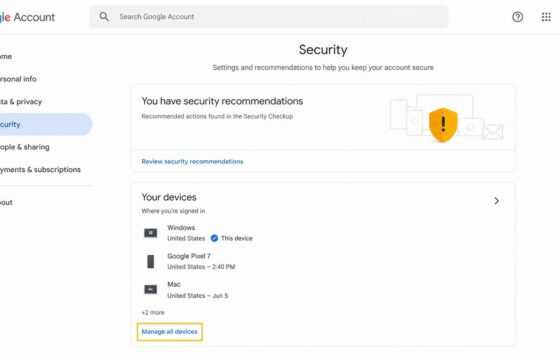
Sign out of your Google Account on every device from Security > Your devices. Verify remote sign-out and secure access if an unfamiliar session remains active.
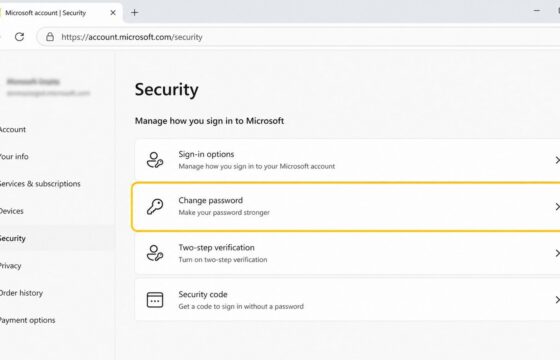
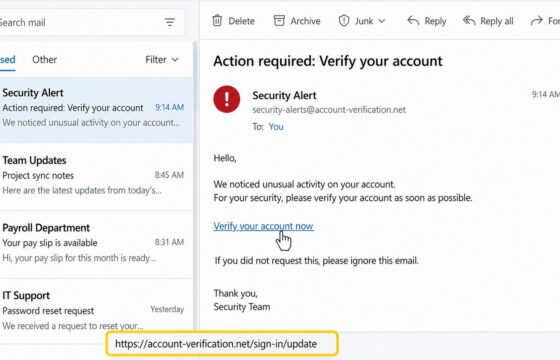
Change a known Microsoft account password from the Security page, choose a unique replacement, verify the new sign-in, and check protection settings safely.
Learn how to inspect an email link without opening it, verify the real domain, use safe scanners, spot redirects, and report phishing safely before clicking.
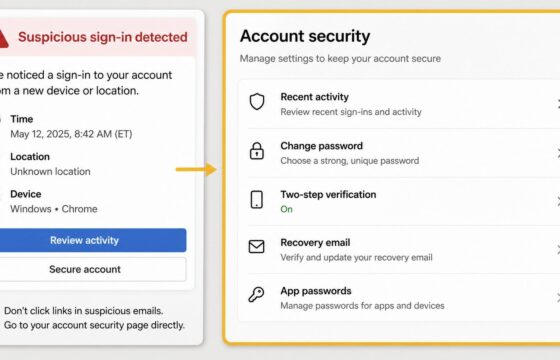
Secure an email account after suspicious activity by changing its password, ending unknown sessions, checking recovery settings, and turning on stronger.
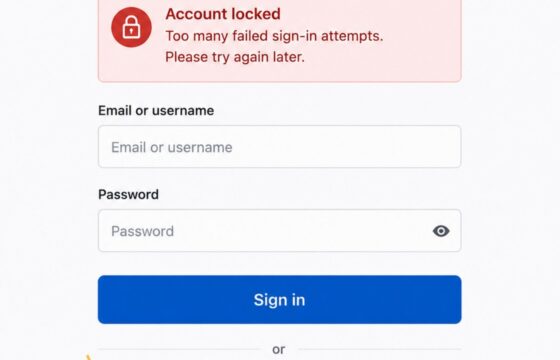
Locked out after too many login attempts? Stop retrying, use the provider’s official recovery path, verify your identity, and secure the account safely.
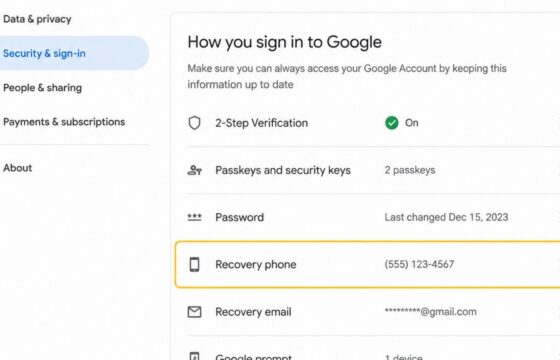
Change your Google Account recovery phone securely, complete identity checks, verify the new number, and review recent security activity for changes.
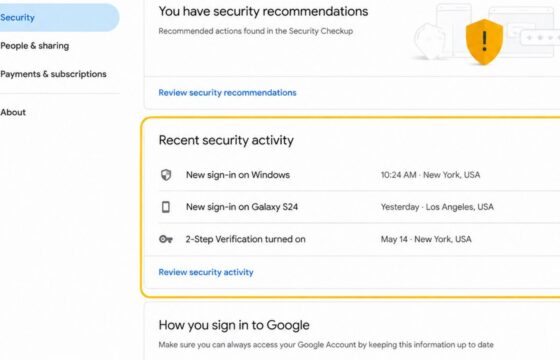
Learn how to review Google Account security events, Gmail sign-in history, dates, times, and IP details, then respond safely to activity you do not recognize.
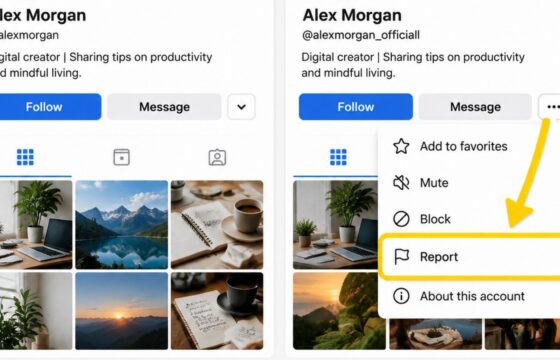
Report a fake social media account impersonating you, preserve evidence, protect your real account, and verify the platform has removed or restricted it.
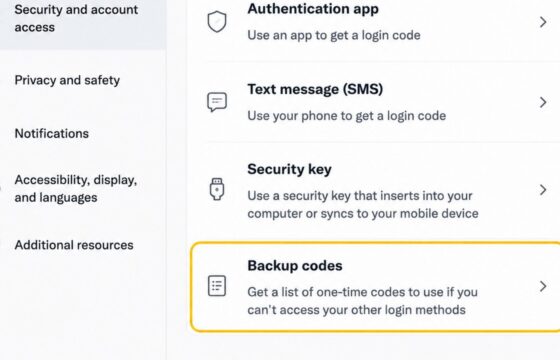
Find and use backup codes for a social media account during sign-in. Learn where to locate saved codes, how one-time codes work, and what to do when one fails.
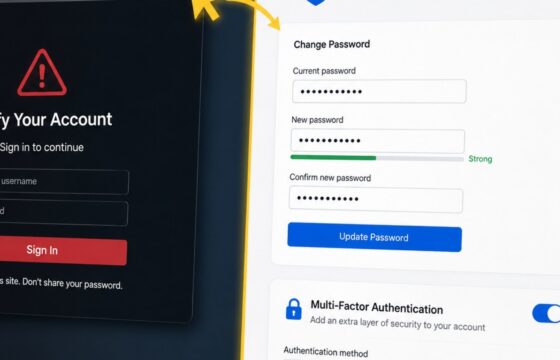
Entered your password on a phishing site? Change it safely, end active sessions, protect reused logins, review account changes, and enable MFA.