You can rent ships from rental kiosks found in major Star Citizen spaceports and commercial terminals. The exact location, ship selection, and availability can change between patches, so check the kiosk before traveling far. Choose a ship, select the displayed rental period, pay the listed aUEC cost, then retrieve the rental through an ASOP terminal.
For more help with this topic, use the Star Citizen guides.
Find rental kiosks at major spaceports
Star Citizen ship rentals are generally found at rental kiosks in major spaceports and public commercial areas. Look for a clearly marked Rental Kiosk rather than a standard ship-management or vehicle-retrieval terminal. A supplied community report identifies spaceports as the usual place to search, while also warning that some locations may show no rentals.
The exact list of active locations is not stable enough to treat every named spaceport as guaranteed. Availability can depend on the current live build, server state, and kiosk stock. When you arrive, search the main passenger or commercial concourse first, then check nearby terminal clusters before leaving the area.
If the kiosk has no rental option, no ships, or an empty catalogue, treat that as a location or availability problem—not proof that ship rentals have been removed from the game.
Check the kiosk before choosing a ship
The Star Citizen rental kiosk is the decision point for confirming whether a ship can currently be rented at that location. Interact with the kiosk and browse the available catalogue instead of relying on an older location list or a video showing a previous patch.
- Open the rental catalogue.
- Select a ship that matches the activity you want to test, such as cargo, combat, transport, or general flight.
- Review the displayed rental period and total aUEC price.
- Confirm that the ship is available for the full term shown on the screen.
Rental prices, available hulls, and durations are the values that matter for the current session. If the screen does not show a final price or duration, do not complete the transaction.
Complete the ship rental purchase
To rent a ship in Star Citizen, select the available hull, choose the offered duration, and confirm payment in aUEC at the kiosk. The terminal should show the ship and the charge before the final confirmation.
- Choose the ship from the catalogue.
- Select the rental duration offered by the kiosk.
- Check the final aUEC amount and confirm the purchase.
- Wait for the transaction to finish before closing the kiosk.
A successful purchase should give you an on-screen confirmation or otherwise return you to the completed rental state. Save the displayed expiration information if the kiosk provides it. Do not assume the rental is active just because aUEC was deducted.
Verify the rented ship at an ASOP terminal
The ASOP terminal verifies whether Star Citizen has assigned the rental to your available ship list. Leave the rental kiosk only after checking a nearby ASOP terminal or another ship-management terminal.
- Open the ASOP terminal.
- Search the ship list for the rented hull.
- Select it and check whether the terminal offers the normal retrieve or spawn action.
- Retrieve the ship and confirm that the correct vehicle appears in the assigned hangar or pad.
The expected result is a named ship entry that can be selected for retrieval. A rental may not be immediately visible if the server has not refreshed the transaction. Close and reopen the terminal once before taking further action.
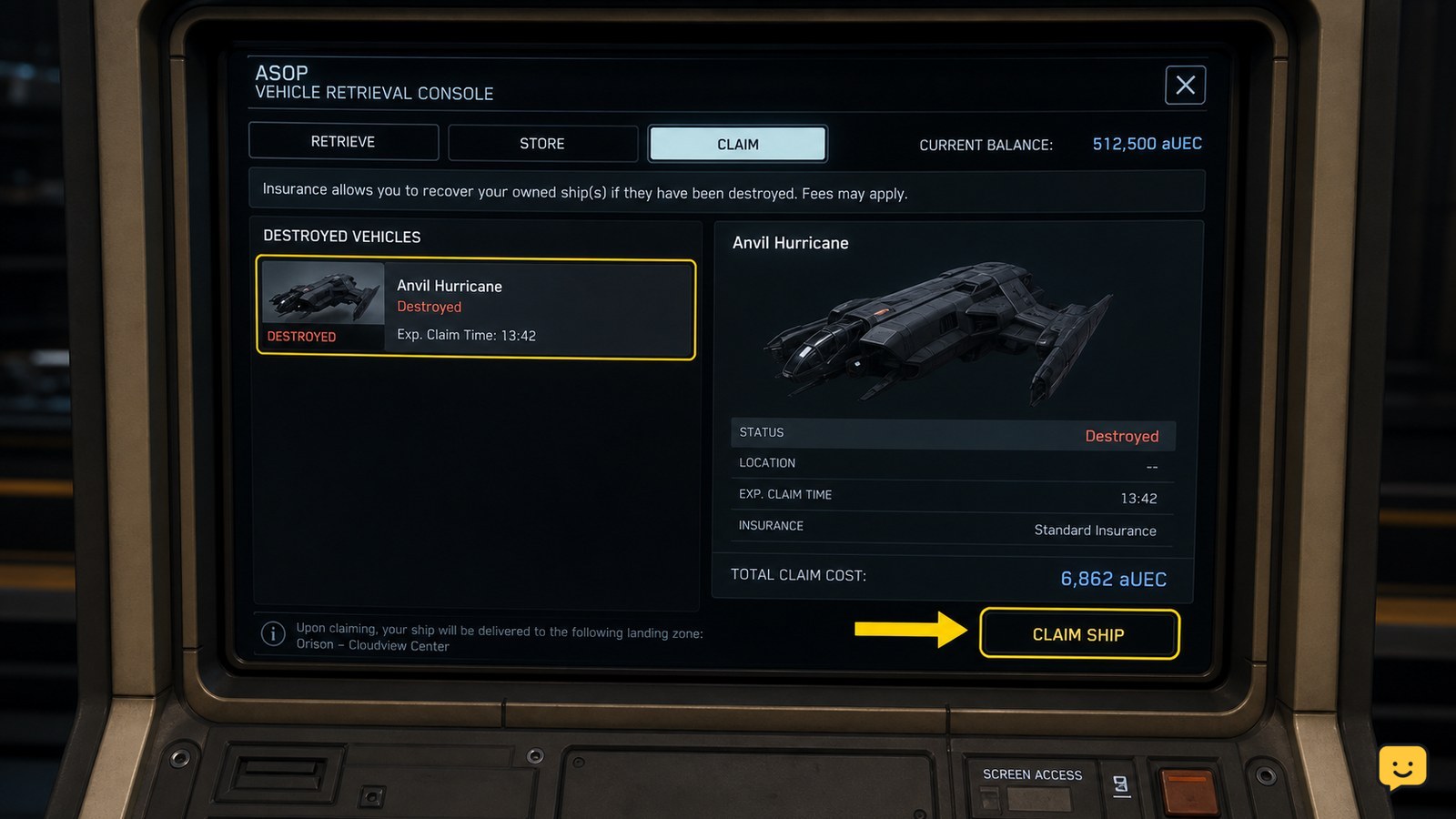
For related ASOP recovery steps, see how ASOP ship claims work. The rental process is different from claiming a destroyed owned ship, but both use the ship-management list.
For related ASOP recovery steps, see how ASOP ship claims work; rentals and destroyed-ship claims use different transactions.
What to do if the rental does not appear
If a Star Citizen rental is missing from ASOP, first distinguish a delayed update from a failed transaction. Reopen the terminal, check the ship list again, and verify that your aUEC balance changed by the exact amount shown at the kiosk.
If the balance did not change, the purchase probably did not complete. Return to the same kiosk and check whether the ship is still available before trying again. If the balance changed but the ship is missing, do not purchase a second rental immediately. Relog or change servers, then check ASOP again.
If the rental remains absent after the terminal refreshes, record the kiosk location, ship name, duration, and transaction result. The supplied community evidence is inconsistent about current availability, so a missing catalogue or delayed assignment may be patch-dependent rather than a problem with your account.
Travel to the rental location and use the ship
Once ASOP shows the rented ship, retrieve it and use the vehicle normally for the period displayed by the rental transaction. Plan enough aUEC for fuel, repairs, ammunition, or other operating costs; those expenses are separate from the rental price unless the game explicitly states otherwise.
Rental ships are useful for testing handling, range, cargo space, or combat equipment before committing to ownership. Check the ship name in ASOP each time you retrieve it, especially after a server change or a character reset.
If reaching the spaceport is the problem, use the station or city ATC process described in the landing-permission guide. Do not attempt to land at a restricted pad without the appropriate clearance or landing interaction.
When the displayed rental period ends, check ASOP again. If the ship disappears or can no longer be retrieved, the rental has likely expired. Stop using it and do not pay again unless a new rental term is clearly shown.
If reaching the spaceport is difficult, use the landing-permission guide before attempting to land at a restricted pad.
Frequently asked questions
Can I rent ships at every spaceport in Star Citizen?
No. Major spaceports commonly have rental kiosks, but the catalogue and availability are not guaranteed at every location. Check the kiosk in person and confirm that it shows a ship, rental duration, and price before traveling farther or spending aUEC.
Do rented ships appear in the ASOP terminal?
Yes, a completed rental should appear as an available ship entry in ASOP so you can retrieve it. If the kiosk charged you but ASOP does not show the ship, reopen the terminal, relog or change servers, and check again before paying for another rental.
Can I rent a ship without owning it?
Yes. Ship rental is designed to let you use an available hull for a displayed period without purchasing permanent ownership. The kiosk shows the current price and duration, and those values can change with the live game build or location.
What should I do if a rental kiosk has no ships?
Check another major spaceport or try a different server after confirming that the kiosk itself is functioning. Community reports show that rental availability can be inconsistent. Do not pay again if your balance changed or if the first transaction is still unresolved.