
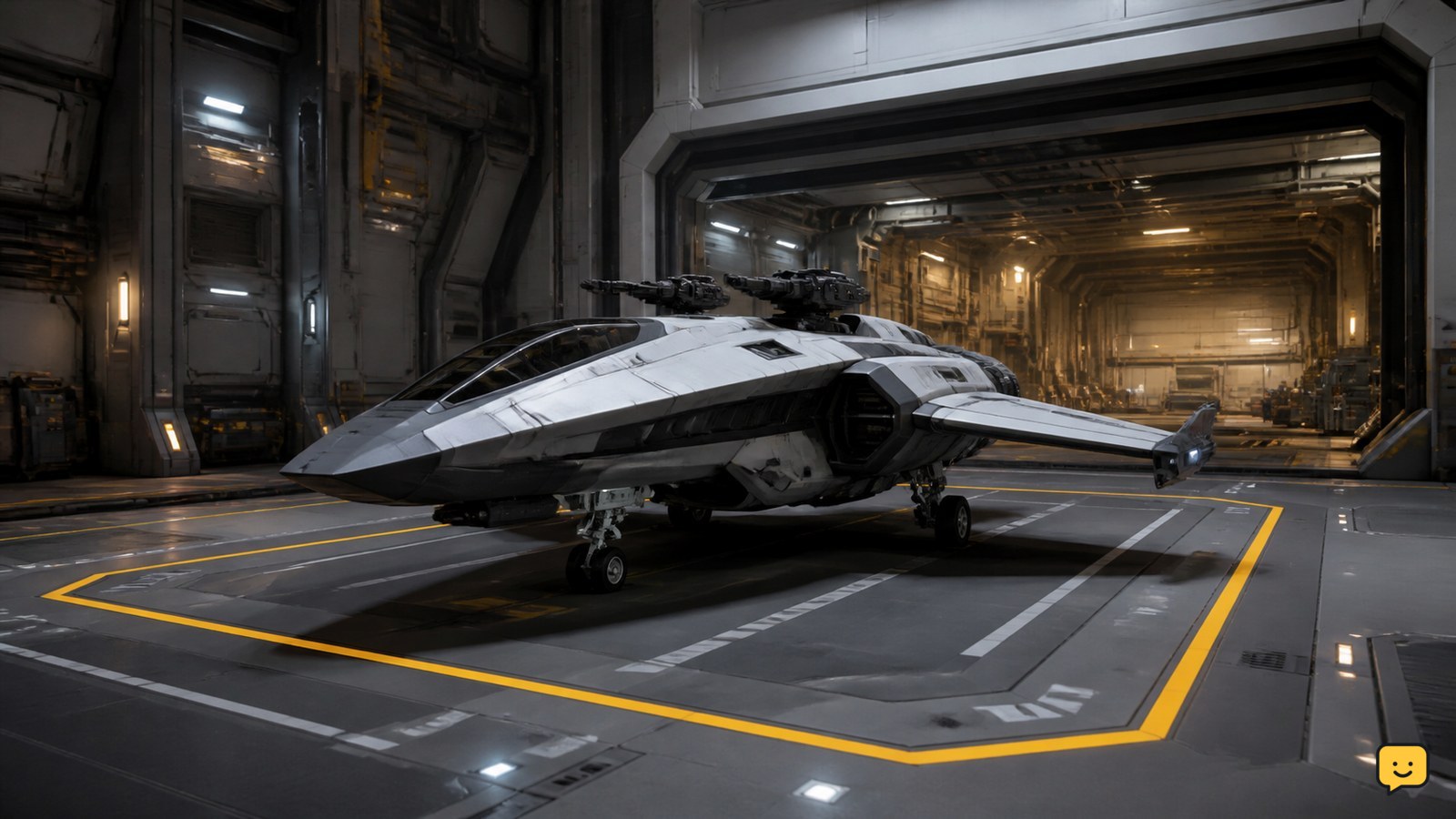
Land your ship at a station or landing zone that provides vehicle services, then use the location’s landing-service or Vehicle Maintenance Services controls to request fuel, ammunition, and repairs. Submit the requests while the ship remains on the pad, let the services finish one at a time, and verify the fuel, weapon ammunition, and hull condition before departing.
Browse more Star Citizen guides
Find a landing location that provides ship services
Star Citizen refueling and rearming require a location with vehicle services, not simply any piece of ground. Stations and established landing zones are the safest choices because they commonly provide fuel, ammunition, and repair support after you land.
The exact service label and interaction point can vary by location and LIVE interface state. The RSI Community Hub repair-and-refuel guide treats these actions as location-based ship services, while gameplay references show the services being handled from the landed ship rather than by carrying separate fuel or ammunition items.
Use your navigation tools to route toward a station, city, or known serviceable outpost before the ship reaches an emergency state. If you are already near empty, do not divert to an unmarked surface site unless you know it has a functioning pad and vehicle-service access.
Land the ship before requesting fuel, ammunition, or repairs
Star Citizen normally makes ship maintenance available after the ship is assigned and settled on a landing pad or hangar position. Approach the destination, request or accept landing clearance when required, and place the ship on the assigned pad.
- Complete the landing approach and wait until the ship is stationary on the assigned pad.
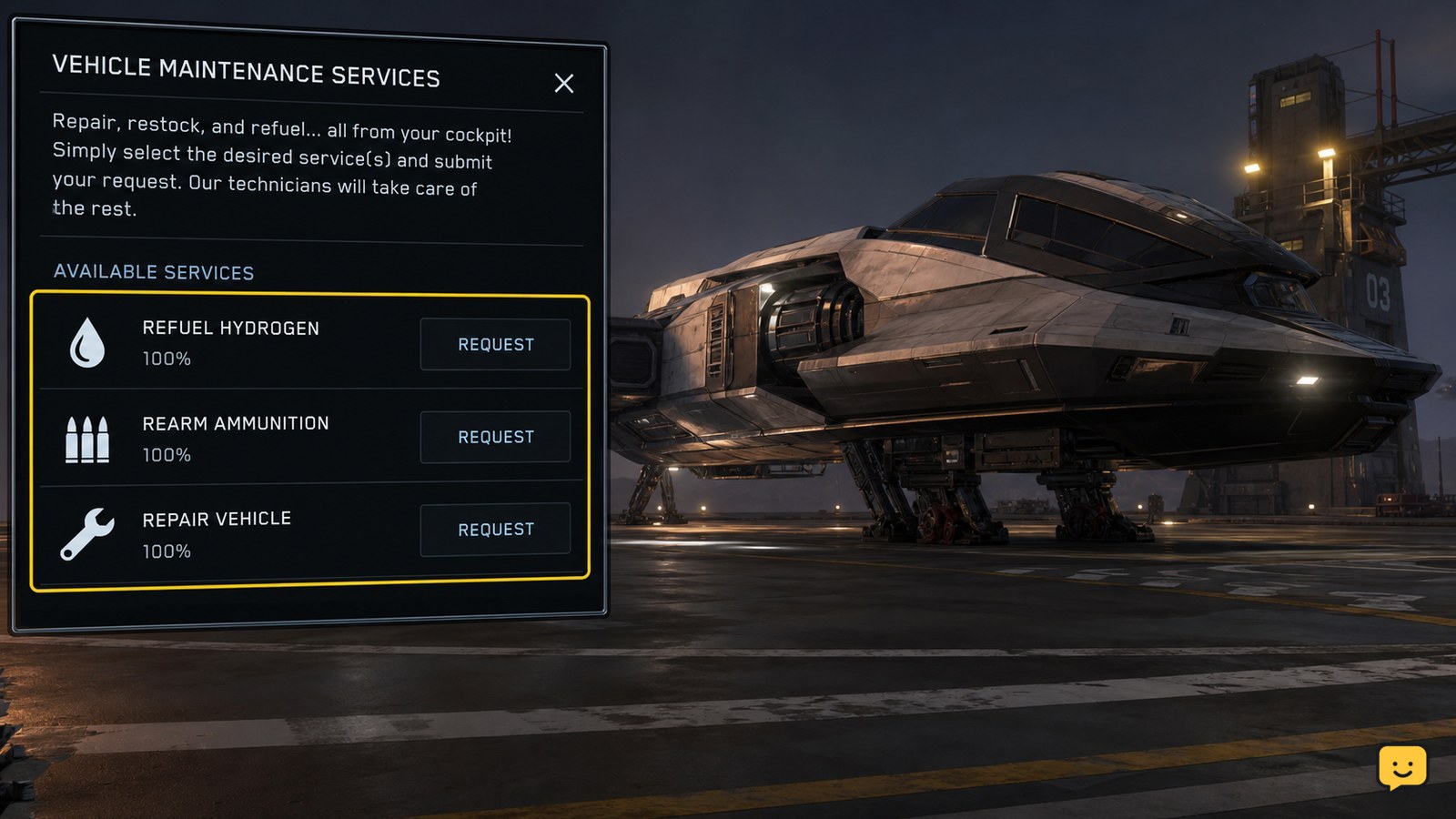
- Keep the ship in place while opening the available landing-service or Vehicle Maintenance Services controls.
- Check that the ship is recognized as landed before selecting a maintenance action.
If the service controls are missing while you are still hovering, outside the assigned area, or at an unserviceable site, landing again at a supported location is the safest next action.
Request refueling, rearming, and repair services
Once the ship is recognized on the pad, request the available services individually or through the location’s combined maintenance controls. Choose refueling for depleted ship fuel, rearming for missing weapon ammunition or ordnance, and repair for hull or component damage.
- Select the fuel service and submit the request if fuel is below its normal level.
- Select the ammunition or ordnance service and submit it if weapons are not fully stocked.
- Select repair when the ship shows hull or component damage.
Community gameplay references describe these services completing sequentially rather than all at once. Wait for the current request to finish before deciding that another service failed. Avoid launching between requests, because leaving the pad can interrupt or remove the service state.
Verify each service changed the ship state
Successful Star Citizen maintenance is confirmed by an observable change in the ship, not merely by submitting a request. Check the ship’s fuel readout, weapon ammunition, and damage indicators before leaving the pad.
- Fuel: the fuel level or range should increase from the depleted state.
- Rearm: the affected weapon, missile rack, or ordnance display should show its ammunition restored.
- Repair: hull or component damage indicators should clear or reduce.
Allow the service sequence to finish and give the interface time to refresh. If only one category changed, submit the missing category again while remaining landed. Do not depart until the specific resource or damage state you needed has updated.
Fix a failed service request without risking the ship
If Star Citizen does not refuel, rearm, or repair the ship, first confirm that the ship is still on the assigned pad and that the location actually offers the requested service. A request can appear ineffective when the ship has moved, the pad state has reset, or another service is still processing.
- Wait for the active service to finish, then refresh the maintenance controls.
- Cancel and resubmit only the service that did not change the ship state.
- If the controls remain unavailable, leave the pad only when safe and land again at the same or another supported location.
- If the ship remains damaged or empty after a successful-looking request, store or retrieve it again only if normal station procedures are available; otherwise use the game’s standard recovery option.
Do not rely on a service request that has no matching change in the ship’s readouts. The safe stopping point is a confirmed fuel, ammunition, or damage-state update.
Use player-to-player refueling only for a different situation
Ship maintenance at a station or landing zone is different from refueling another vessel in space. A Starfarer or other dedicated refueling ship may support player-to-player fuel operations, but that is not the ordinary method for restoring your own ship at a usable landing location.
For routine travel, land at a serviceable station or landing zone and use its vehicle-service controls. Reserve ship-to-ship refueling for situations where the required support vessel, equipment, and current LIVE mechanics are confirmed.
Frequently asked questions
Can I refuel my Star Citizen ship anywhere?
No. You need a location that provides vehicle services, such as a supported station or established landing zone. A random surface landing area may let you touch down without offering fuel, ammunition, or repair controls.
Why does my ship refuel but not rearm?
The requested services may complete separately. Wait for the fuel request to finish, refresh the service controls, and submit the ammunition or ordnance request while the ship remains stationary on the pad. Verify the weapon display before departing.
Do I need to buy fuel or ship ammunition manually?
Routine station or landing-zone maintenance is handled through the available vehicle-service controls. You generally do not need to carry fuel or ammunition items for this process. Ship-to-ship refueling is a separate activity involving a suitable support vessel.
Why are the repair and rearm options missing?
The ship may not be recognized as landed, the pad assignment may have reset, or the location may not provide the requested service. Confirm the ship is stationary on its assigned pad, then try the controls again or use another supported location.


