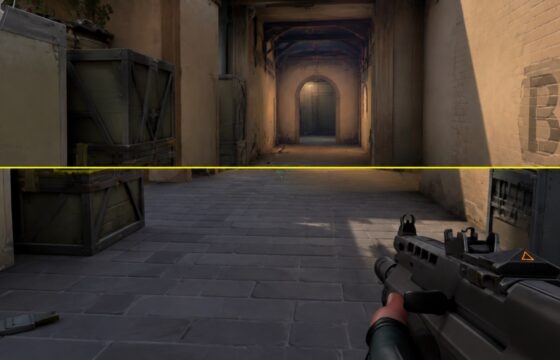
Valorant
Valorant Screen Tearing Fix: Stop the Split
Fix Valorant screen tearing by matching refresh settings, testing VSync, limiting FPS, updating graphics drivers, and repairing game files when needed.
Fix Valorant screen tearing by matching refresh settings, testing VSync, limiting FPS, updating graphics drivers, and repairing game files when needed.
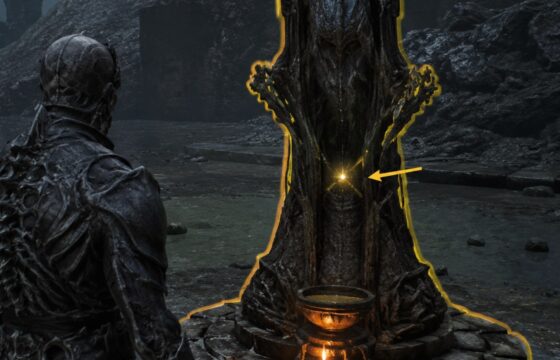
Learn how to unlock fast travel in Mortal Shell II: return Ova to Marrow Keep, use the Ovum Siphon, cleanse Beacons, and fix missing travel prompts.
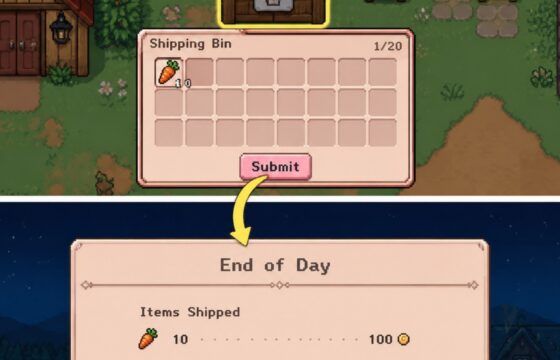
Learn how to sell crops, fish, bugs, forage, and crafted items through the Fields of Mistria shipping bin, then verify earnings and recover from mistakes.
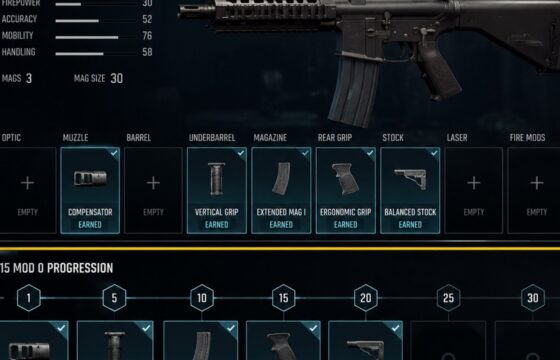
In Black Ops 7, level the specific weapon to earn attachment rewards, then equip them in Gunsmith. Weapon Prestige can provide a permanent attachment unlock.
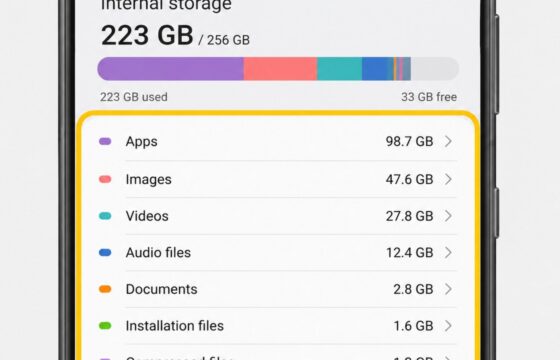
Phone storage still full after deleting files? Find trash folders, cached app data, hidden downloads, and large apps on Android or iPhone, then verify the.
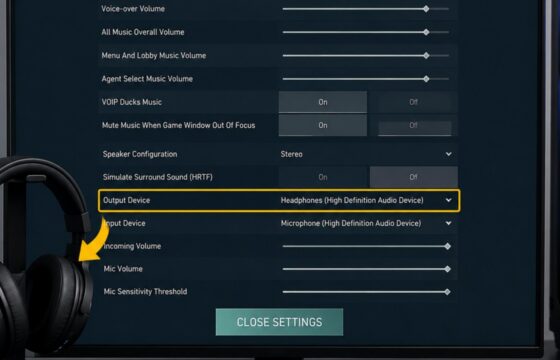
Fix Valorant game sound through headphones by checking Windows output, headset volume, and Settings > Audio > Device Settings, then verify the result safely.
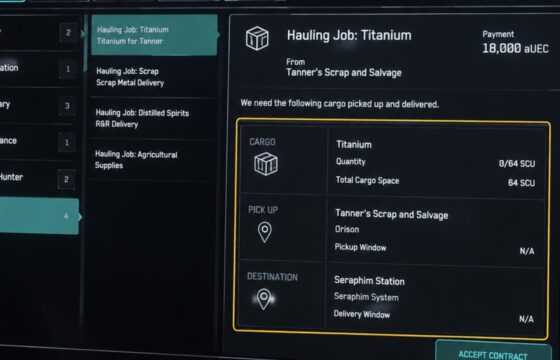
Learn how to accept a Star Citizen cargo hauling mission, load the required freight, deliver it to the marked destination, verify payment, and recover safely.

Prepare for DragonSword: Awakening boss battles, beat the Prologue Orc Warrior and Chapter 8 Ursula, handle lightning, routes, signal flare, and retries.
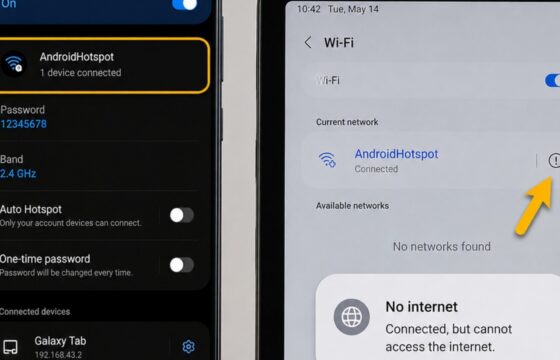
Android hotspot connected but no internet? Check mobile data, restart both devices, reconnect Wi-Fi, and reset network settings only as a last resort safely.
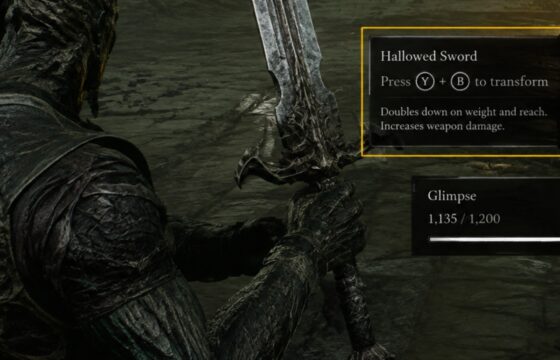
Learn how to activate Mortal Shell II weapon transformations, verify the correct weapon input, conserve limited uses, and stop when the in-game prompt is.