Star Citizen Guides
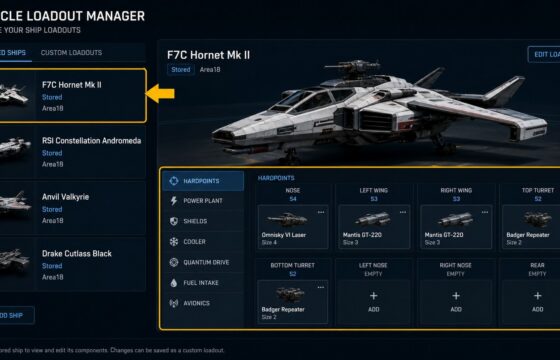
How to Equip Ship Components in Star Citizen: Hardpoints
Equip ship components in Star Citizen through mobiGlas Vehicle Loadout Manager, check compatible hardpoints, save the loadout, and verify the change.
Equip ship components in Star Citizen through mobiGlas Vehicle Loadout Manager, check compatible hardpoints, save the loadout, and verify the change.
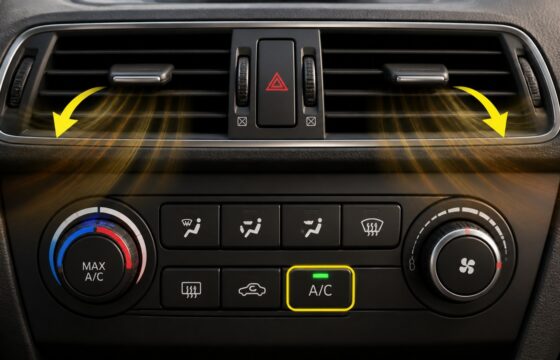
Find why your car air conditioner is blowing warm air. Check settings, airflow, refrigerant clues, compressor symptoms, and know when professional service is.
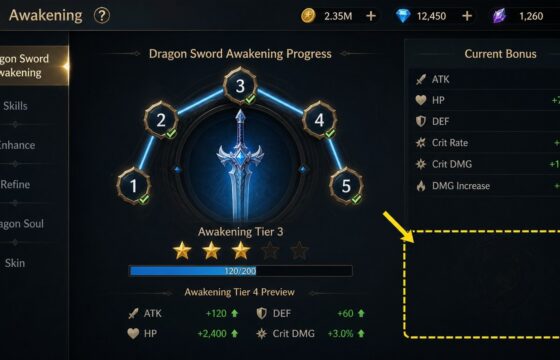
Dragon Sword Awakening has no verified reincarnation reset path in the available current evidence. Learn what to check, what bonuses may persist, and when to.
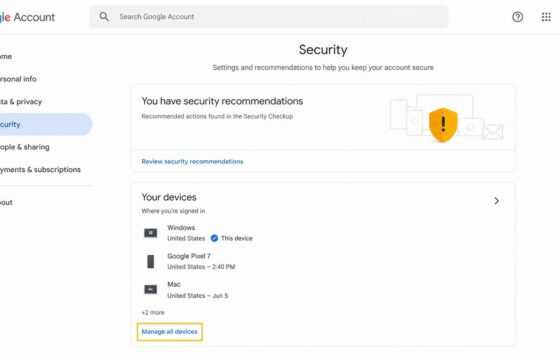
Sign out of your Google Account on every device from Security > Your devices. Verify remote sign-out and secure access if an unfamiliar session remains active.
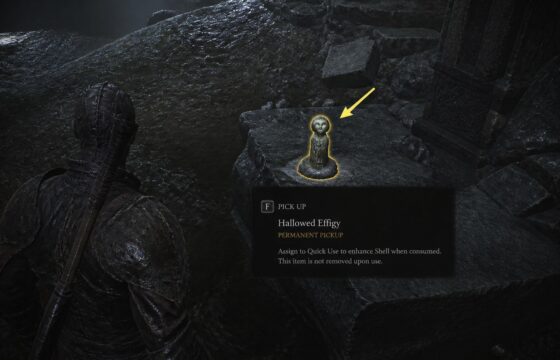
Learn how Mortal Shell II consumables work as permanent pickups, choose an equipped quick-use item, check its effect, and avoid wasting a use in combat.
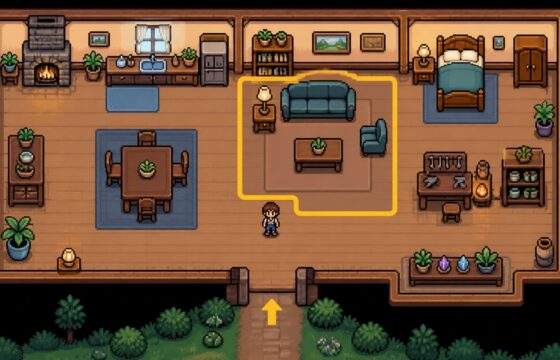
Design a practical Fields of Mistria house with better furniture placement, room zones, matching sets, clear paths, and easy fixes for crowded layouts.
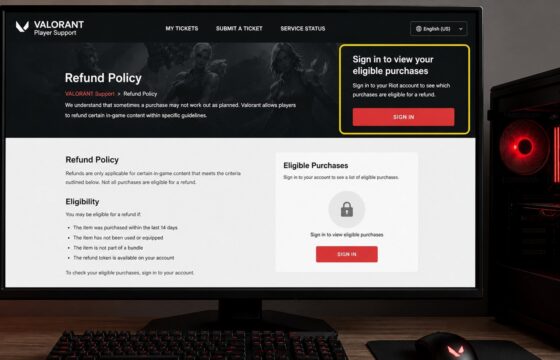
Learn how to request a refund for an unused VALORANT weapon skin, check Riot’s eligible-purchase list, and avoid actions that make the item ineligible.
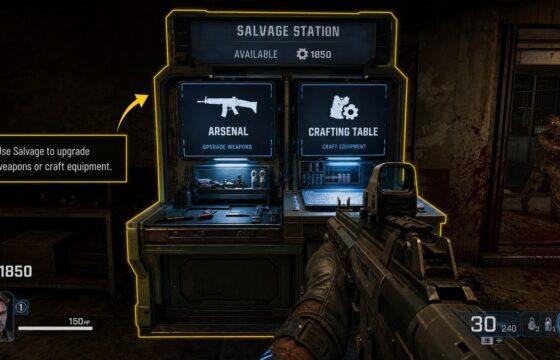
Learn where to spend Salvage in Black Ops 7 Zombies: prioritize weapon mods, armor, and equipment, then verify each purchase before the next round.
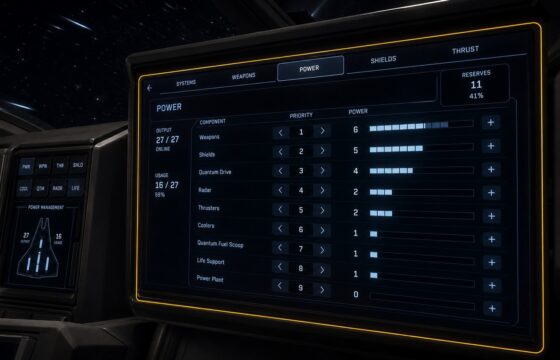
Manage ship power in Star Citizen from the cockpit: open the Power display, prioritize essential systems, confirm output, and fix an unresponsive panel.
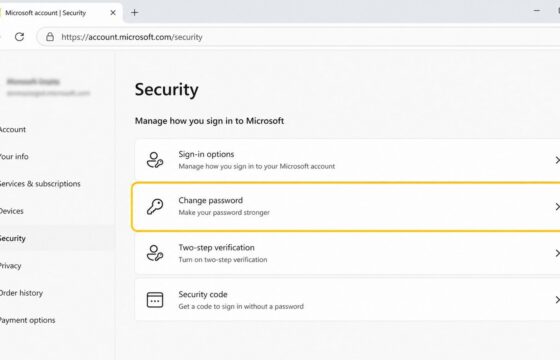
Change a known Microsoft account password from the Security page, choose a unique replacement, verify the new sign-in, and check protection settings safely.