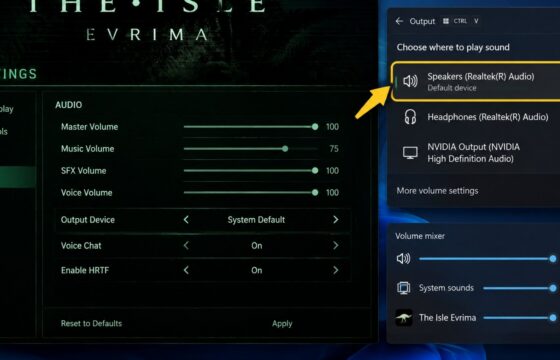
The Isle
The Isle Evrima Audio Not Working: Fix It Fast
Fix The Isle Evrima audio not working on PC by checking Windows output, volume mixers, spatial audio, Steam files, drivers, and configuration settings.
Fix The Isle Evrima audio not working on PC by checking Windows output, volume mixers, spatial audio, Steam files, drivers, and configuration settings.
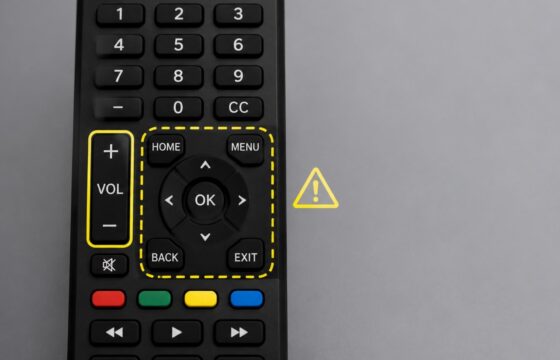
Fix a smart TV remote that changes volume but will not open or navigate the menu. Check batteries, mode, pairing, reset steps, and TV controls safely.
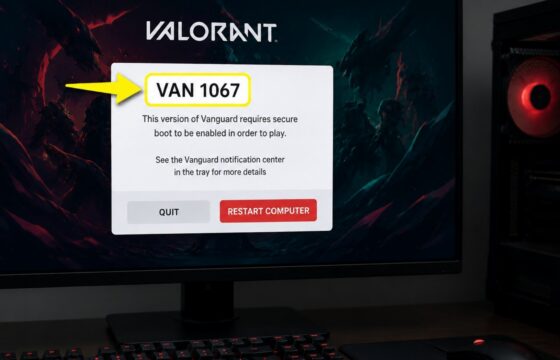
Fix the Valorant VAN 1067 error after launch by restarting Windows, checking the vgc service, reviewing permissions and security blocks, and reinstalling Vanguard.
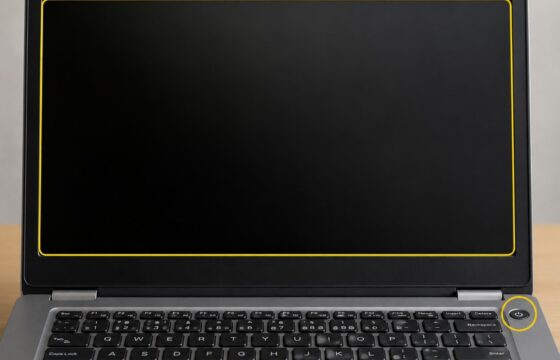
Fix a laptop that will not wake from sleep by testing the display, power, keyboard, drivers, and hibernation settings before restarting safely.
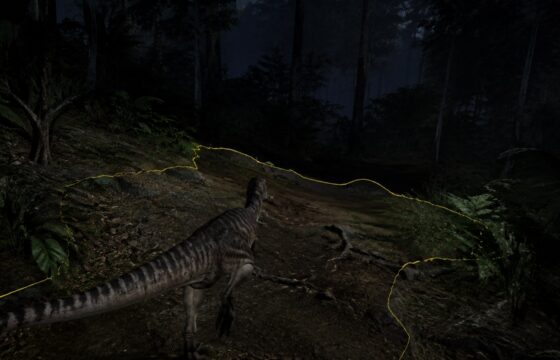
Why is The Isle Evrima so dark? Fix poor visibility by checking HDR, brightness, gamma, black level, GPU output range, and monitor settings.
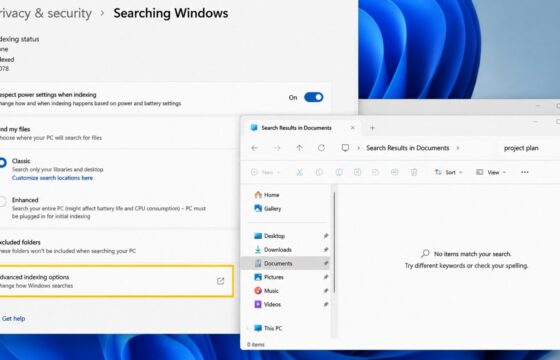
Windows 11 search misses files you can see? Check indexed folders, permissions, the Windows Search service, and rebuild the index safely.
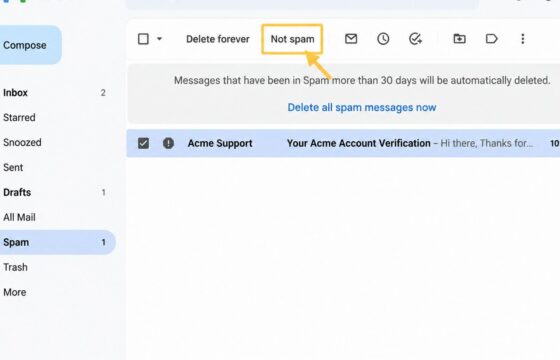
Gmail sends legitimate emails to Spam even when you did not report them. Check Spam, filters, blocked senders, contacts, and Gmail feedback controls.
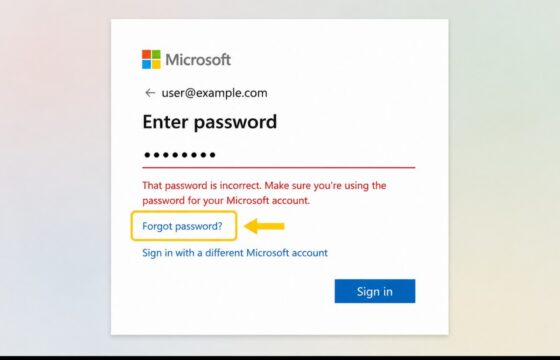
Recover a Microsoft account after a wrong-password message with official reset steps, sign-in checks, security-info guidance, lockout fixes, and safety checks.
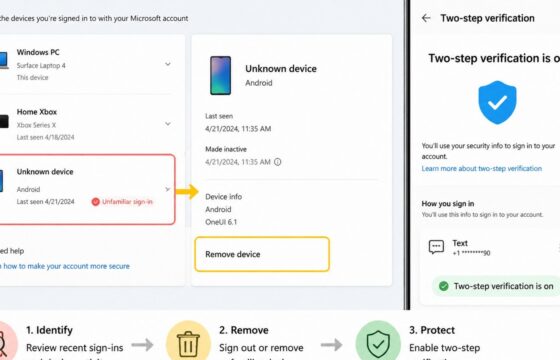
Stop an unknown device from accessing your Microsoft account by reviewing activity, removing the device, changing your password, and enabling MFA.
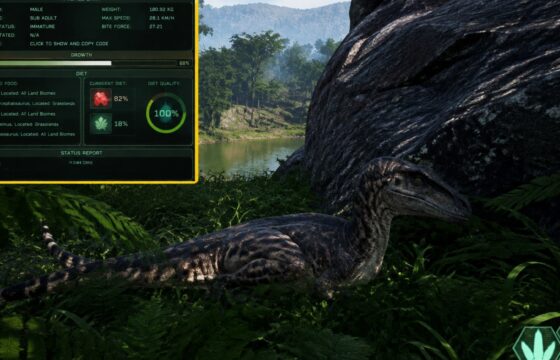
Fix a stalled dinosaur in The Isle Evrima by checking growth conditions, hunger, diet progress, server sync, safe logout, and Steam files with this checklist.