Computers & Internet
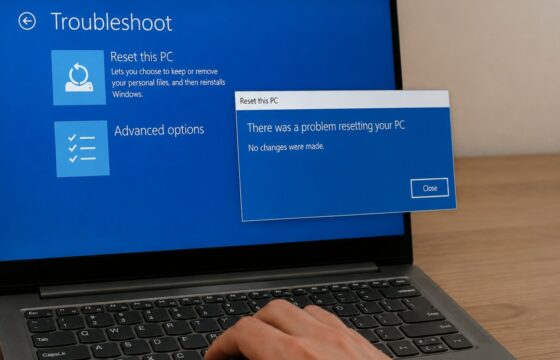
How to Fix Windows 11 Resetting Your PC Error
Fix the Windows 11 reset error safely. Back up important files, repair system components, use the recovery environment, and choose cloud or local reinstall.
Fix the Windows 11 reset error safely. Back up important files, repair system components, use the recovery environment, and choose cloud or local reinstall.
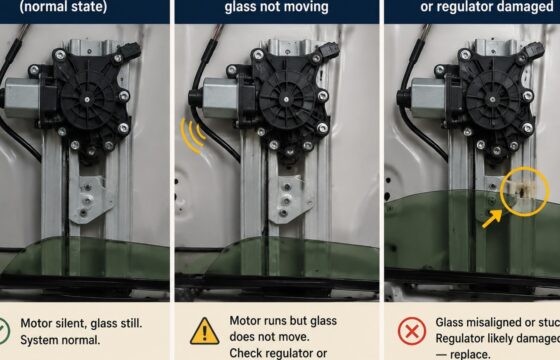
Find out why a car window goes down but will not roll up. Use switch, motor, regulator, fuse, and wiring symptoms to choose the right repair.
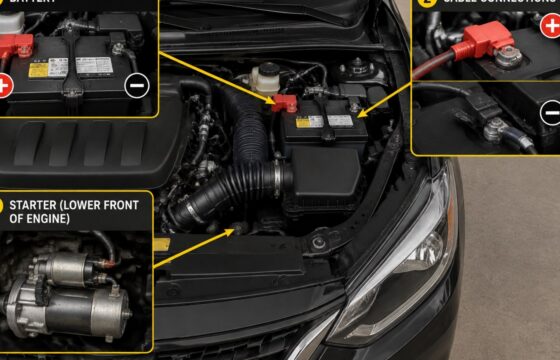
A single click with no engine crank usually points to the battery, starter, or cable connections. Use sound, voltage, and jump-start checks to narrow it down.
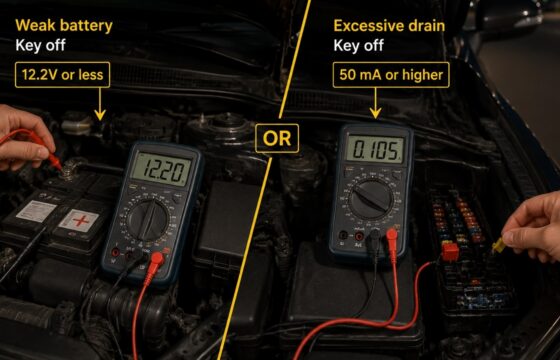
Find out why your car battery dies overnight. Separate a weak battery from parasitic drain with safe checks, a multimeter test, and repair guidance.
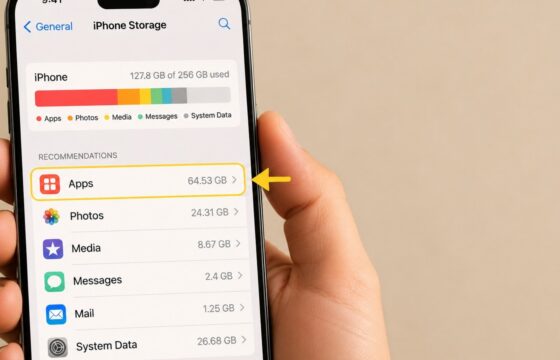
Android storage can stay full after deletion because files remain in trash, app caches, downloads, cloud copies, or large app data. Find and remove them safely.
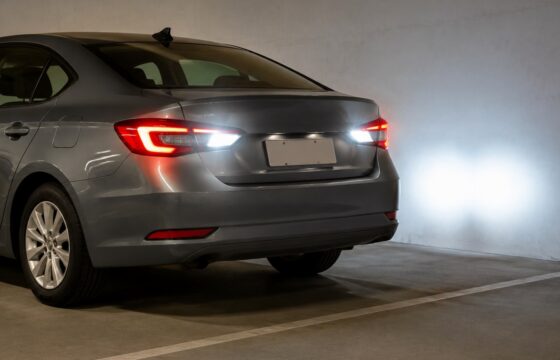
Find out why your car reverse lights are not working. Check bulbs, fuses, wiring, switches, and transmission range issues with safe testing steps.
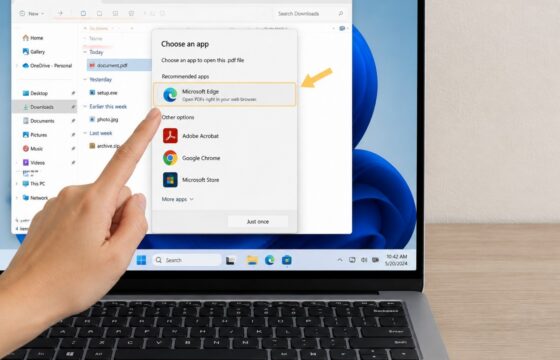
Fix Windows 11 when downloaded files keep asking you to choose an app. Identify the file type, set a safe default, and avoid risky downloads.
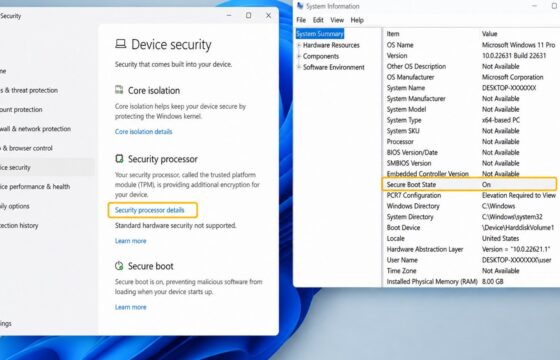
Fix Valorant’s VAN restriction error on Windows 11 by checking TPM 2.0, enabling Secure Boot in UEFI, verifying Windows, and repairing Vanguard safely.
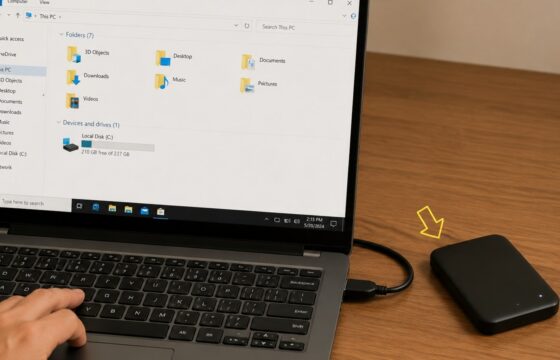
Make an external hard drive appear in Windows 11 safely. Check the cable, power, USB connection, drive letter, partitions, and Disk Management.
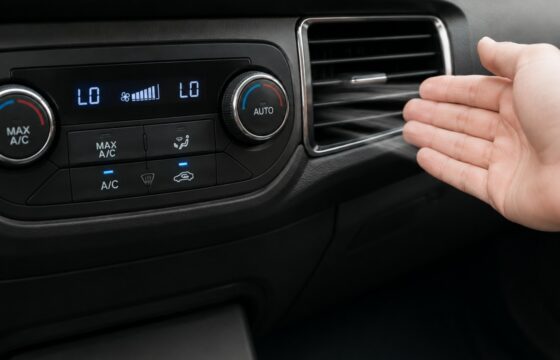
Find out why your car AC blows warm air, check the cabin filter and wiring, identify refrigerant problems, and know when professional repair is needed.