How to Sign Out of a Google Account on All Devices: Remote Access
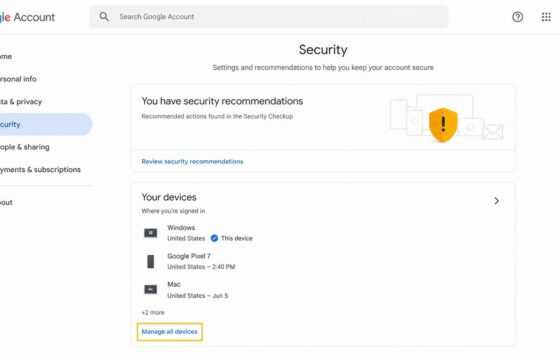
Sign out of your Google Account on every device from Security > Your devices. Verify remote sign-out and secure access if an unfamiliar session remains active.
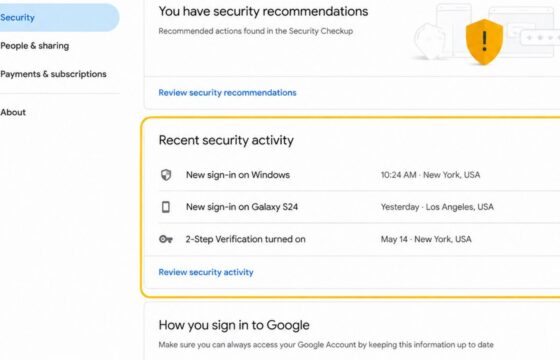
Learn how to review Google Account security events, Gmail sign-in history, dates, times, and IP details, then respond safely to activity you do not recognize.
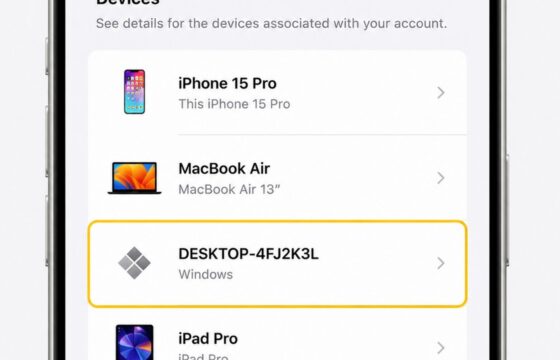
Remove an unfamiliar device from your Apple Account, verify whether access ended, then change your password and review two-factor authentication settings.
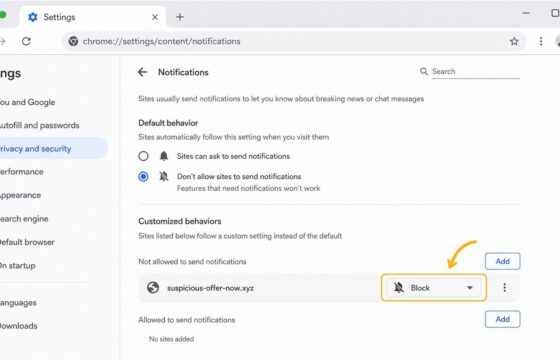
Remove malicious browser notifications by revoking site permission, blocking future requests, scanning for malware, and checking alerts safely on Chrome, Edge.
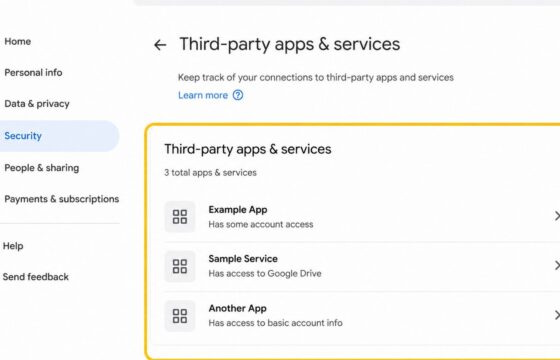
Review unfamiliar apps linked to your Google Account, revoke access safely, verify removal, and secure your account without assuming a breach.
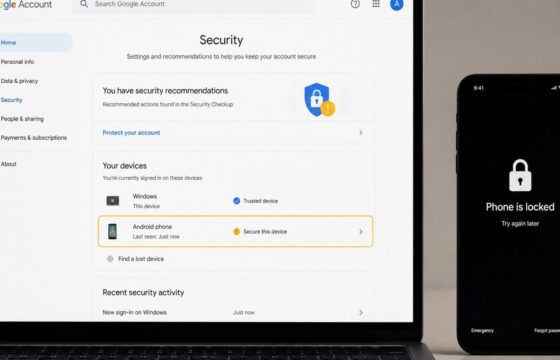
Secure your Google Account after a stolen phone by locking the device, changing your password, ending sessions, checking recovery options, and reviewing payments.
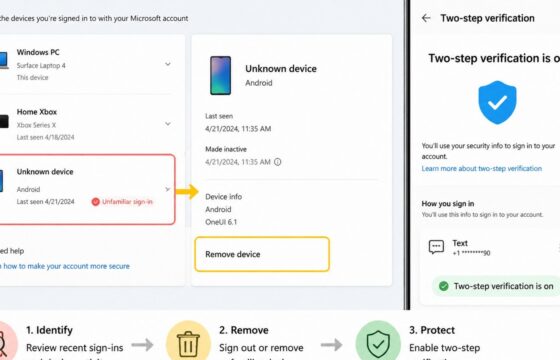
Stop an unknown device from accessing your Microsoft account by reviewing activity, removing the device, changing your password, and enabling MFA.
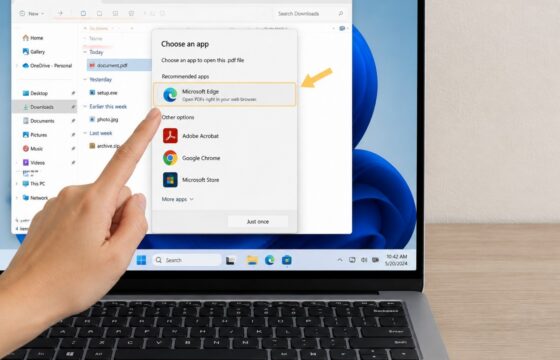
Fix Windows 11 when downloaded files keep asking you to choose an app. Identify the file type, set a safe default, and avoid risky downloads.
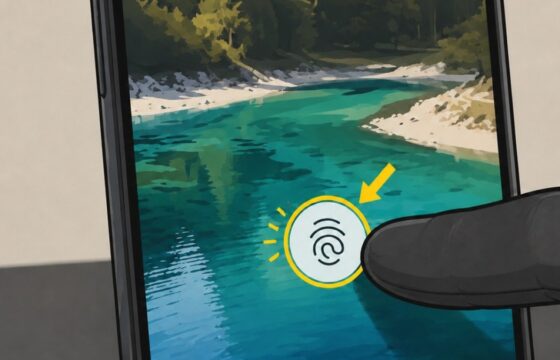
Fix a Google Pixel fingerprint sensor that stopped working after an update. Check your protector, restart fully, re-enroll prints, update, and reset safely.
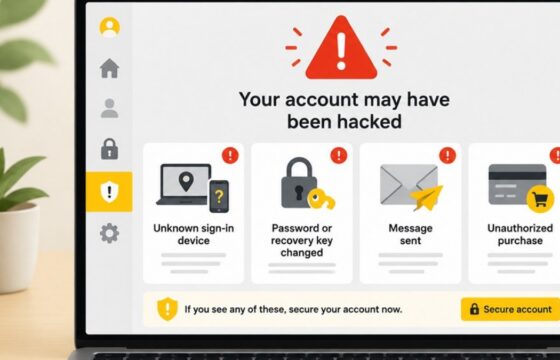
The strongest signs you have been hacked are unknown sign-ins, changed passwords or recovery details, messages you did not send, unfamiliar account access, and unauthorized purchases. Use a clean device, secure your main email, review active sessions, recover affected accounts, replace reused passwords, and contact your bank immediately if money is at risk.