Mortal Shell II Guides
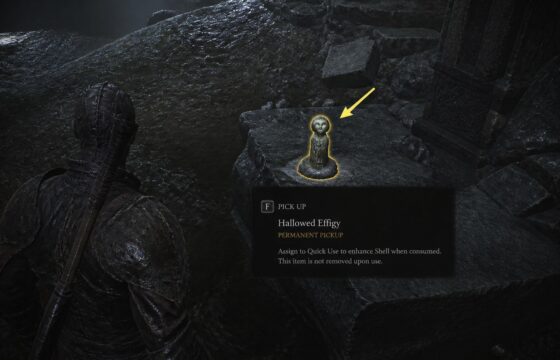
Mortal Shell II How to Use Consumables: Use Them Safely
Learn how Mortal Shell II consumables work as permanent pickups, choose an equipped quick-use item, check its effect, and avoid wasting a use in combat.
Learn how Mortal Shell II consumables work as permanent pickups, choose an equipped quick-use item, check its effect, and avoid wasting a use in combat.
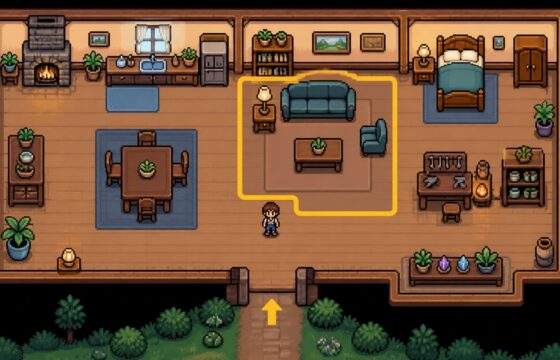
Design a practical Fields of Mistria house with better furniture placement, room zones, matching sets, clear paths, and easy fixes for crowded layouts.
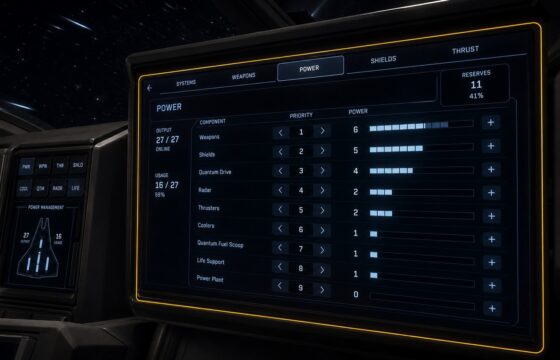
Manage ship power in Star Citizen from the cockpit: open the Power display, prioritize essential systems, confirm output, and fix an unresponsive panel.
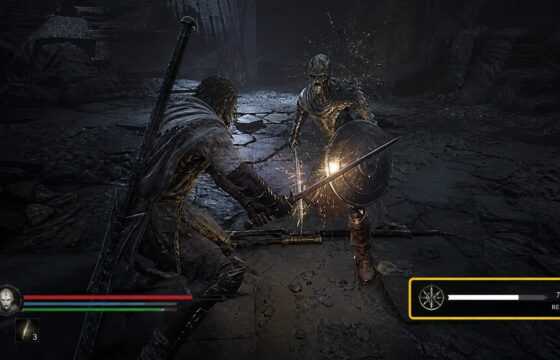
Learn how to earn Resolve in Mortal Shell II through the verified combat route, check the meter, avoid wasted farming, and recover when gains do not appear in.
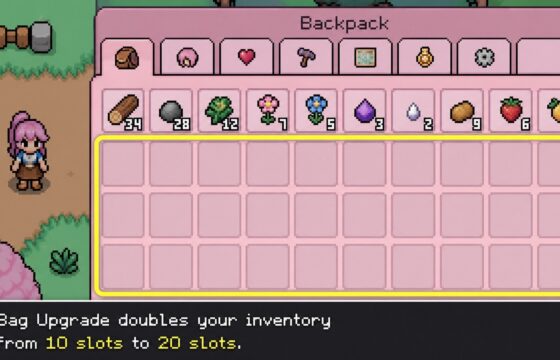
Increase Fields of Mistria carrying capacity by buying the Bag Upgrade at the General Store for 1,000 Tesserae, then verify your inventory grows from 10 to 20.
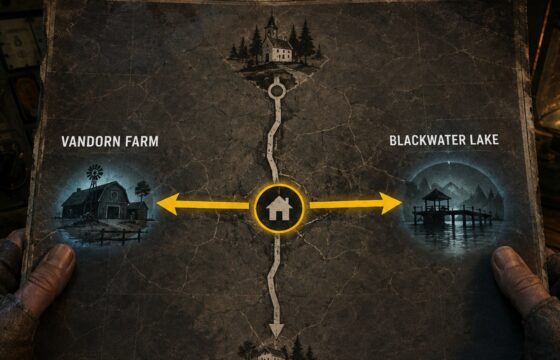
Turn on the power in Black Ops 7 Zombies by following the Restore Power route, activating the required switch, and checking the map’s powered state.
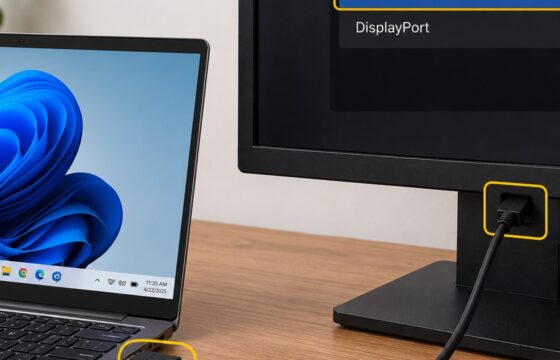
Fix a Windows 11 external monitor that is not detected. Check cables, monitor input, display detection, projection mode, and graphics drivers with safe checks.
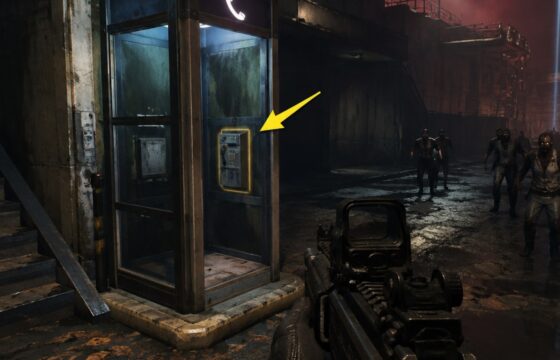
Learn how to start a Black Ops 7 Zombies exfil at the phone booth, beat its timed special-enemy objective, and confirm a successful extraction safely.
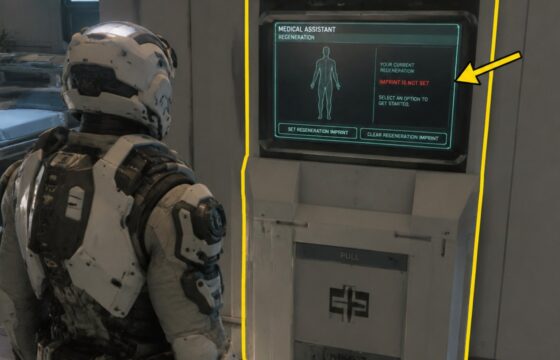
Set a medical respawn point in Star Citizen at a clinic, hospital, or supported med bed, then confirm the active regeneration imprint before leaving.
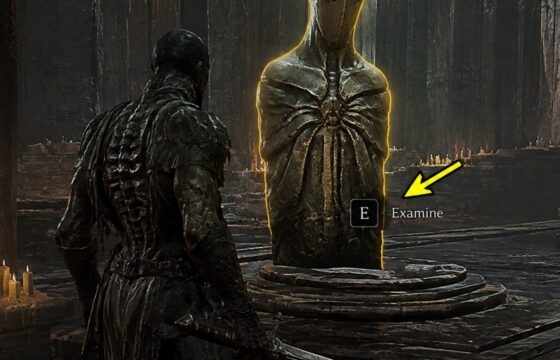
Learn how to unlock shell abilities in Mortal Shell II: locate the shell, open its progression screen, meet each displayed requirement, and verify each upgrade.