Email & Social Accounts
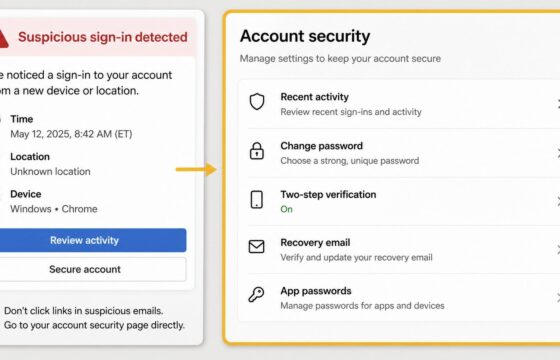
How to Secure an Email Account After Suspicious Activity
Secure an email account after suspicious activity by changing its password, ending unknown sessions, checking recovery settings, and turning on stronger.
Secure an email account after suspicious activity by changing its password, ending unknown sessions, checking recovery settings, and turning on stronger.
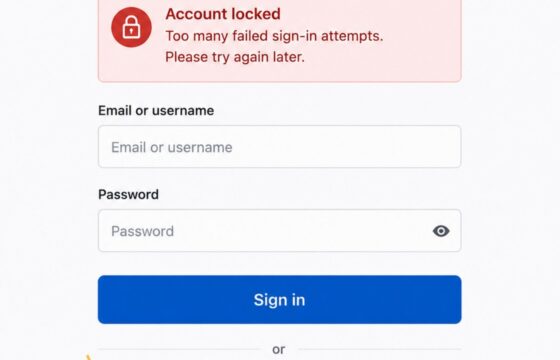
Locked out after too many login attempts? Stop retrying, use the provider’s official recovery path, verify your identity, and secure the account safely.
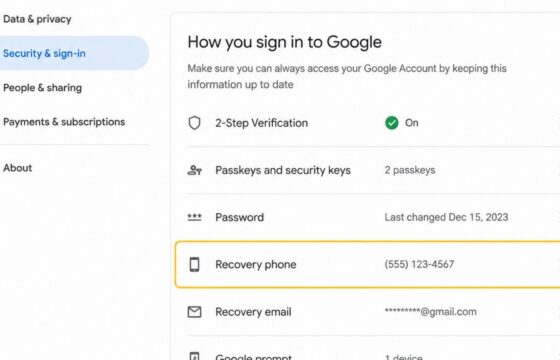
Change your Google Account recovery phone securely, complete identity checks, verify the new number, and review recent security activity for changes.
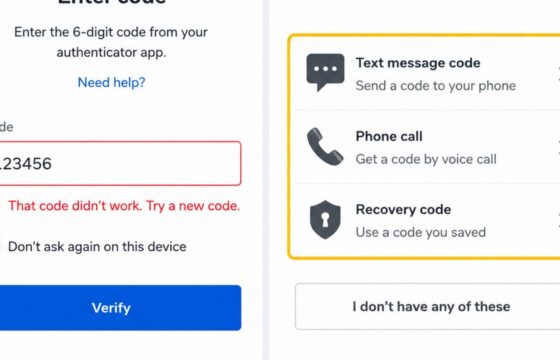
A two-factor authentication code may fail because it expired, belongs to another account, or is out of sync. Check the code type, time, and recovery options.
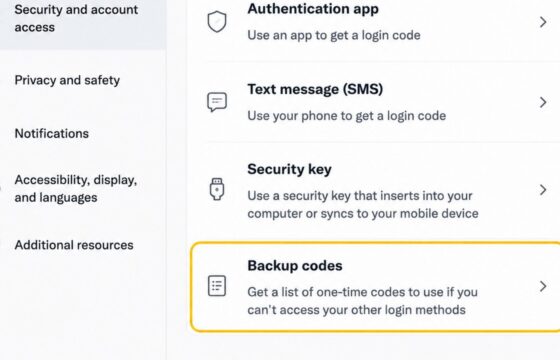
Find and use backup codes for a social media account during sign-in. Learn where to locate saved codes, how one-time codes work, and what to do when one fails.
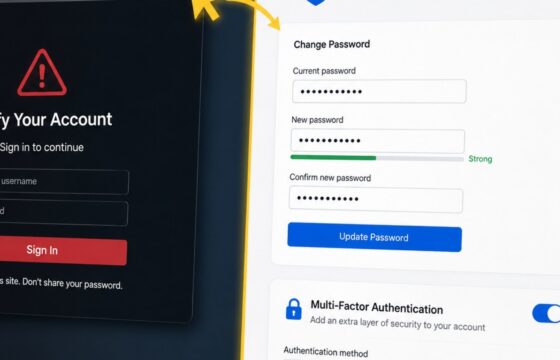
Entered your password on a phishing site? Change it safely, end active sessions, protect reused logins, review account changes, and enable MFA.
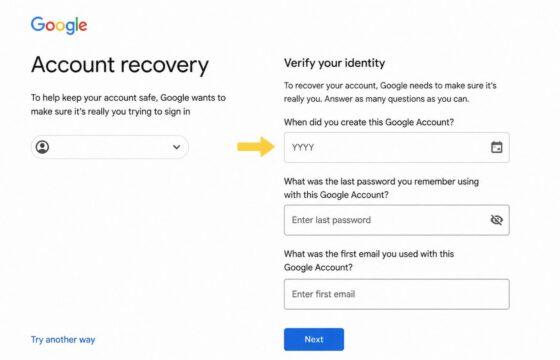
Can't access your account and lost all recovery options? Learn verified steps to regain access through official identity verification alternatives.
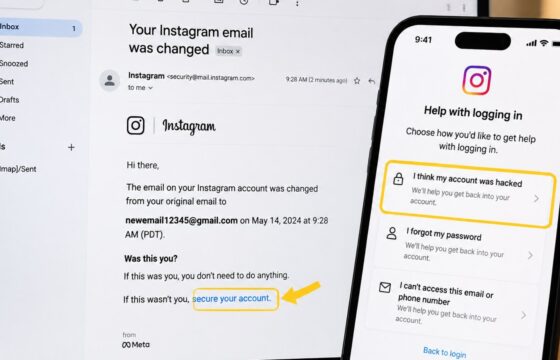
Recover Instagram after someone changed your email. Use the official reversal link, hacked-account route, identity checks, and safety steps.
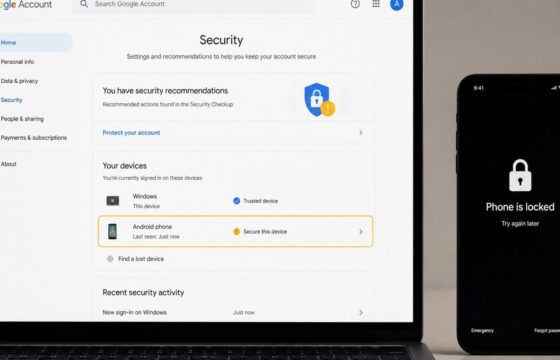
Secure your Google Account after a stolen phone by locking the device, changing your password, ending sessions, checking recovery options, and reviewing payments.
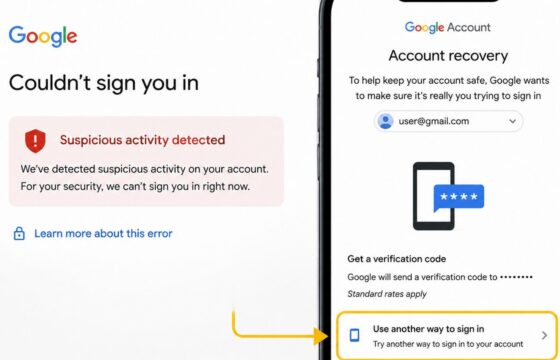
Recover a Gmail account locked for suspicious activity using a trusted device, Google verification, official recovery steps, and post-recovery security checks.