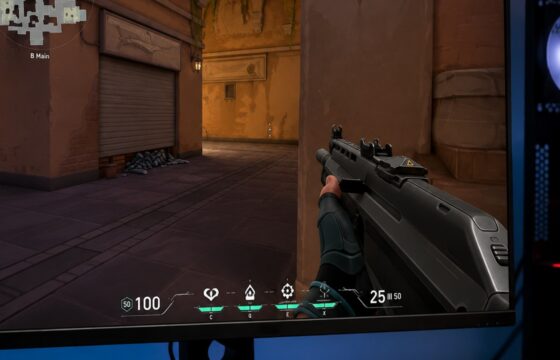
Valorant
Why Is Valorant FPS Low on a Gaming PC: Fixes
Find why Valorant FPS is low on a gaming PC and fix drops caused by graphics settings, background load, overheating, drivers, or unstable frame pacing.
Find why Valorant FPS is low on a gaming PC and fix drops caused by graphics settings, background load, overheating, drivers, or unstable frame pacing.
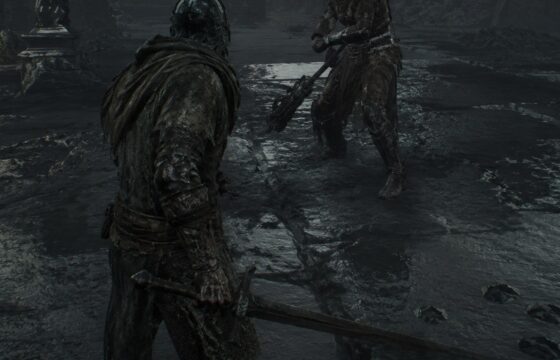
Learn Mortal Shell II beginner combat controls: set bindings, read the HUD, use Harden, manage stamina, dodge safely, and fix missing inputs before fights.
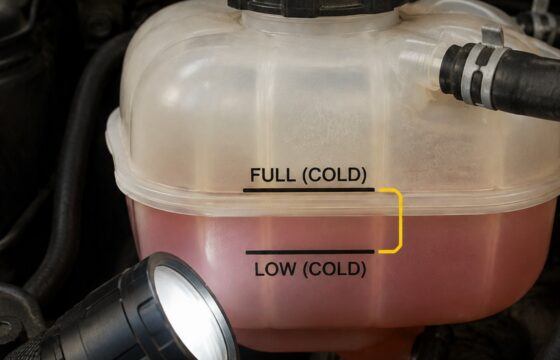
A dropping coolant level with no visible leak can mean a hidden hose leak, heater-core leak, trapped air, or internal engine problem. Check safely before.
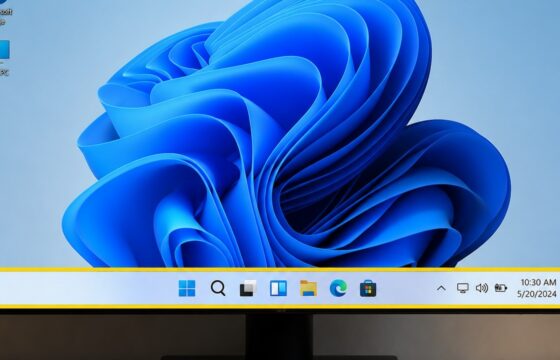
Fix a missing Windows 11 taskbar: restart Explorer, turn off auto-hide, repair Windows files, and restore the desktop without deleting personal files, safely.

Fields of Mistria animal breeding requirements: raise adult male and female livestock to two hearts, pair animals by tier, and check seasonal limits when.
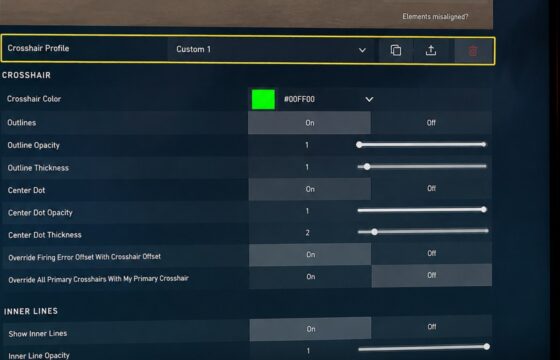
Valorant crosshair is not visible? Restore it in Crosshair settings, improve contrast, reset the profile, and verify it in the Practice Range on PC.
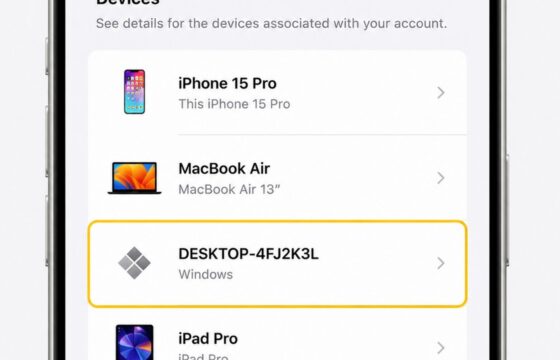
Remove an unfamiliar device from your Apple Account, verify whether access ended, then change your password and review two-factor authentication settings.
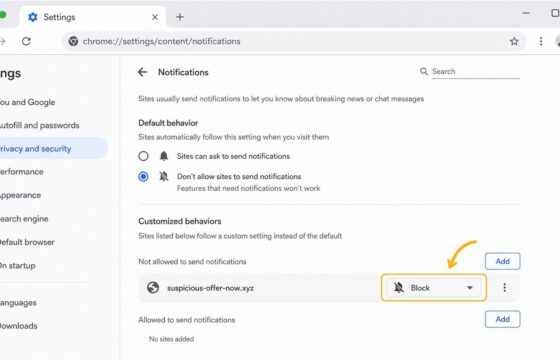
Remove malicious browser notifications by revoking site permission, blocking future requests, scanning for malware, and checking alerts safely on Chrome, Edge.

Prevent wasted watering and bad seasonal planting in Fields of Mistria: learn whether soil fertility exists, how to reuse plots, and what to verify before.
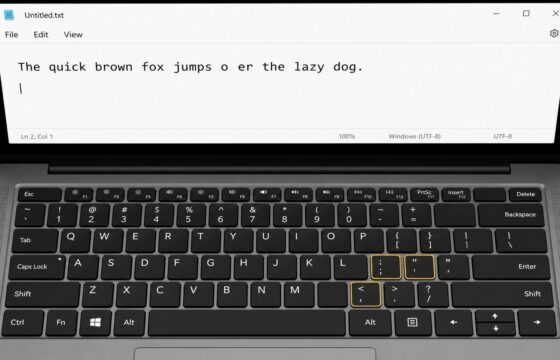
Fix laptop keyboard keys that type wrong, repeat, or stop responding. Check Num Lock, keyboard layout, debris, drivers, and hardware safely on Windows.