Mobile Devices
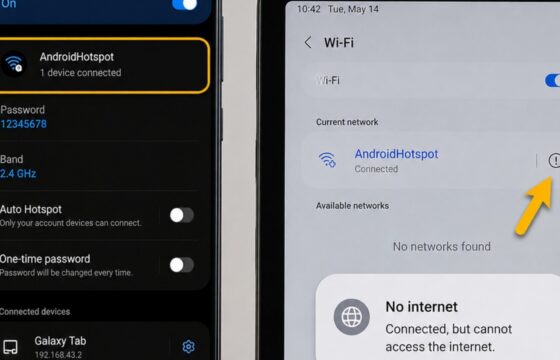
Android Hotspot Connected but No Internet Fix: Restore Access
Android hotspot connected but no internet? Check mobile data, restart both devices, reconnect Wi-Fi, and reset network settings only as a last resort safely.
Android hotspot connected but no internet? Check mobile data, restart both devices, reconnect Wi-Fi, and reset network settings only as a last resort safely.
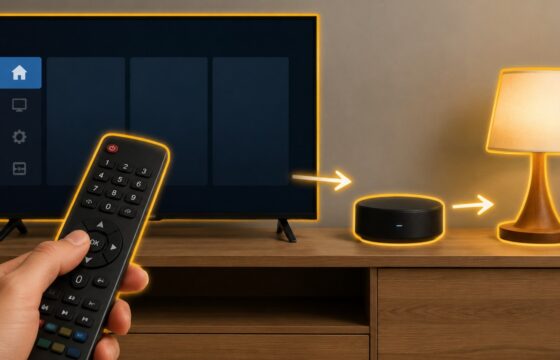
Fix a smart TV remote that will not control smart home devices. Check compatibility, pairing, network links, hubs, permissions, and routines safely.
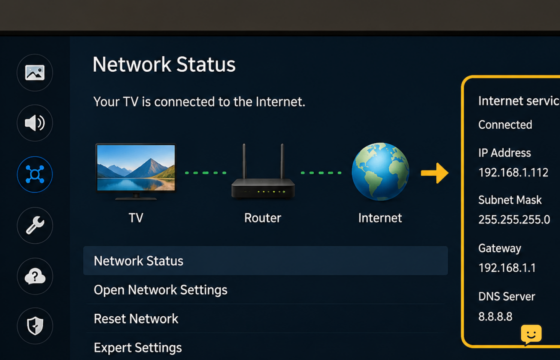
Fix Samsung TV streaming apps when Wi-Fi and internet still work. Restart the TV, test Network Status, refresh Smart Hub, check DNS and time, then update.
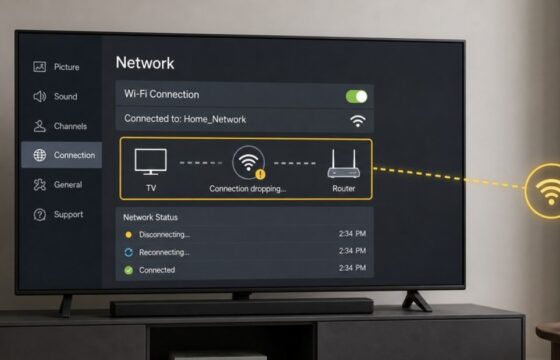
Fix an LG TV that repeatedly drops Wi-Fi. Restart the TV and router, reconnect the network, improve signal, check band compatibility, and update software.
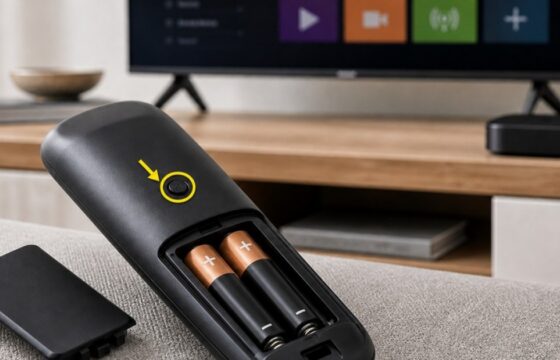
Fix a Roku remote that is unresponsive even with new batteries. Identify IR or voice remotes, reset and pair it, then use the Roku app if needed.
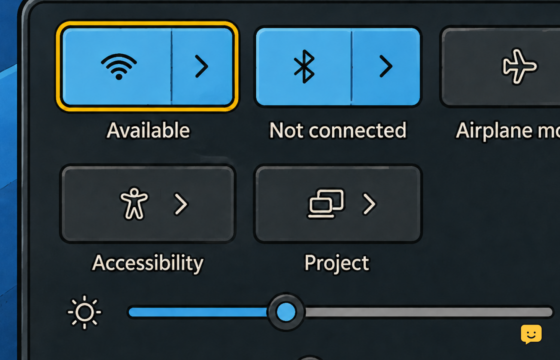
Stop recurring Wi-Fi dropouts on a Windows 11 PC using safe driver, power, router-band, signal, and network-reset checks in the right order.
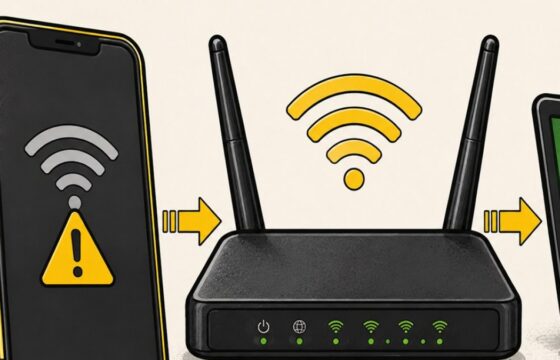
Find out whether your phone, its saved Wi-Fi profile, or your home router is blocking the connection, then apply the safest fix first.