Computers & Internet
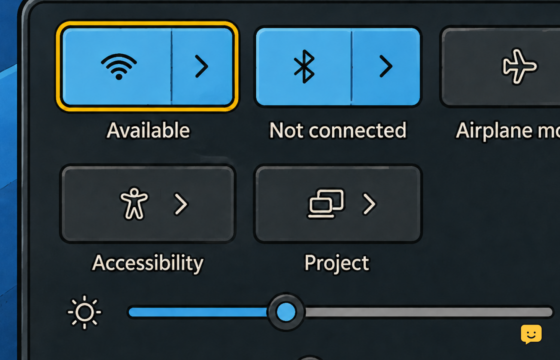
Windows 11 PC Keeps Disconnecting From Wi-Fi: Fix It
Stop recurring Wi-Fi dropouts on a Windows 11 PC using safe driver, power, router-band, signal, and network-reset checks in the right order.
Stop recurring Wi-Fi dropouts on a Windows 11 PC using safe driver, power, router-band, signal, and network-reset checks in the right order.
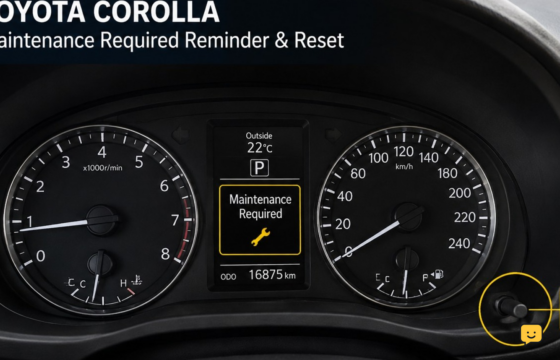
Reset the Toyota Corolla maintenance required light after service using the odometer button or steering-wheel display controls, plus failure checks.
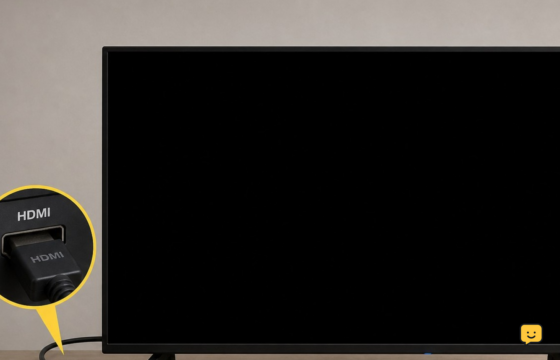
Fix a Samsung TV with sound but no picture. Test the source, cables, power, settings, and backlight to identify a simple issue or hardware fault.
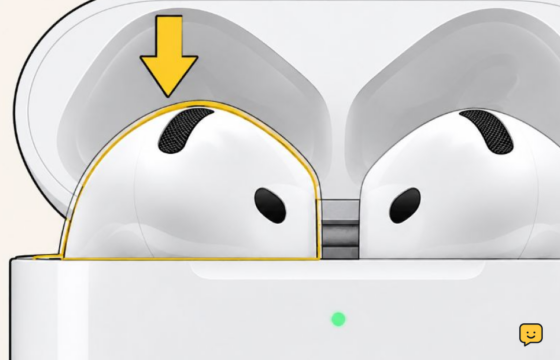
Fix one silent AirPod by checking its charge, cleaning the case contacts and speaker mesh, correcting balance, reconnecting, and testing for failure.
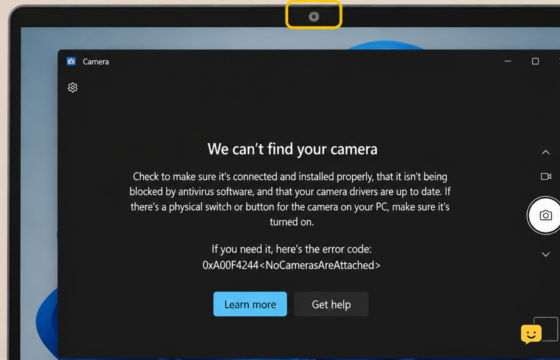
Fix a missing, black, blocked, or unavailable Windows 11 laptop camera by checking the shutter, permissions, apps, drivers, and hardware step by step.
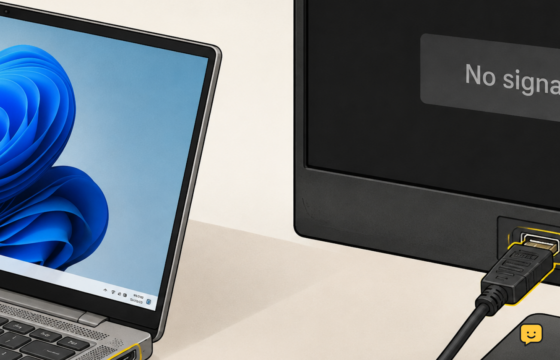
Fix a second monitor that shows no signal or is missing from Windows 11. Check cables, projection mode, drivers, ports, and hardware step by step.
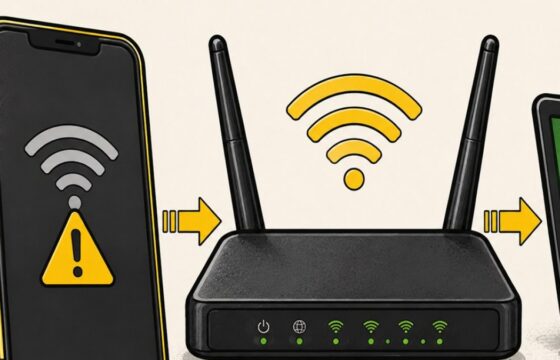
Find out whether your phone, its saved Wi-Fi profile, or your home router is blocking the connection, then apply the safest fix first.
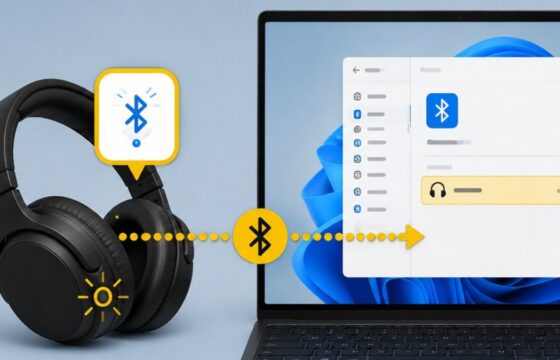
Pair Bluetooth headphones with a Windows 11 PC, reconnect a saved pair, select the correct audio output, and resolve common detection or sound issues.