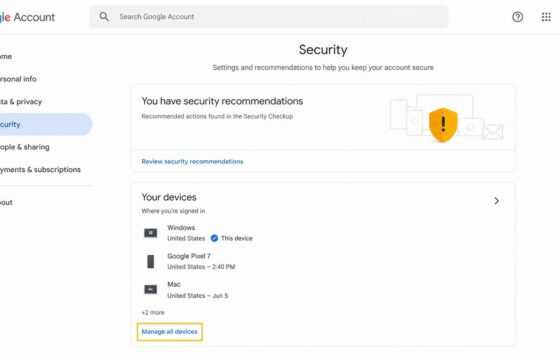
How to Sign Out of a Google Account on All Devices: Remote Access
Sign out of your Google Account on every device from Security > Your devices. Verify remote sign-out and secure access if an unfamiliar session remains active.
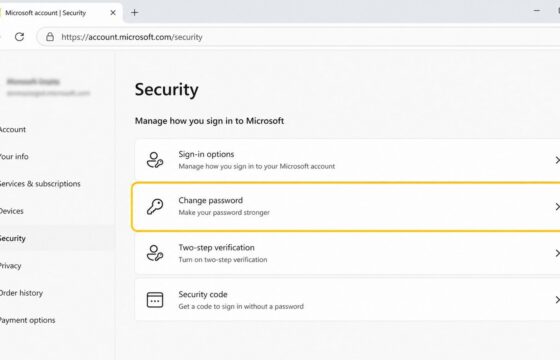
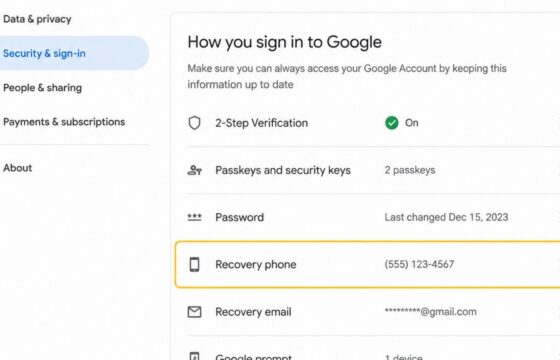
Change a known Microsoft account password from the Security page, choose a unique replacement, verify the new sign-in, and check protection settings safely.
Change your Google Account recovery phone securely, complete identity checks, verify the new number, and review recent security activity for changes.
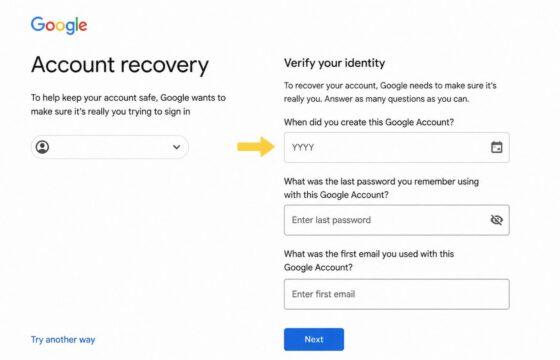
Can't access your account and lost all recovery options? Learn verified steps to regain access through official identity verification alternatives.
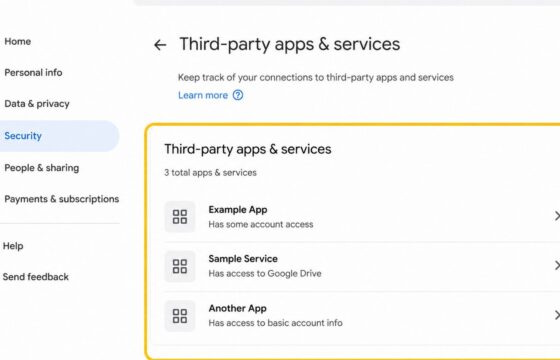
Review unfamiliar apps linked to your Google Account, revoke access safely, verify removal, and secure your account without assuming a breach.
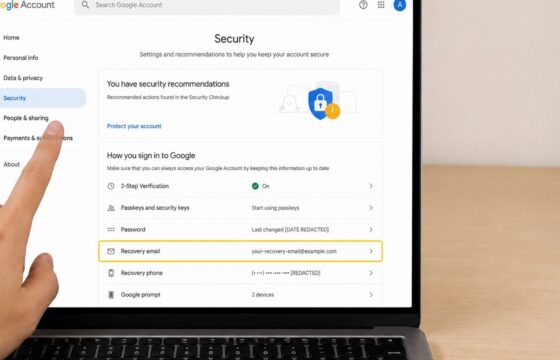
Learn how to remove an outdated recovery email from your Google Account, replace it safely, verify the change, and review recent account activity.
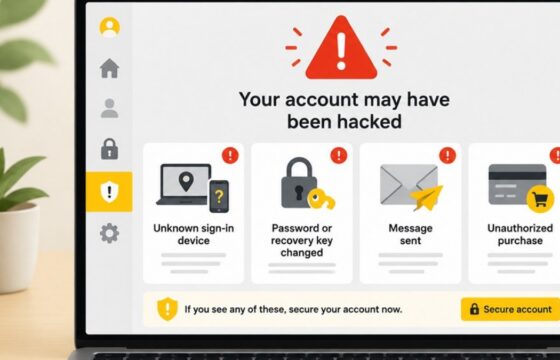
The strongest signs you have been hacked are unknown sign-ins, changed passwords or recovery details, messages you did not send, unfamiliar account access, and unauthorized purchases. Use a clean device, secure your main email, review active sessions, recover affected accounts, replace reused passwords, and contact your bank immediately if money is at risk.