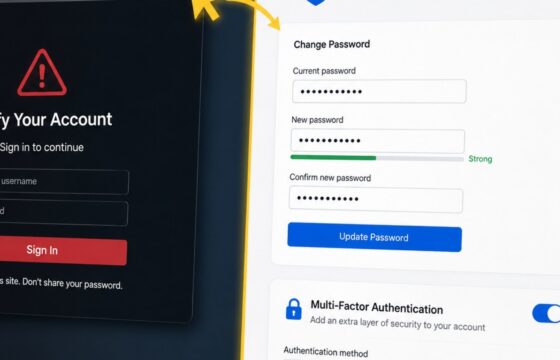
Access & Recovery
How to Secure an Account After Entering Your Password
Entered your password on a phishing site? Change it safely, end active sessions, protect reused logins, review account changes, and enable MFA.
Entered your password on a phishing site? Change it safely, end active sessions, protect reused logins, review account changes, and enable MFA.
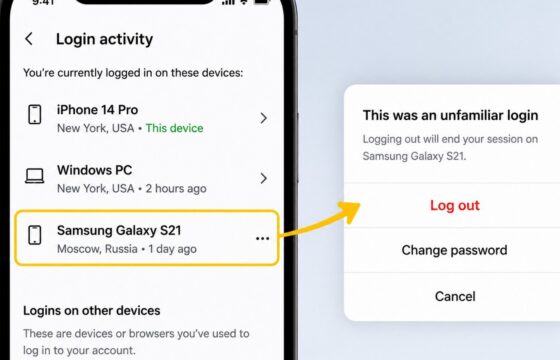
Review Instagram login sessions, sign out unfamiliar devices, change your password, enable two-factor authentication, and check for signs of account misuse.
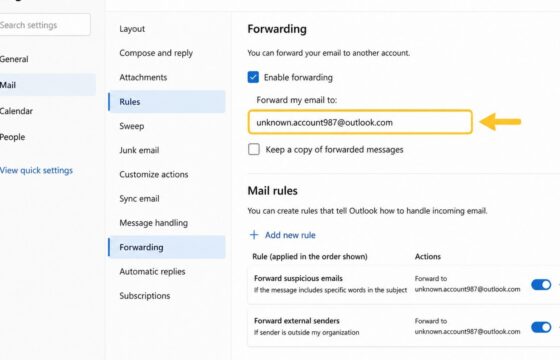
Learn how to check email forwarding rules, forwarding addresses, filters, sign-in activity, and security settings for unauthorized mailbox access.
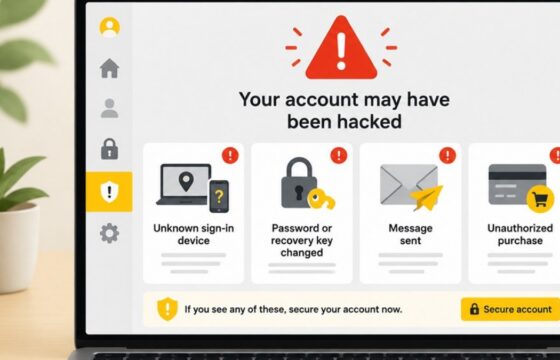
The strongest signs you have been hacked are unknown sign-ins, changed passwords or recovery details, messages you did not send, unfamiliar account access, and unauthorized purchases. Use a clean device, secure your main email, review active sessions, recover affected accounts, replace reused passwords, and contact your bank immediately if money is at risk.