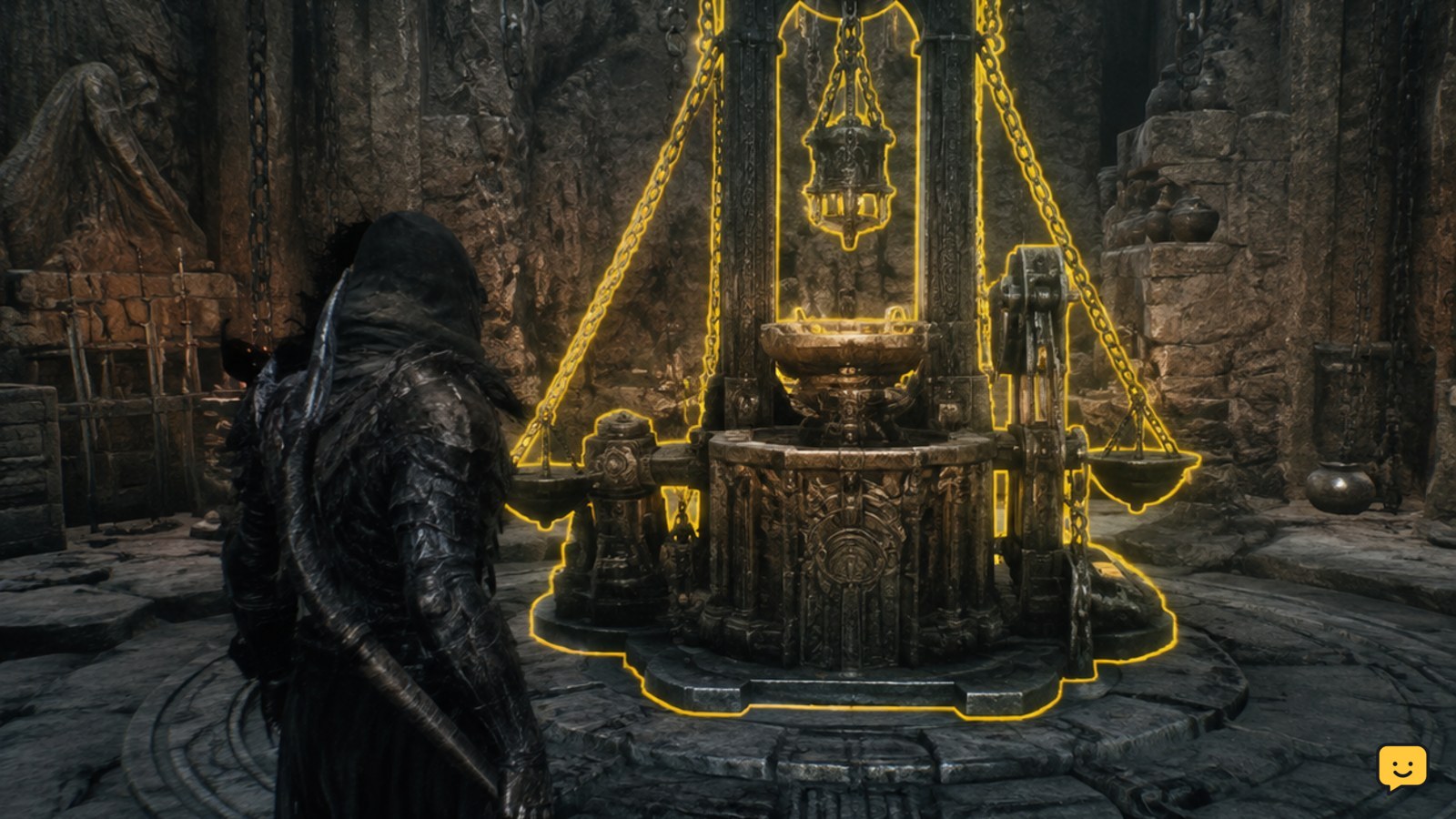
Weapon upgrades are performed at the Tarforge after its relevant functions become available. Select the weapon, inspect the displayed coin and smithing-stone requirements, and confirm only when the materials are present. Current evidence also points to the Obsidian Lathe for ranged sidearms. Exact costs and launch-day availability should be checked against your installed build.
Browse more Mortal Shell II guides
Find the Tarforge before selecting a weapon upgrade
Weapon improvements are tied to the Tarforge rather than a general character menu. Go to the Tarforge, interact with it, and look for the weapon-upgrade function. The available references associate the station with Franz and report that some Tarforge functions become available after progressing through that encounter or related objective.
That unlock detail is not confirmed here as a durable launch-day requirement. Use the station’s actual menu as the authority for your build. If the Tarforge opens but weapon upgrades are absent, do not assume the weapon is broken or that materials are missing; the function may still be progression-locked.
Select the weapon and read the displayed requirements
Choose the weapon you want to improve from the Tarforge interface. The upgrade panel should identify the selected weapon, the next upgrade effect, and the materials required before confirmation. Evidence for Mortal Shell II identifies coins and smithing stones as the core costs for weapon upgrades.
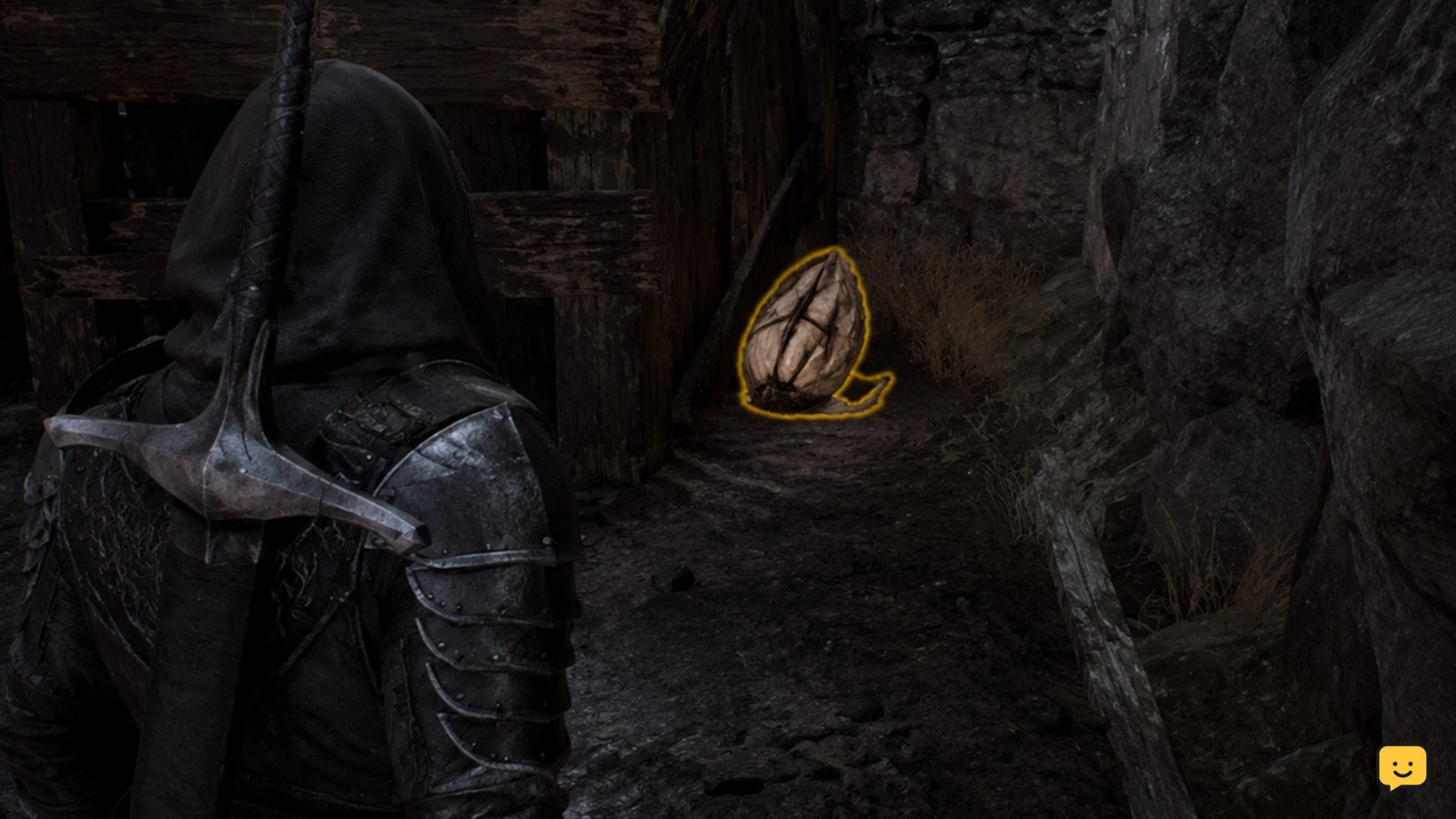
Check both resource types before confirming. The stone name can change by upgrade or weapon tier; examples reported in the available guide material include Ventrium, Laterite, and Dorsalite. Do not treat those examples as a complete cost table unless the same names appear in your current game.
Confirm the Tarforge upgrade only when the preview is correct
When the required coins and smithing stone are available, confirm the upgrade from the same panel. Before accepting, verify three visible states: the intended weapon is selected, the requirement is satisfied, and the upgrade effect or level preview changes after confirmation.
A successful purchase should update the weapon’s displayed upgrade state and reduce the listed resources. If the resources disappear but the weapon preview does not change, leave the station and reload only after checking your inventory and equipment screens. Avoid repeatedly confirming the action while the result is unclear.
Check the Obsidian Lathe for ranged sidearm upgrades
Ranged sidearms may not use the same upgrade path as standard weapons. Available gameplay guidance specifically identifies the Obsidian Lathe as the required item or station for upgrading ranged sidearms. If the Tarforge does not show a sidearm upgrade option, search your progression and inventory for the Obsidian Lathe rather than spending materials on a different weapon.
This is a separate path, and the available evidence does not establish every unlock condition or cost for the launch-day build. Apply the same check: use the station’s current interface, read the exact requirement, and stop if the game does not identify the sidearm or the required component clearly.
Verify the weapon upgrade after leaving the station
Open the equipment or weapon screen after the purchase and confirm that the upgraded weapon remains selected. Compare its displayed level, damage-related value, or other visible upgrade indicator with the pre-upgrade state. The exact statistic affected can vary by weapon and upgrade type, so use the value shown by your build instead of relying on a fixed number.
If no change appears, check whether you upgraded a duplicate weapon, changed equipment immediately afterward, or viewed a preview rather than completing the purchase. If the station continues to show the old requirement and the currency total is unchanged, the upgrade likely did not confirm.
What to do if the Tarforge upgrade is unavailable
First, distinguish an unavailable function from an unaffordable upgrade. An unaffordable upgrade still shows the weapon and a requirement, usually with a missing-resource indicator. A progression lock may hide the function entirely or provide no selectable upgrade.
For a hidden function, continue the current objective involving the relevant NPC or area, then return to the Tarforge. For a missing-material message, keep the weapon selected and collect the exact smithing stone named by the panel. For a sidearm that cannot be selected, check the Obsidian Lathe path. If your launch-day interface contradicts these references, follow the in-game menu and treat the older instruction as version-dependent.
Launch-day facts versus durable upgrade mechanics
The durable mechanic supported by the available references is the station-based process: reach the Tarforge, select a weapon, pay coins and smithing-stone costs, and verify the resulting weapon state. The reported use of the Obsidian Lathe for ranged sidearms is also useful, but its unlock details may be version-dependent.
The supplied evidence includes beta-era community reporting and third-party guide material. It does not confirm a complete launch-day cost table, final unlock sequence, or every station location. Do not use beta-only numbers or NPC instructions as guaranteed current facts; verify each requirement in the installed build before committing rare materials.
Frequently asked questions
Where do you upgrade weapons in Mortal Shell II?
Use the Tarforge weapon-upgrade interface. The available references connect the Tarforge with Franz and report that some functions require progression before they appear. Because the supplied evidence does not confirm the final launch-day unlock sequence, use the station menu in your installed build to determine when upgrades become available.
What materials are needed to upgrade weapons in Mortal Shell II?
Weapon upgrades require coins and a smithing stone displayed by the Tarforge. The stone type can vary by upgrade; reported examples include Ventrium, Laterite, and Dorsalite. Check the exact name and quantity in the current upgrade panel instead of relying on a fixed online list.
Can you upgrade ranged sidearms at the Tarforge?
Not always. Available gameplay guidance identifies the Obsidian Lathe as the relevant upgrade item or station for ranged sidearms. If a sidearm does not appear in the Tarforge menu, check whether the Obsidian Lathe is required in your build and follow the requirement shown by the current interface.
How can you tell whether a Mortal Shell II weapon upgrade worked?
Reopen the equipment or weapon screen after confirming the purchase. The weapon’s displayed upgrade state, level, or affected statistic should change, while your coins and required stone should decrease. If neither the weapon state nor resources change, the action was probably only previewed or was blocked.
Should you save rare smithing stones for later weapons?
Yes, when the weapon or upgrade effect is unfamiliar. First inspect the preview and confirm that the selected weapon is the one you intend to keep using. Exact upgrade costs and effects may differ by build, so avoid spending a rare stone when the station does not clearly show the result.