
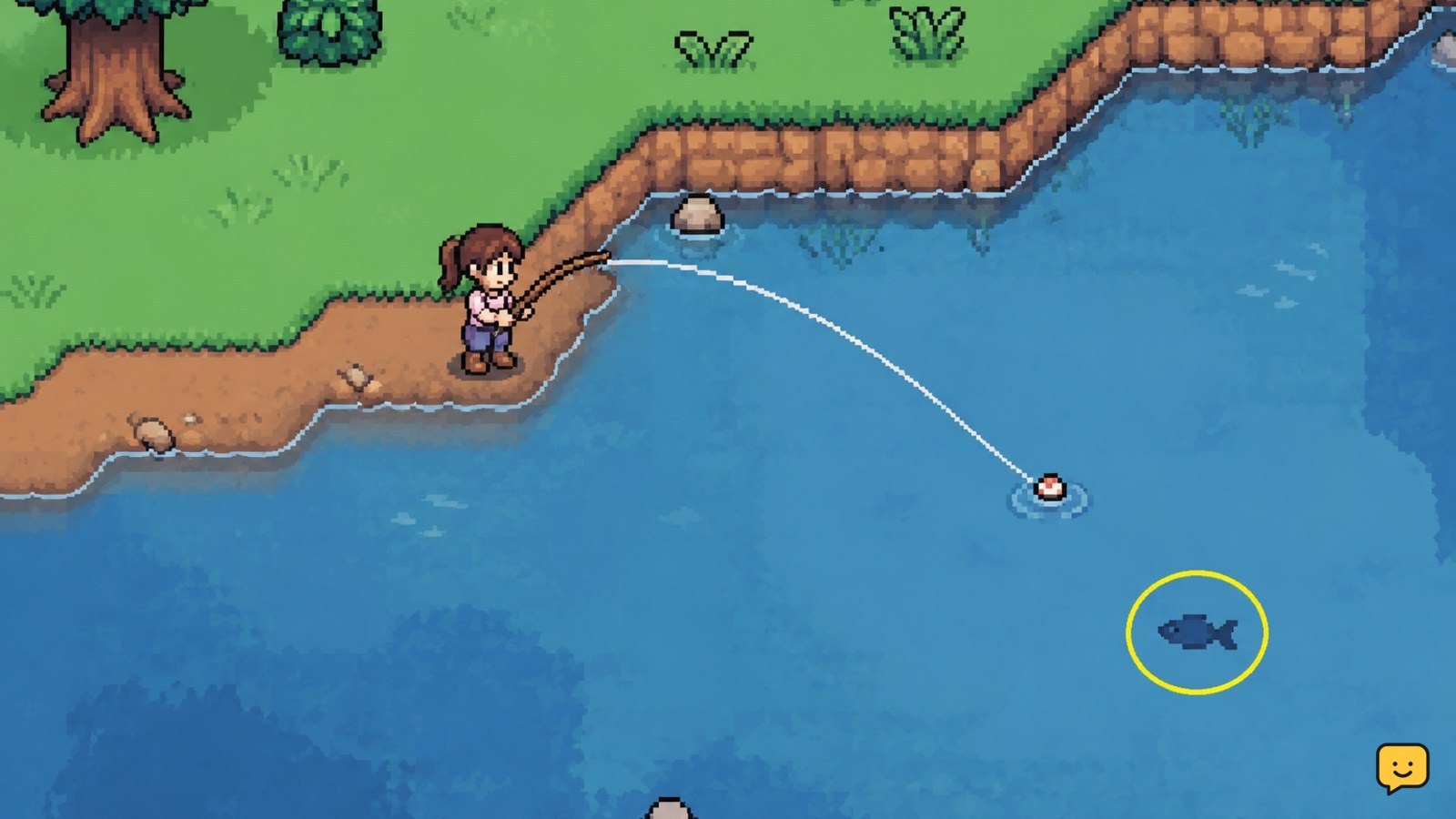
To fish in Fields of Mistria, equip the Fishing Rod, find a visible fish shadow in a pond, river, ocean, or mine water, then cast and react when the fish bites. Fish availability can depend on location, season, and conditions, so check the area and time before spending the whole day searching.
Browse more Fields of Mistria guides
1. Get the Fishing Rod ready
Fishing starts with the Fishing Rod rather than a separate fishing station. Obtain the rod through the early game route available in your save, then place it in an active tool slot. Open your inventory or hotbar and confirm that the rod is selected before approaching the water.
- Choose the Fishing Rod from your available tools.
- Walk to a shoreline where you can see the water clearly.
- Look for a fish shadow before casting.
The supplied gameplay references describe the rod as the required fishing tool. They also show that the game has a tackle shop, but they do not establish that bait is required for the basic catch action. Treat bait or tackle as optional until your current game version displays a matching slot, item description, or tutorial.
Verify: The rod should be visibly equipped, and the water should contain a fish shadow you can target.
2. Choose the right fishing location
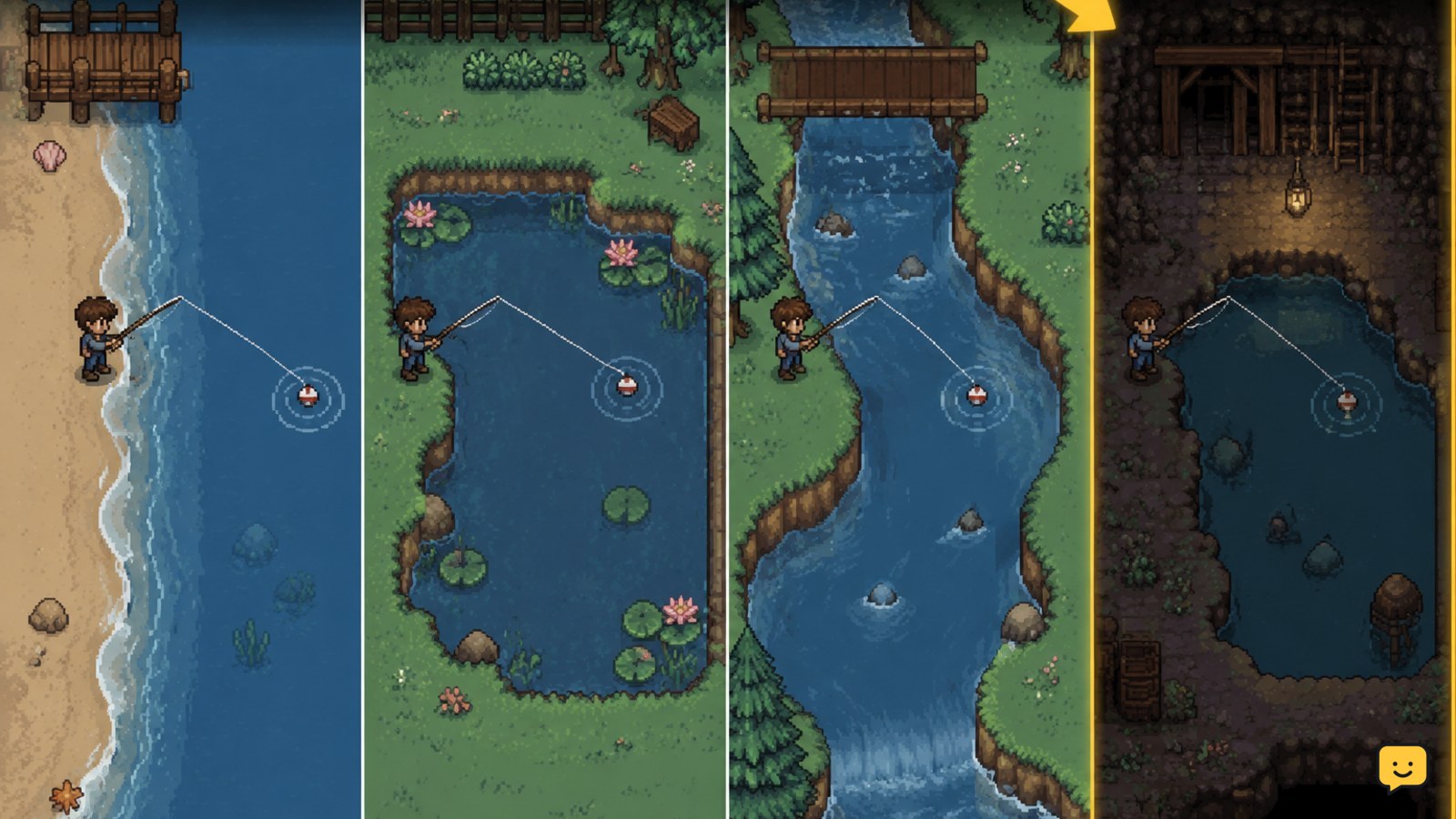
Fields of Mistria places fish in several kinds of water. The main location groups are the ocean, ponds, rivers, and mine water. A fish shadow is the practical signal that a cast can produce a catch, so use the visible shadow rather than casting randomly across empty water.
- Use the ocean when you are near the coast and want ocean-available fish.
- Check ponds and rivers around town and the surrounding areas for freshwater catches.
- Search mine water for fish that are tied to underground locations.
- If a target does not appear, change both the body of water and the time or season you are checking.
Location is only one part of the search. Community fishing references list fish by location and season, while larger reference lists also organize catches by size. Because the game can change during development, use those lists as planning aids and confirm the result in your own collection or museum records.
Verify: A visible shadow is present, and the location matches the target fish’s current in-game record.
3. Cast at a fish shadow and react to the bite
Once the rod is equipped and a shadow is visible, aim the cast toward that shadow. Fishing is built around identifying the target and responding to the bite rather than repeatedly throwing into empty water.
- Stand at the edge of the water with the fish shadow in front of you.
- Cast toward the shadow and wait for the bite signal.
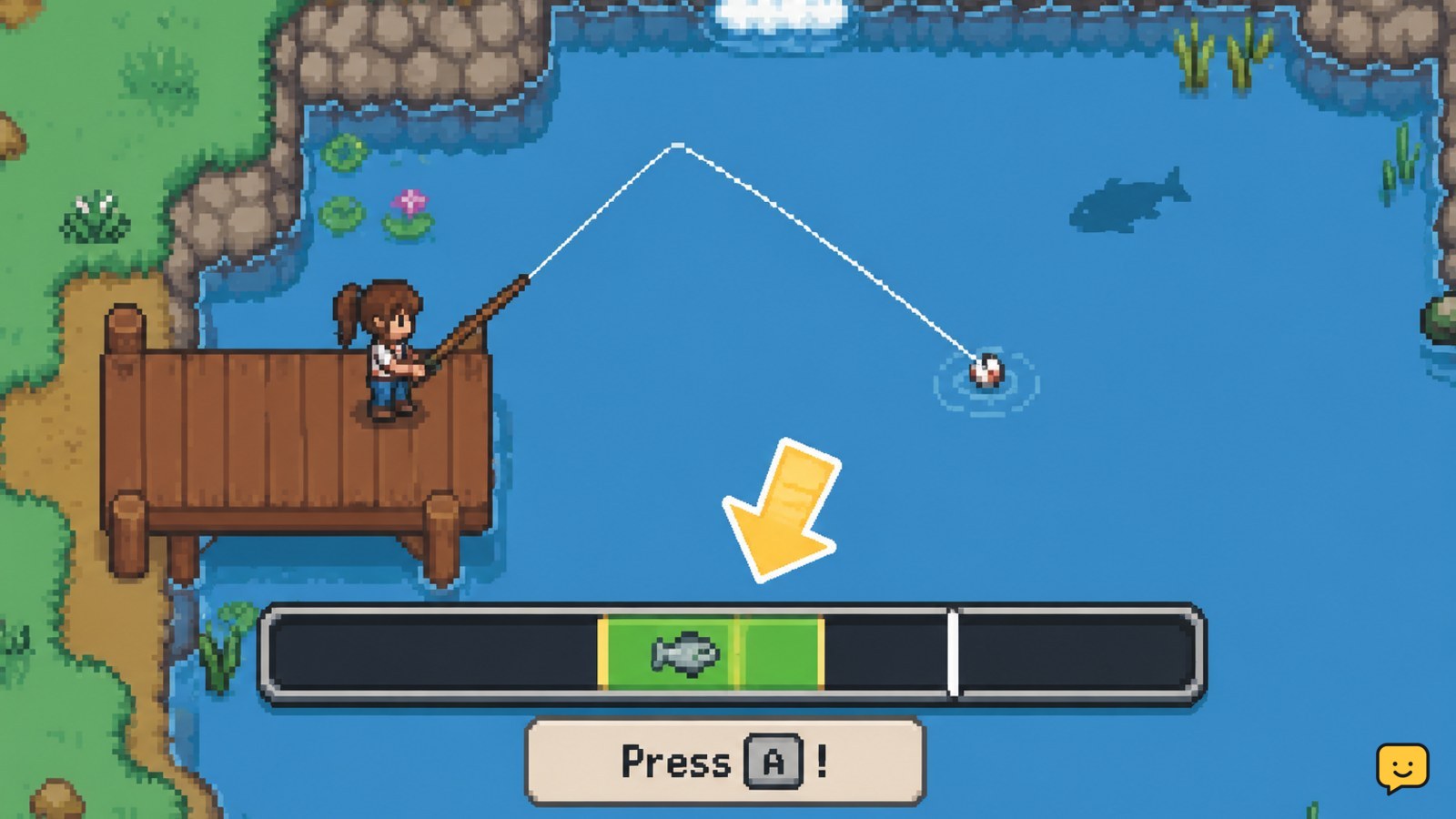
- Use the interaction or reel input shown by the game when the fish bites.
- Continue following the on-screen fishing response until the catch is added to your inventory.
The exact input can vary by platform or control layout, so use the button prompt shown in your version rather than relying on a keyboard or controller command from another setup. If the cast does not connect, reposition slightly and try the next visible shadow.
Verify: A catch notification or new fish item appears in the inventory. If no fish is added, the attempt did not complete.
4. Plan around season, time, and fish size
Fishing is more efficient when you plan for a goal. Reference guides organize fish by location, season, and, in some cases, size. That makes a short targeted trip better than staying at one shoreline and hoping the missing catch appears.
- Open your collection, museum, or bundle information and identify the missing fish.
- Record its listed water type and season.
- Visit the matching area during the relevant part of the year.
- Repeat casts only while the target remains plausible in that location.
For a general income run, fish whenever you pass a stocked water area and have room in your inventory. For a completion run, keep one example of unusual catches before selling anything. A fish that looks common can still be useful for a collection entry, request, recipe, or donation.
Verify: The collection or museum record updates after the fish is caught or submitted. If it does not, check whether the item is the correct species, size, or category.
5. Use catches for everyday progression
Fish are useful beyond the fishing activity itself. The supplied references identify selling catches through the Shipping Bin as one option. Fishing can therefore provide a flexible source of income while you wait for crops, explore, or recover from other activities.
- Income: Ship extra fish after reserving anything needed for a collection, bundle, request, or recipe.
- Museum progress: Keep an unsubmitted example when the museum accepts that fish category.
- Cooking and requests: Check item descriptions and active objectives before selling rare or seasonal catches.
- Routine planning: Fish near another daily objective so travel time produces more than one benefit.
For collection help, use the in-game ledger or museum information to confirm exactly what has counted. The ShowU Fields of Mistria museum donations guide covers the donation workflow separately.
Stop selling: Set aside rare, seasonal, unusually sized, or currently requested fish until you have checked your records.
Fishing problems and safe fixes
No fish appears: Leave the empty spot and inspect another pond, river, ocean edge, or mine-water area. A cast without a visible shadow wastes time and does not confirm that the location is valid for your target.
The rod will not cast: Confirm that it is selected, move closer to a clear shoreline, and try a different angle. If the tool is missing entirely, stop and retrace the early progression or shop step that provides it.
The fish is not the one you need: Recheck the current season, water type, and any size requirement. Do not assume that every body of water shares the same fish table.
The catch does not help progression: Check the inventory, museum record, shipping options, and active requests. Keep the item if its use is uncertain. Sell only after the relevant record or objective is confirmed.
Controls feel wrong: Follow the prompt displayed by your platform and review the game’s control settings. Do not rely on a control scheme from a different device.
Frequently asked questions
Where can you fish in Fields of Mistria?
You can fish in the ocean, ponds, rivers, and mine water. Look for a visible fish shadow in the body of water before casting. Fish availability can differ by location and season, so move to another water type if the catch you need does not appear.
Do you need bait to fish in Fields of Mistria?
The basic fishing references identify the Fishing Rod as the required tool, but they do not establish bait as necessary for every catch. Check your current version for a bait slot, tutorial, or item requirement. If none appears, equip the rod and cast at a visible fish shadow.
How do you know where a fish can be caught?
Start with the fish’s collection, bundle, or museum information, then compare its listed location and season with the area you plan to visit. Community fish lists can help organize the search, but verify the result in-game because availability and entries may change between versions.
What should you do with extra fish?
Ship extra fish for income after setting aside anything needed for a museum donation, bundle, request, recipe, or collection goal. If you are unsure whether a catch is rare or seasonal, keep it until you confirm its use in the relevant in-game record.


