
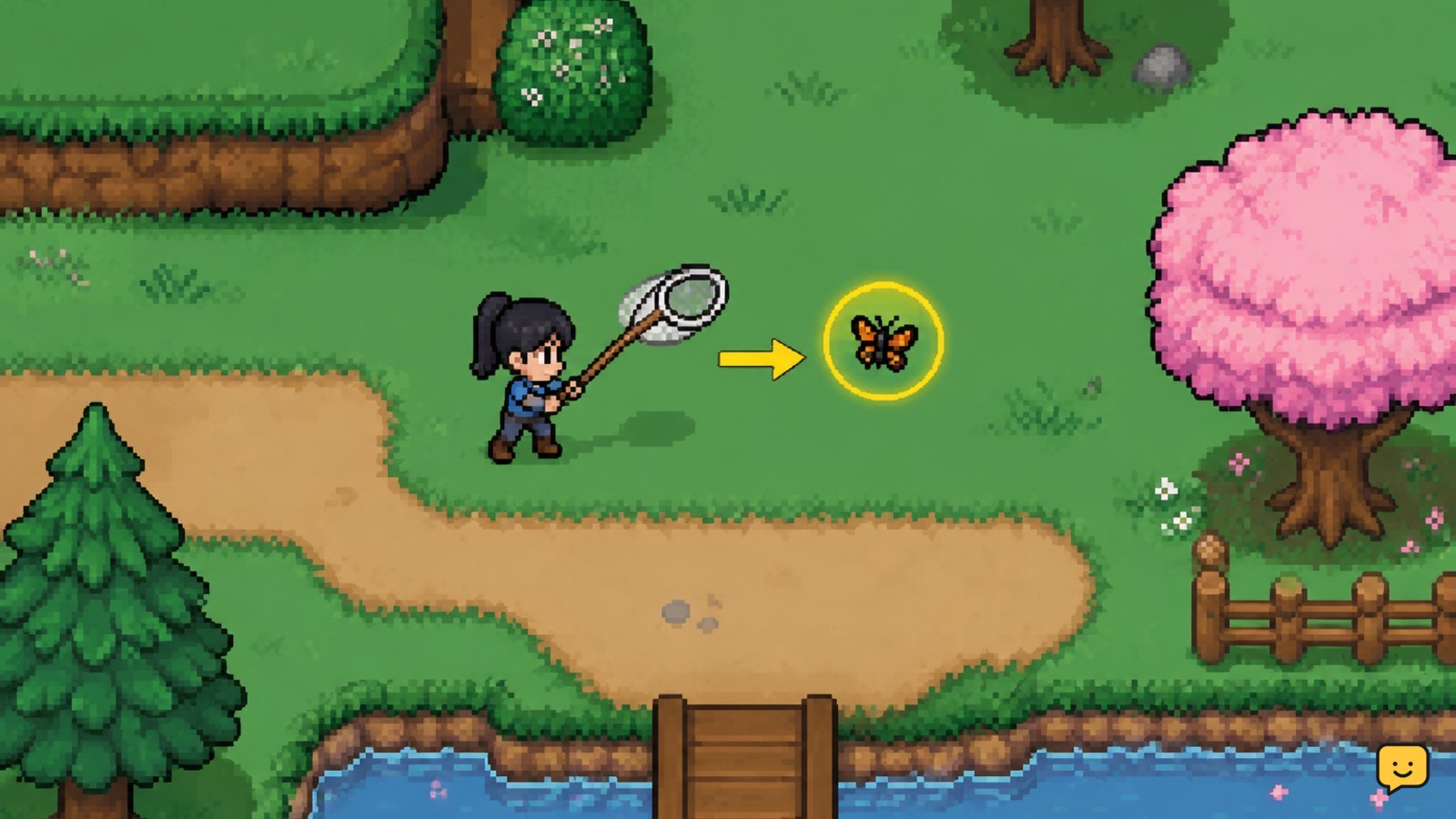
Buy or obtain the Bug Net, equip it from your tool bar, and approach visible insects before swinging. Search outdoor areas repeatedly because bug spawns vary by location, season, and time. Keep the first copy of unfamiliar or rare specimens for the museum, then sell, gift, or store duplicates after checking the item description and museum ledger.
Browse more Fields of Mistria guides
How to get and equip the Bug Net
The Bug Net is the required tool for catching overworld insects. Community guides identify Balor’s Wagon as the place to look for the net, although shop availability and unlock requirements can change during Early Access updates. Check the wagon’s current stock rather than relying on an old price or unlock claim.
- Visit Balor’s Wagon when it is open.
- Look for the Bug Net in the available tool stock.
- Buy or claim it if your save has unlocked the relevant option.
- Open your tool bar and place the net in a convenient slot.
- Switch to the net before approaching an insect.
Verify it worked: the character should visibly hold the net, and the normal swing action should be available. If the net is missing, check the wagon again on a later in-game day and confirm that you are using the intended save file. Do not assume a missing shop item is a bug until the shop’s schedule and stock have been checked.
How to catch bugs without losing them
Insects appear as visible creatures in outdoor areas. The reliable approach is to move toward the bug slowly, line up the net, and swing while the insect is within range. Some bugs move away when approached, so avoid sprinting directly through them.
- Spot the insect and stop briefly to judge its movement.
- Approach from the side or behind when the terrain allows it.
- Keep the net selected and use the regular tool action when you are close enough.
- Move to the next spawn only after the catch animation or item pickup confirms success.
Verify the catch: look for the pickup confirmation and check that the specimen appears in your inventory. If the swing misses, reposition rather than repeatedly attacking from the same angle. If the bug vanishes, it may have moved out of range or the spawn may have reset; leave the immediate spot and search nearby.
A larger view can make scanning easier. A community hunting guide recommends using a wider camera view and revisiting a good area to refresh or find additional spawns. Treat that as a practical player report, not a guaranteed spawn rule, because spawn behavior can change between versions.
Where to search for insects
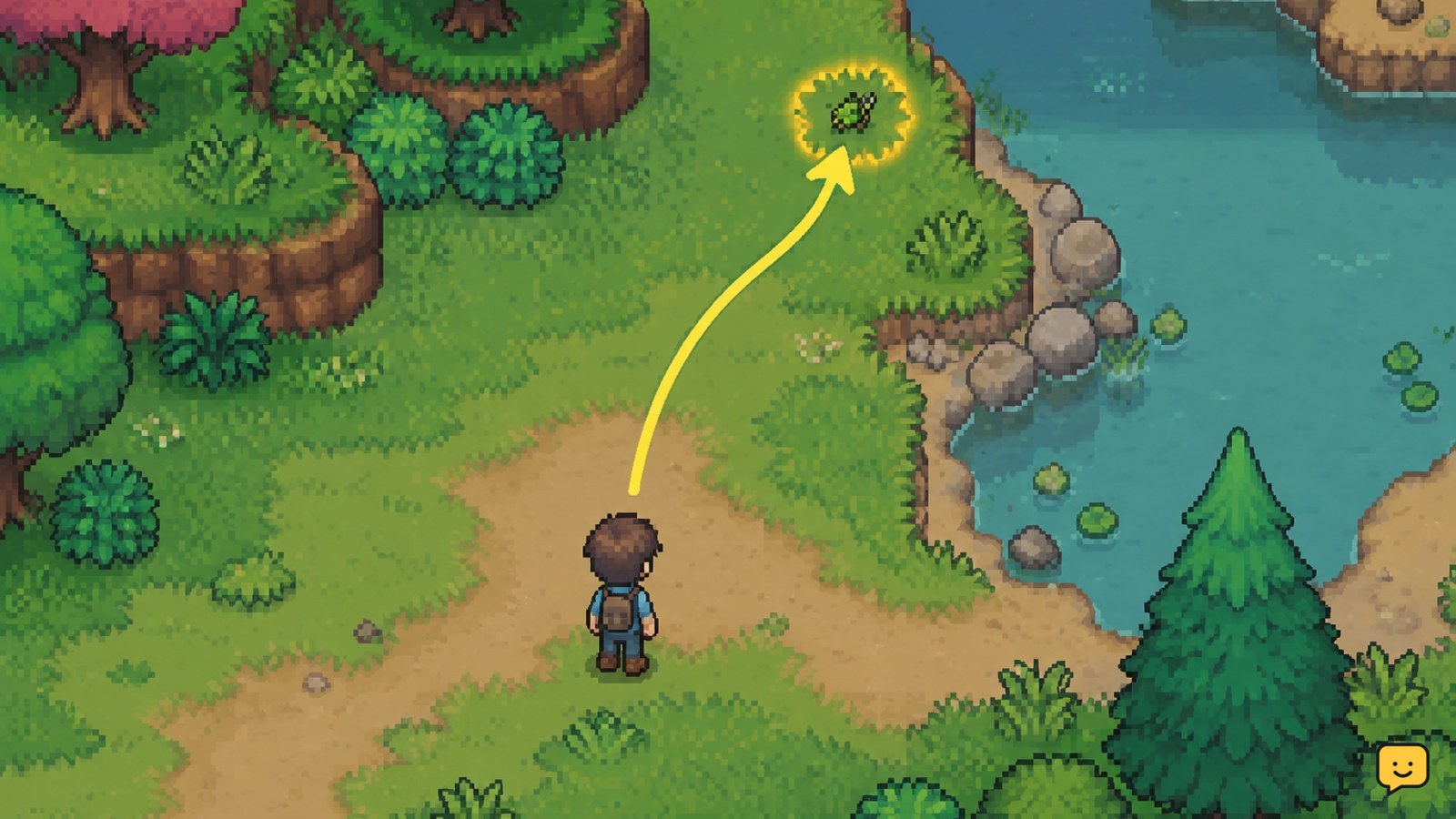
Bug availability is tied to the world area and can also vary with season and time. The most dependable method is to search by habitat instead of walking randomly across the whole map. Begin with accessible outdoor paths, then check edges, clearings, water-adjacent spaces, and other open terrain where a small moving target is easy to see.
- Choose one outdoor area and make a complete loop around its paths and clearings.
- Check the edges of the screen, tall grass, trees, rocks, and structures before leaving.
- Record the in-game season and time whenever you find a new species.
- Repeat the route on another day or at another time if the target does not appear.
- Use a current species list for exact timing or location checks, then confirm the result in your own save.
There is no safe reason to assume that every insect appears in every area or at every hour. The available community and guide references provide location, time, and season information for individual bugs, but lists can become outdated as the game changes. If a listed bug is absent, first verify the area, season, time, and camera visibility before concluding that the entry is wrong.
What to do with collected bugs
Keep the first unfamiliar specimen until you have checked its possible uses. Bugs can contribute to collection progress, provide sale value, and serve as gifts when a particular character likes that item. The exact best choice depends on the specimen and your current objective.
- Open the bug’s item description and note any listed tags or uses.
- Check the museum ledger for an uncompleted entry before selling it.
- Donate one copy when the ledger accepts the specimen and collection progress matters to you.
- Store rare, seasonal, or unidentified duplicates until you know whether you need them.
- Sell ordinary extras when you need money and have confirmed they are not needed elsewhere.
- Use a bug as a gift only after checking the recipient’s known preferences.
Best default: donate the first copy of a new species, store a scarce-looking duplicate, and sell common extras. This avoids the most expensive mistake: selling a specimen and later having to wait for its season or spawn window to return.
For donation steps, use the museum’s ledger and donation interaction rather than judging an item only by its name. If the museum does not accept a bug, keep it only if its description, a request, a gift plan, or your own collection goal gives it a purpose.
Bug-catching problems and fixes
The Bug Net is not available: check Balor’s Wagon on a later day, confirm the shop is open, and review any active tutorial or progression objective. If the item still does not appear, stop and check a current version-specific guide or patch note.
The net swings but catches nothing: move closer, face the insect directly, and wait for the bug to enter the swing’s range. Check that the net is selected rather than another tool. A missed swing does not prove the insect cannot be caught.
No bugs are spawning: complete a route in a different outdoor area, check the current season and time, and return after a day transition. Do not rely on repeatedly swinging at an empty location.
The museum entry is missing: check that the specimen is the exact variant shown in the item description, then inspect the ledger again. If the entry remains unavailable, retain the bug and verify the game’s current version before selling it.
Inventory space is causing failures: return to storage or sell confirmed duplicates. Stop the route when the bag is full; continuing can make it unclear whether a later catch succeeded.
Frequently asked questions
Where do you get the Bug Net in Fields of Mistria?
You generally get the Bug Net by checking Balor’s Wagon. Shop stock and unlock conditions may change during Early Access, so confirm the current availability in your own save. If it is not listed, check the wagon on a later in-game day and review any active progression instructions before assuming the item is unavailable.
How do you catch bugs in Fields of Mistria?
Equip the Bug Net, approach a visible insect carefully, and use the normal tool action when you are within range. Move closer or change your angle if the swing misses. Confirm the pickup notification and inventory entry before leaving the area.
Where can bugs spawn in Fields of Mistria?
Bugs appear in outdoor areas, but individual species can depend on location, season, and time. Search paths, clearings, terrain edges, and water-adjacent spaces in a complete loop. Current species lists are useful for targets, but verify every location and schedule in your current game version.
Should you donate or sell bugs in Fields of Mistria?
Donate the first copy of an unfamiliar bug if the museum ledger accepts it. Store rare or seasonal specimens until you know their purpose, then sell confirmed duplicates when you need money. Check the item description and ledger before selling because a replacement may not appear immediately.
Why are no bugs appearing?
Check the area, season, time, camera view, and nearby terrain first. Complete a route instead of waiting in one spot, then try another outdoor area or a later in-game day. If a current guide’s schedule does not match your save, retain your notes and verify the game’s version before drawing a conclusion.


