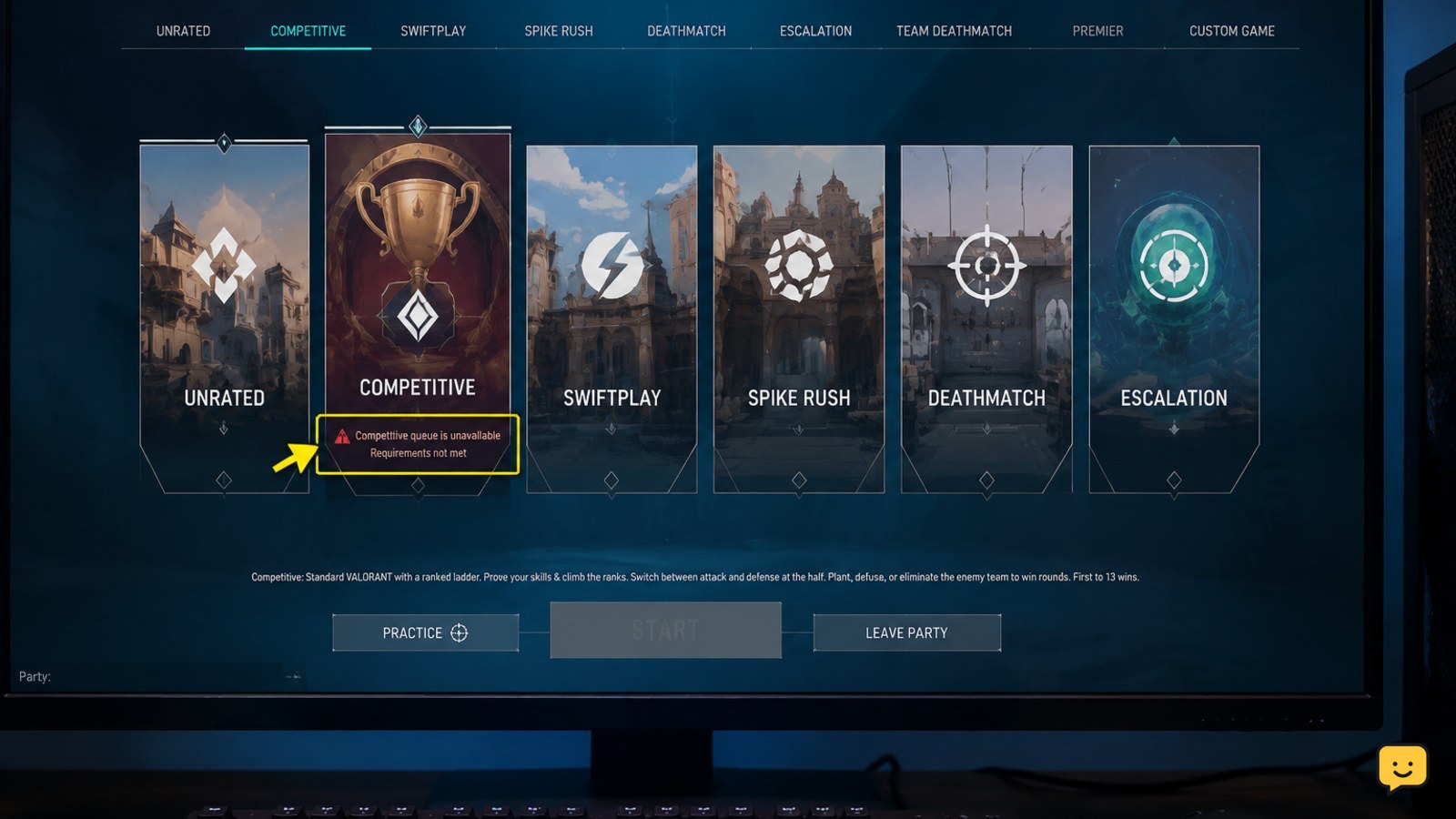
If you can’t queue for Competitive in Valorant, first check the message on the Competitive tile. Account Level 20 is required to unlock Competitive. If you already meet that requirement, check for an unfinished placement period, party restrictions, an AFK or queue penalty, and current server problems. A restriction shown only on your account usually requires Riot Support.
1. Read the Competitive lock message
Start with the Competitive tile rather than repeatedly clicking Queue. Valorant normally identifies the reason the mode is unavailable, such as an account requirement, placement status, party limitation, penalty, or service problem.
- Open Play and select Competitive.
- Read the text under the mode or in the pop-up message.
- Record any level requirement, countdown, error code, or party warning.
If the message names a specific cause, follow that cause first. If the message is missing or the tile appears disabled without an explanation, continue with the checks below.
2. Check your account level and placement status
Competitive requires at least Account Level 20, according to Riot’s Competitive Mode FAQ. This is an account-wide requirement, not the same as your current rank.
- Open your profile and confirm the account level.
- If the level is below 20, play available modes until the account reaches the requirement.
- If the level is 20 or higher, return to Competitive and check whether the client asks you to complete placements or shows an act-related eligibility message.
Do not treat an unranked badge alone as proof that the queue is broken. A new or returning account may need to complete the placement process shown by the client before normal ranked access appears.
Verify: Competitive should become selectable after the displayed requirement is satisfied. If it remains unavailable at level 20 without a placement explanation, continue to the party and penalty checks.
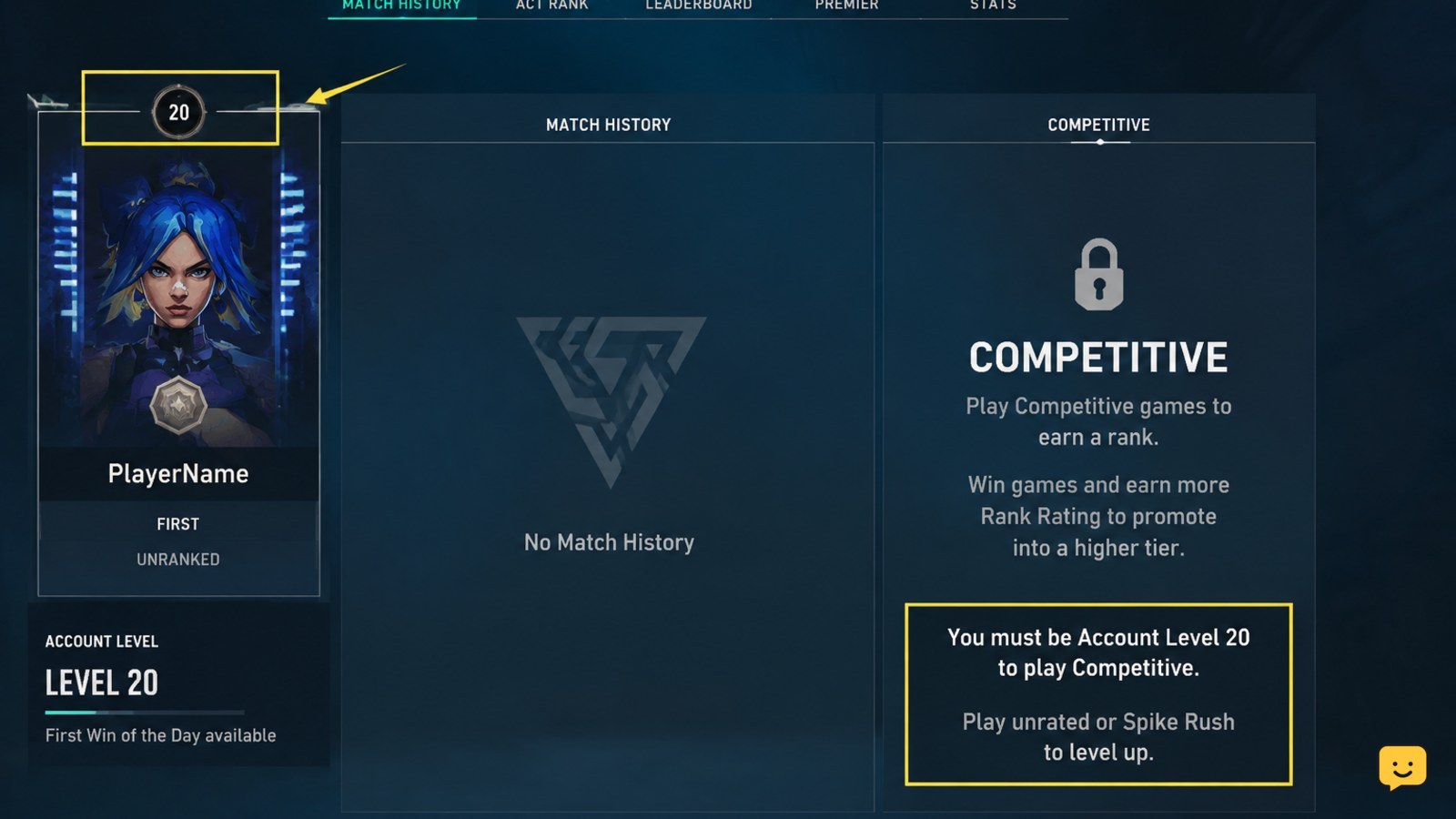
3. Test the party restrictions
A party can prevent Competitive from starting even when your individual account is eligible. This is especially likely when one member has an account-level restriction, is still completing an eligibility step, or the group composition does not satisfy the current Competitive rules.
- Leave the party and check Competitive alone.
- If solo queue works, invite players back one at a time.
- When the restriction returns, inspect that player’s Competitive tile for a separate message.
- Have every party member confirm their account level, placement status, and penalty timer.
Do not assume the highest-ranked player is the cause. Use the client’s warning to identify whether the issue belongs to the party or to one account.
Verify: If solo queue works but the full party does not, the problem is a party eligibility or party-rule issue rather than a general server outage.
4. Look for penalties and account-specific lockouts
AFK, disconnect, dodge, or other queue penalties can disable Competitive temporarily. The client may show a countdown, warning banner, or message requiring the penalty to expire.
- Check the home screen, Competitive tile, and party panel for a countdown.
- Read the penalty duration before attempting another queue.
- Remain in the client until the timer has fully expired, then restart the queue once.
If there is no timer but Competitive is unavailable only on one account, sign out and sign back in once to refresh the account state. Do not try to evade the lockout with another person’s account or by changing security settings.
Stop here and contact Riot Support if the account is above level 20, has no active timer, works in other modes, and still shows an unexplained Competitive restriction after a normal client restart.
5. Check Riot service status and regional problems
Competitive queues can be disabled during maintenance, updates, or an incident affecting matchmaking. Community reports have also described queue problems limited to a particular region, so a problem affecting one server area may not affect every player.
- Check Riot’s official service-status channels for Valorant incidents or maintenance.
- Ask a friend in the same region whether Competitive is available.
- Try another available mode only as a comparison; do not use it to bypass a Competitive restriction.
- If an outage is reported, wait for Riot to resolve it before changing local settings.
Verify: If multiple players in your region see the same queue problem, treat it as a service-side issue. If friends can queue normally and only your account is blocked, return to the account-specific checks.
6. Refresh the client only when no restriction is shown
Restarting can clear a temporary display or session problem, but it will not remove a level requirement, penalty, placement condition, party rule, or account lockout.
- Close Valorant and the Riot Client completely.
- Reopen the Riot Client and sign in to the correct account.
- Return to Play > Competitive and read the message again.
- Queue once after the client has fully loaded.
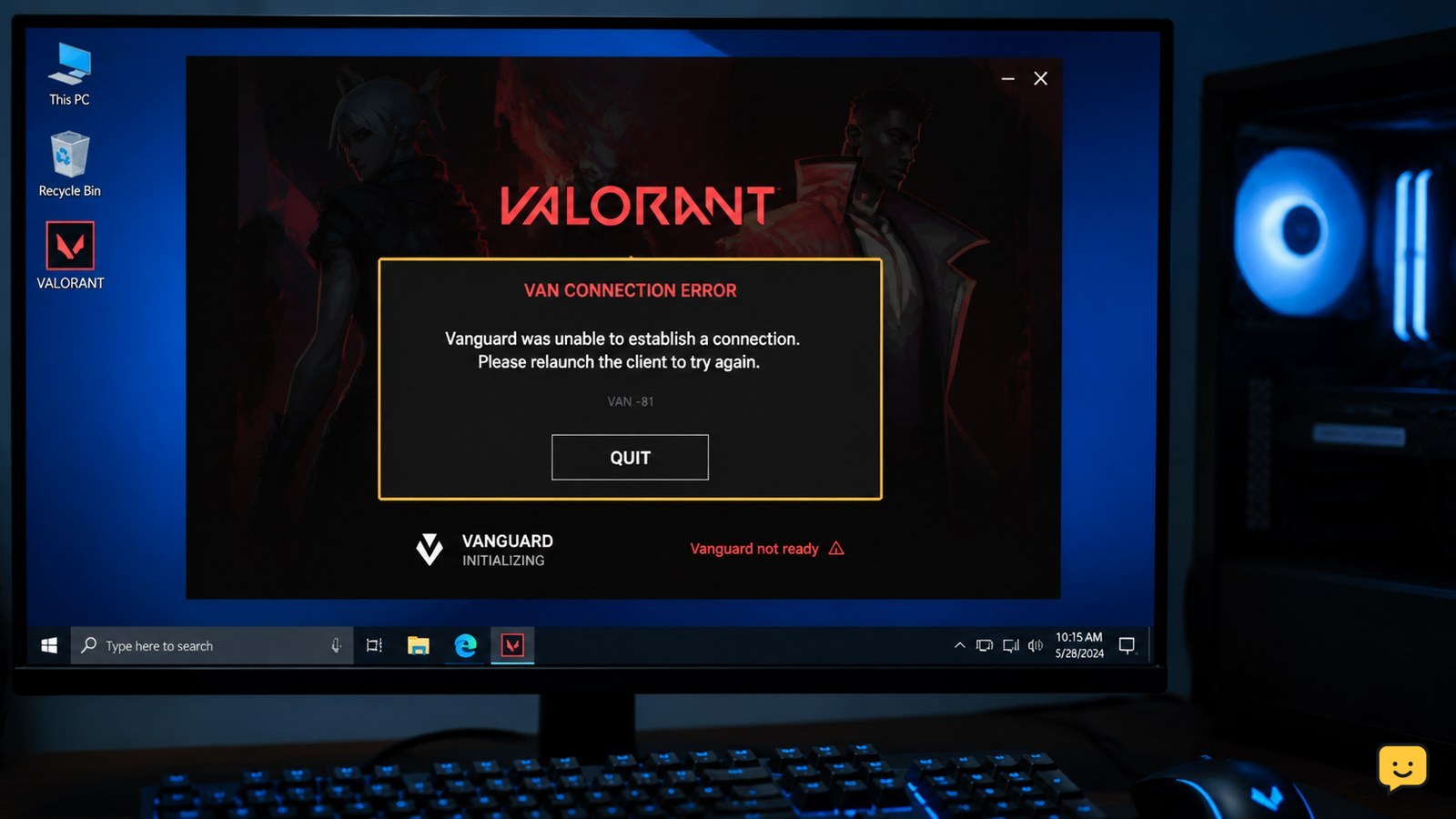
If Valorant shows a Vanguard or connection error instead of a Competitive restriction, troubleshoot that exact error separately. If the same unexplained lockout remains, save a screenshot and contact Riot Support with your region, account level, the exact message, and when the problem began.
Frequently asked questions
What level do you need to play Competitive in Valorant?
You need Account Level 20 to access Competitive Mode. Check your profile level, then reopen the Competitive tile after reaching the requirement. If your account is already level 20 or higher, look for a placement message, party restriction, penalty timer, or service incident instead.
Why is Competitive disabled but other Valorant modes work?
Competitive can be disabled by a ranked-specific requirement or restriction while other modes remain available. Check your account level, placement status, party members, and any AFK or queue penalty. If only one account is affected and no message explains why, contact Riot Support.
Can a party member stop me from queuing Competitive?
Yes. A party member’s eligibility, placement status, penalty, or current party-rule limitation can prevent the group from queuing. Leave the party and test Competitive alone. If solo queue works, invite members back one at a time to identify which account or party combination triggers the warning.
How long does a Valorant Competitive queue penalty last?
The duration depends on the penalty shown by the client. Check the displayed countdown rather than relying on a general estimate. Wait until the timer fully expires, then restart the client and try once. If the timer does not clear, contact Riot Support.
Could Valorant servers be preventing Competitive queue?
Yes. Riot can disable or disrupt queues during maintenance or service incidents, and regional problems may affect some players more than others. Check Riot’s official service-status information and compare with a friend in the same region before changing local settings.
Browse more Valorant guides for help with this topic.