To parry attacks in Mortal Shell II, first progress beyond the Prologue and reach Marrow Keep to obtain the Infinite Seal. Equip it, then press your configured parry input as the enemy strike is about to connect—not when the attack first begins. Confirm the parry response before attacking. If timing is uncertain, dodge instead.
Browse more Mortal Shell II guides
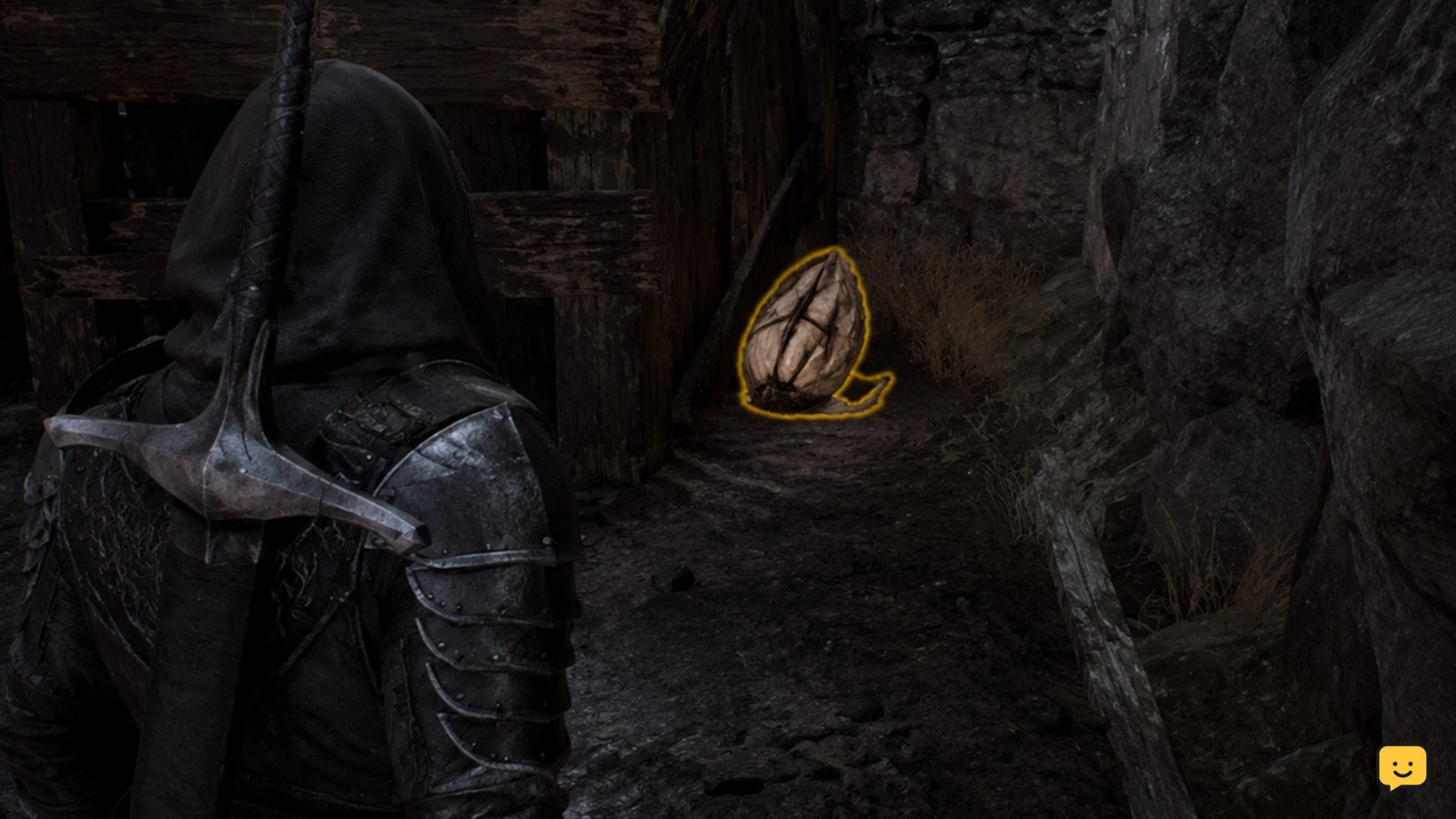
Find the Infinite Seal before testing parries
Mortal Shell II does not make parrying available from the opening moments of the game. Rock Paper Shotgun’s current parry guide identifies the Infinite Seal as the required item and places its acquisition after the Prologue, at Marrow Keep.
This progression requirement is a version-sensitive access fact, not the timing rule itself. If the parry input appears to do nothing early in the game, first check whether you have reached Marrow Keep and obtained the seal. Do not spend time adjusting timing until that condition is met.
- Finish the Prologue.
- Reach Marrow Keep.
- Obtain the Infinite Seal.
- Equip the seal before entering a fight where you want to practice.
Verification checkpoint: the seal is equipped and the parry action is available in your current control layout. If either check fails, stop and resolve the unlock or binding issue first.
Use the parry input shown by your current controls
Mortal Shell II requires the configured parry action, but the exact button depends on your platform and any changed bindings. Use the input shown by your active control layout rather than copying a keyboard, controller, or console button from another guide.
Keep the parry action separate from attack inputs while practicing. Face a single enemy, create enough space to see the whole swing, and avoid holding several defensive inputs together. The goal is to learn one repeatable press at the point of contact.
Verification checkpoint: when you press the displayed parry input during a safe test, the character performs the defensive action instead of attacking, dodging, or standing idle. If the wrong action occurs, restore or inspect the current binding before changing your timing.
Press just before the attack connects
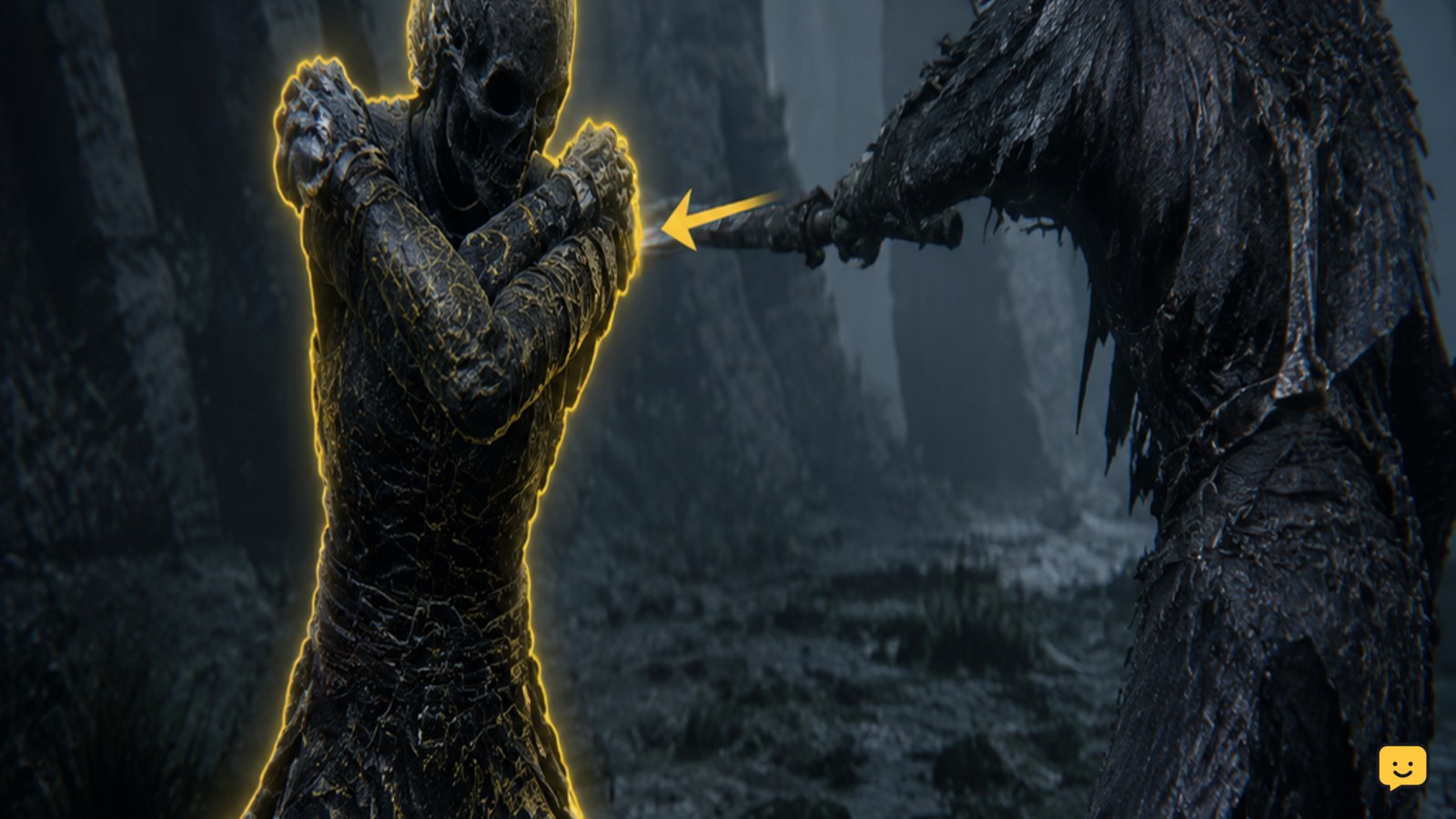
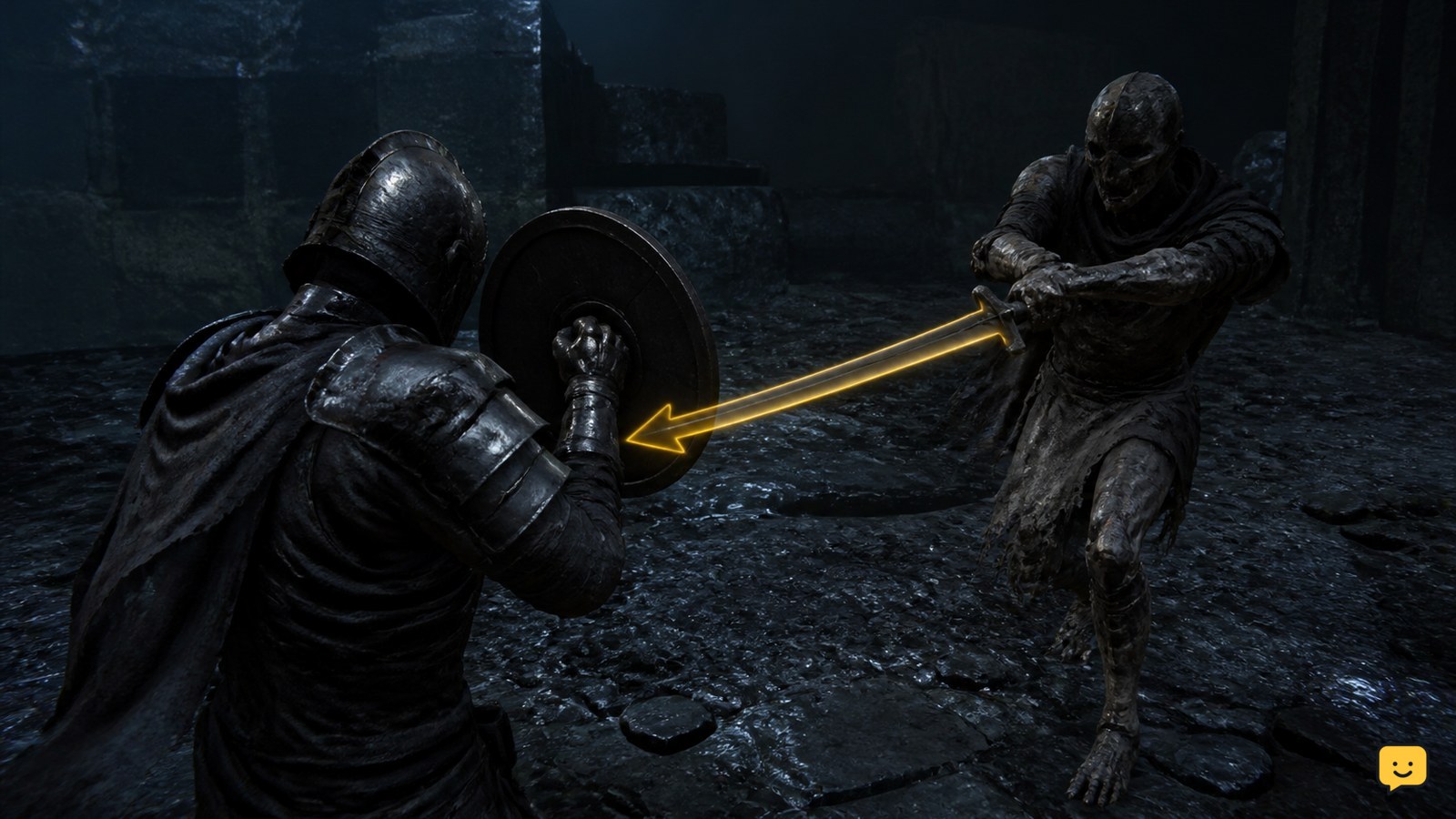
Mortal Shell II parries are timing actions: press the parry input late in the enemy’s attack, immediately before the strike reaches you. Do not press when the enemy only begins its wind-up, because the visible preparation is not the impact window.
- Watch the enemy’s weapon and body, not only its health bar.
- Identify the final forward motion of the attack.
- Press the parry input as the hit is about to reach your character.
- Wait for the game’s parry response before committing to an attack.
Start with clear, single-hit swings. Fast attacks, delayed follow-ups, grabs, and attacks from outside your camera view are poor first tests. A gameplay guide covering Mortal Shell II’s parry timing also distinguishes normal parry practice from dodge-grab situations, so do not assume every attack uses the same visual rhythm.
Verification checkpoint: a successful attempt produces the game’s recognizable defensive response rather than ordinary damage, a late dodge, or an interrupted movement. If you are hit, your input was probably too early, too late, misbound, or attempted against an attack that should be avoided instead.
Choose parry or dodge when the attack is unclear
Use a dodge instead of a parry when you cannot confidently identify the impact moment. Parrying rewards a narrow timing window, while a dodge gives you a safer recovery option when spacing, camera position, or enemy animations make the strike difficult to read.
Common mistakes are pressing as soon as an enemy raises its weapon, attempting to parry from behind the target, and trying to answer several enemies at once. These errors make a correct input look unreliable because the attack source or impact frame is no longer clear.
- Early press: wait through the wind-up and react to the final movement.
- Late press: begin the input slightly sooner on the next attempt, but still aim near impact.
- Unknown attacker: disengage or reposition until one enemy is directly in view.
- Grab-like attack: stop forcing a standard parry and use the evasive response you have already confirmed.
Stop the drill if repeated attempts leave you taking damage without a visible defensive response. Reset the encounter, improve your view of the attacker, and test again against a slower, easier-to-read strike.
Verify the mechanic before relying on it in a boss fight
Before relying on parry attacks in a difficult encounter, confirm the unlock, input, timing, and result in four separate checks. This prevents a missing seal or incorrect binding from being mistaken for poor execution.
- Access: the Infinite Seal is obtained and equipped.
- Input: the current control layout shows the intended parry action.
- Timing: the press occurs near the strike’s contact point, not during the wind-up.
- Result: the game displays its parry response and you avoid taking the normal hit.
Once all four checks succeed against a single visible enemy, use the mechanic selectively. Keep a dodge available for attacks with unusual timing, unclear tracking, or multiple possible targets. For broader elite-enemy survival advice, focus on reading attacks and resetting when the fight breaks down rather than forcing every defensive exchange.
Frequently asked questions
When can you parry in Mortal Shell II?
Parrying becomes available after you progress beyond the Prologue, reach Marrow Keep, and obtain the Infinite Seal. Before that point, a missing parry response is an access issue rather than proof that your timing or controls are wrong.
What button parries in Mortal Shell II?
Use the parry action assigned in your current control layout. The exact button can differ by platform or custom bindings, so verify the active controls instead of using an unconfirmed button from another setup.
Why does my parry fail in Mortal Shell II?
The most likely causes are an unequipped Infinite Seal, an incorrect binding, or a press that happens during the wind-up rather than just before impact. Test one visible enemy and confirm the defensive response before changing your strategy.
Should you parry every attack in Mortal Shell II?
No. Dodge when the impact timing is unclear, the attack is a grab-like move, several enemies are threatening you, or the attacker is outside your view. Parry only when you can read the strike and have confirmed the correct input.