
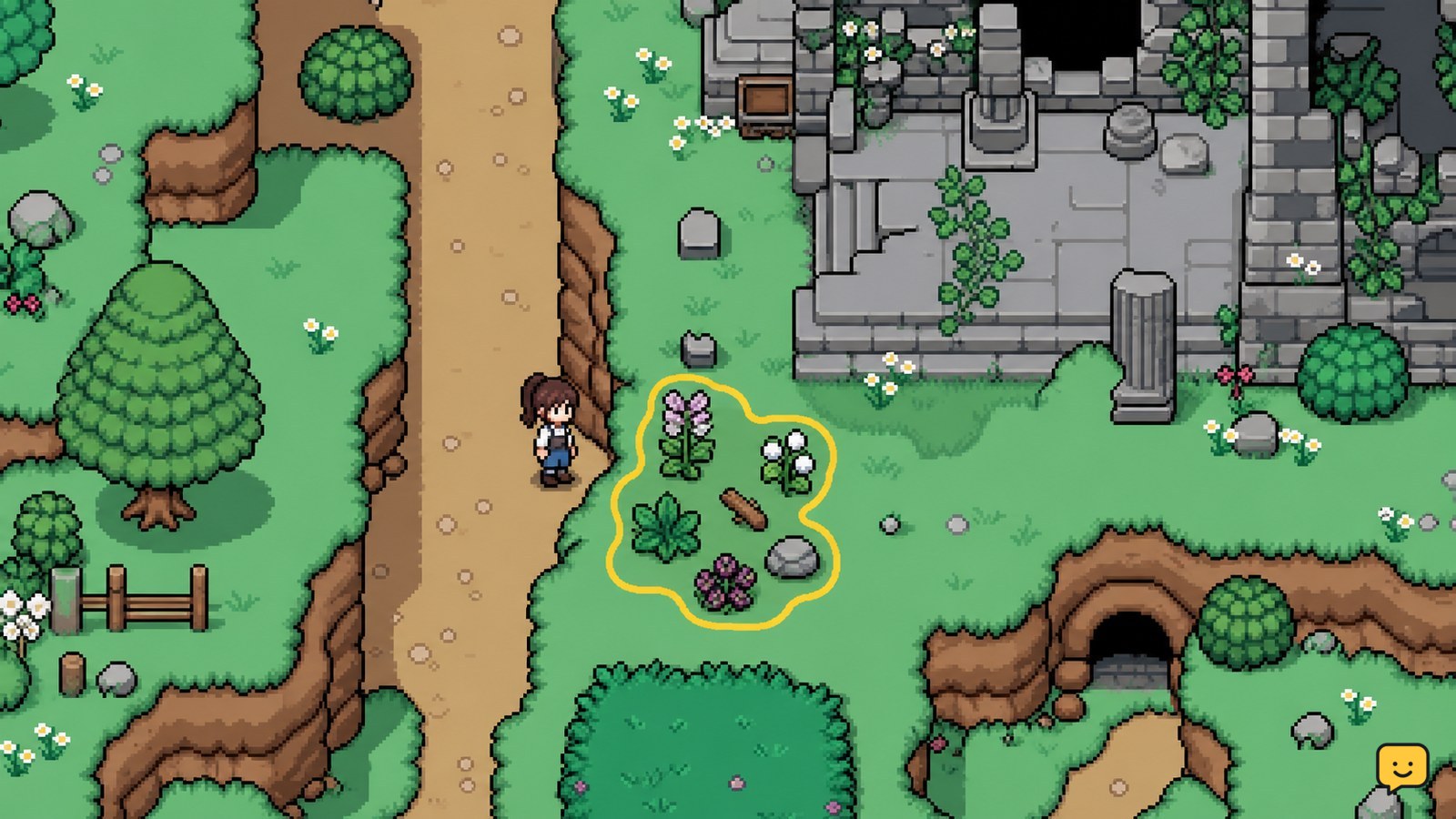
In Fields of Mistria, forageables are wild plants and natural materials such as shells. Search outdoor areas by season, prioritizing the Ruins and Mines, then inspect each item before selling it. Keep first copies for museum or collection needs, reserve recipe or gift items when requested, and ship the remainder for Tesserae.
Browse more Fields of Mistria guides
Find forageables by season and area
Fields of Mistria forageables are wild plants and natural materials found in the game world, including shells. The maintained IGN forageables listing records location and season information, so the season shown in your current save is the first filter to check.
- Start with the outdoor paths and wild spaces you can safely reach.
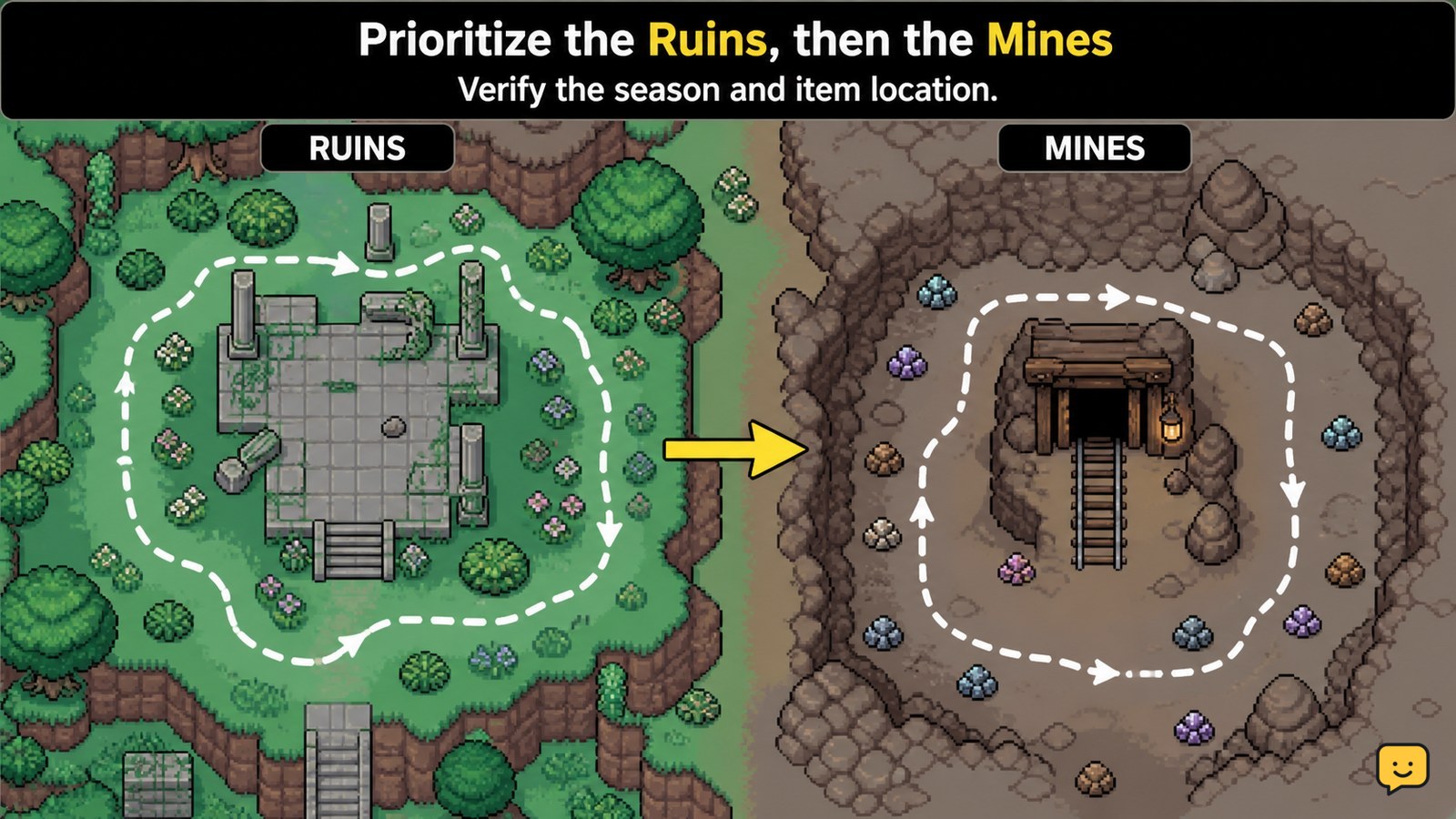
- Search the Ruins and Mines early in the route. A Steam Community guide identifies both areas among the main places to forage.
- Check along edges, open ground, and less-traveled paths rather than searching only near buildings.
- Pick up every unfamiliar item once, then read its item information before deciding what to do with later copies.
Forageable locations are not interchangeable. An item listed for one area or season may not appear on the same route at another time. If a known item is missing, confirm the season and location first instead of assuming the save is broken.
Choose what to keep for museum and collection progress
Keep the first copy of an unfamiliar forageable until you have checked whether it contributes to museum or collection progress. The available museum guide evidence covers crops, flowers, and foraging items by season, which makes seasonal collection planning more useful than selling every pickup immediately.
- Place the first copy in storage if you cannot visit the museum immediately.
- Compare the item with your museum or collection requirements when you next have access to them.
- Keep seasonal items that are difficult to replace, especially when the current season is ending.
- Sell or ship duplicates only after the original collection need is covered.
This approach protects progress without requiring you to store every duplicate. If an item has already been donated or recorded and is not needed for another task, its next-best use is usually a recipe, gift, or sale.
Reserve forageables for recipes and gifts
Forageables can be more valuable as requested ingredients or gifts than as immediate sale items, so check your active plans before shipping them. Fields of Mistria cooking uses ingredient requirements, and gift decisions depend on the recipient and item rather than only on the sale price.
- Check cooking requirements before using a seasonal or uncommon forageable.
- Keep a small reserve when you are working toward a recipe that needs a wild ingredient.
- Set aside items intended for a character gift instead of mixing them with sale stock.
- Use duplicates for cooking or gifts only after confirming that the item is not still needed for collection progress.
If you do not know an item’s use, store one copy and ship only confirmed duplicates. This is safer than relying on sell price alone, because a low-value item may still be useful for a recipe, request, or relationship goal.
Ship confirmed duplicates for Tesserae
Shipping is the reliable use for forageables that are not reserved for collection, recipes, gifts, or requests. The Fields of Mistria shipping bin accepts forage, and the end-of-day summary lets you verify that the sale was counted.
- Return to the farm after checking the day’s forage route.
- Place only confirmed sale items in the shipping bin.
- Leave unknown first copies and planned ingredients in storage.
- Finish the day, then check the earnings summary to confirm the shipment.
If the expected earnings do not appear, first check whether the item was actually placed in the bin and whether the day was completed. If you shipped an item by mistake, stop making further sales until you confirm whether the game provides a recovery option in your current save; do not assume a shipped item can be retrieved.
Fix a missing forageable or incomplete route
A missing forageable in Fields of Mistria usually points to a season, location, route, or collection-state mismatch rather than a single universal spawn rule.
- Verify the current season against the item’s listed availability.
- Return to the exact area associated with the item, including the Ruins or Mines when listed.
- Search the full accessible route instead of checking only the entrance.
- Leave and revisit the area later if the item still does not appear.
Do not treat community lists as permanent guarantees. The Steam guide is useful for route suggestions, while IGN is the stronger reference for item location and season fields. If those sources disagree, rely on the current in-game behavior and record the uncertainty rather than shipping a replacement item or spending resources to force a spawn.
Frequently asked questions
Where should I look first for forageables in Fields of Mistria?
Start with the Ruins and Mines, then search the outdoor paths and wild spaces you can reach. The correct route depends on the season and the item’s listed location. Search the whole area, including edges and less-traveled paths, rather than checking only the entrance.
Should I sell every forageable I find?
No. Keep the first copy of an unfamiliar item until you check museum, collection, recipe, gift, and request needs. Ship confirmed duplicates after those uses are covered. This prevents a seasonal or uncommon item from being sold before you know its purpose.
Do forageables change with the season?
Yes, season is a key filter for forageable availability. The maintained IGN listing records season information for forageables, so check the current season before assuming an item is missing. A route that produces one item now may produce a different selection later.
What should I do when my backpack fills while foraging?
Stop the route and return to storage or the farm rather than discarding an unknown item. Store first copies and planned ingredients, then resume with open slots. Shipping duplicates is safer after you have checked their collection and recipe uses.


