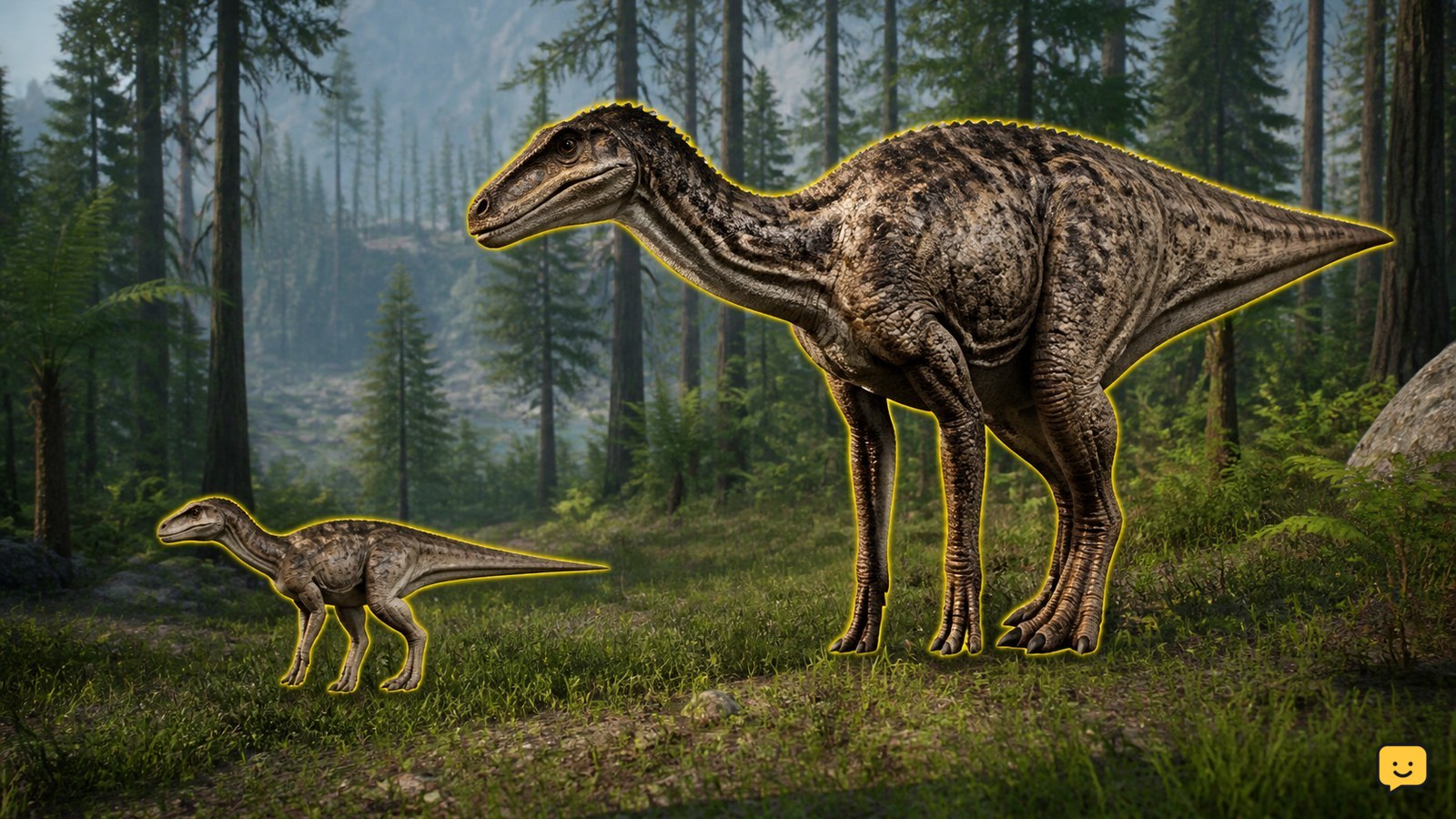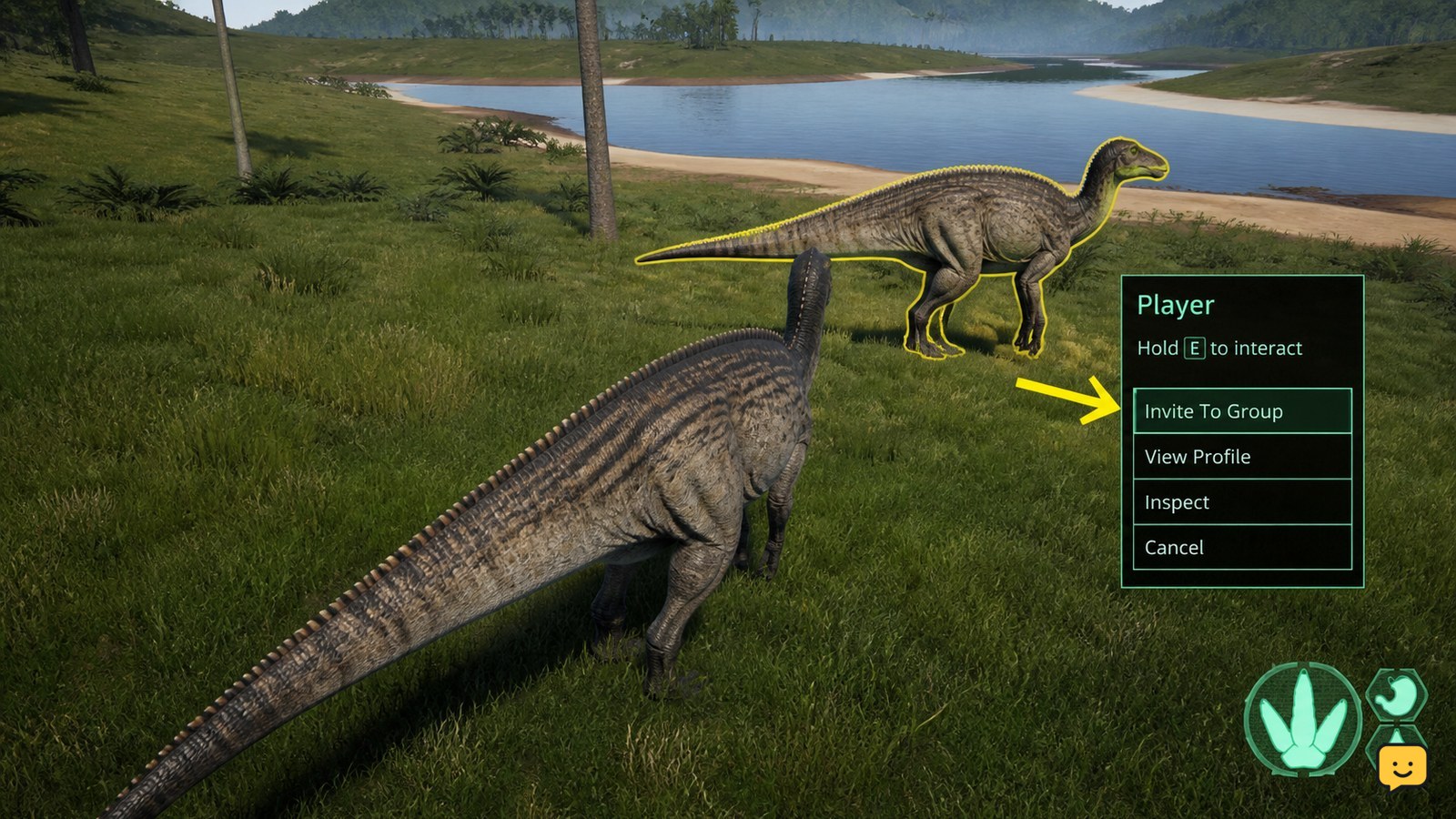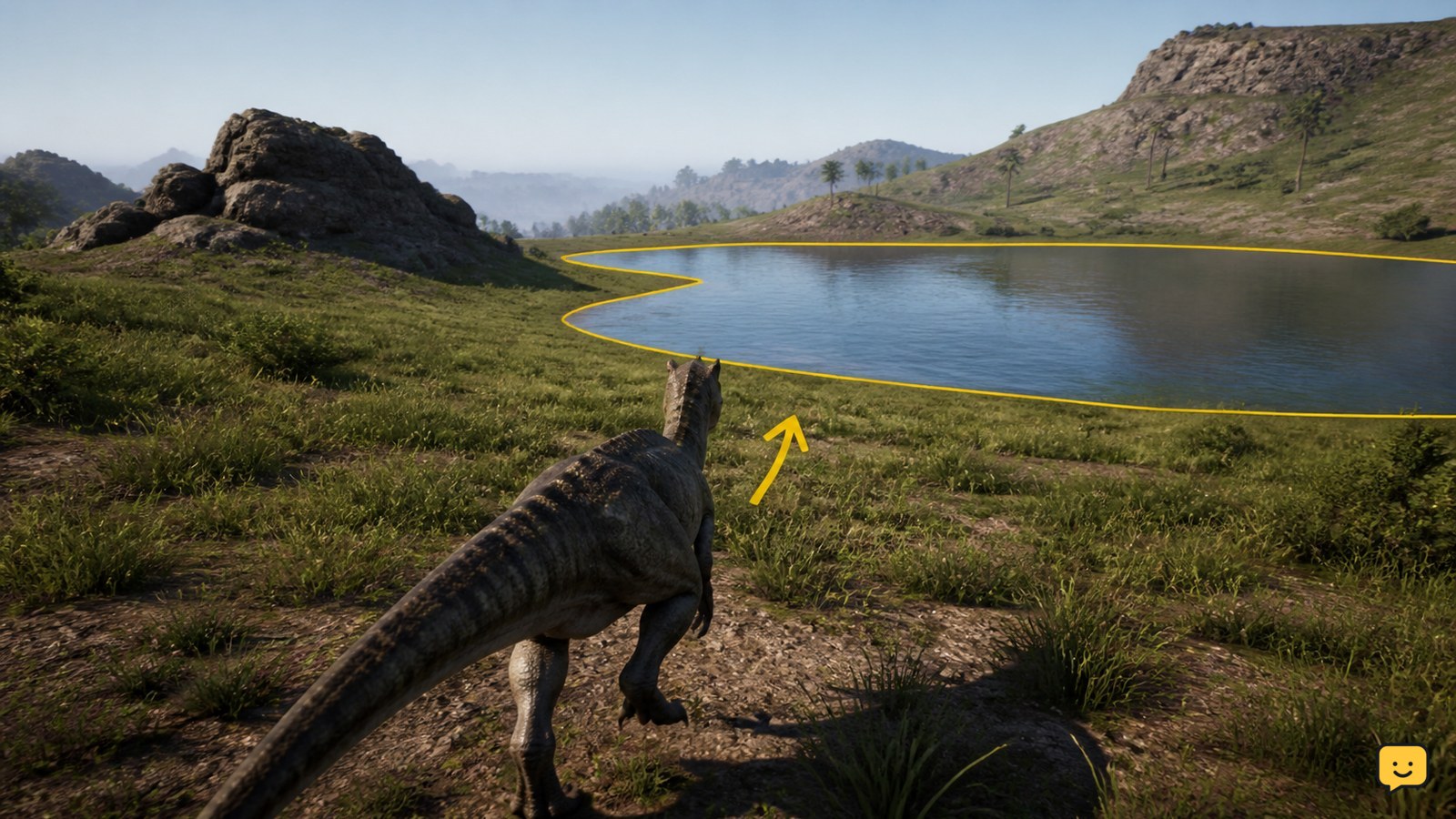
To use Scent in The Isle Evrima, hold the assigned Scent key, which is usually Q, and pause or move slowly while the information develops. Do not rely on a quick tap, and avoid sprinting while trying to read the cues. Verify the control under Settings > Key Bindings, because bindings can be customized or changed.
How to activate Scent in Evrima
Scent is a navigation and survival tool rather than a complete scan of everything around your dinosaur. It can provide directional information about relevant resources, including food or water, and may help you interpret trails or nearby activity.
- Stop sprinting. Stand still or reduce your movement to a controlled walk. Fast movement makes it harder to activate, observe, and interpret scent information.
- Hold the Scent key. The usual default control in Evrima is Q. Hold it instead of tapping and immediately releasing it.
- Wait for the available cues. Give the game time to display whatever scent information your dinosaur can currently detect.
- Look around carefully. Rotate the camera and compare the cue’s direction with landmarks such as a river line, forest edge, clearing, or slope.
- Move toward the cue in stages. Recheck Scent after traveling a short distance, especially where terrain blocks your view or the route changes.
Always check Settings > Key Bindings if Q does nothing. A custom profile, update, configuration reset, or accidental rebinding may have assigned Scent to another key or left the action unbound.
How to read scent information
Scent cues are most useful when treated as directional evidence. They can suggest where a resource or trail lies, but they do not necessarily identify a safe, direct path. A cue beyond a ridge, for example, may require you to travel around a cliff rather than straight toward it.
Directional cues
When a scent indication appears toward one side of your view, turn and establish the general bearing before moving. Choose a visible landmark in that direction so you can continue navigating after the cue fades. Recheck periodically to determine whether the bearing remains consistent.
If the indication shifts sharply after only a small movement, the source may be close, positioned above or below you, moving, or separated from you by terrain. Slow down and inspect the area instead of assuming the shortest line is accessible.
Food and water indicators
Food information is not identical for every dinosaur. What counts as useful food depends on the species and its dietary needs. A carnivore, herbivore, or omnivore may therefore receive different information in the same area. Even when food is detected, confirm that it is appropriate for your dinosaur before committing to it.
Water cues can help when rivers, lakes, or other drinking locations are hidden by vegetation or elevation. Use the direction to orient yourself, then watch the terrain. A water source may be farther away than it first appears or located below a steep bank, so approach carefully and remain alert for predators.
Trails and signs of activity
Some scent information can help you follow signs left by other creatures or interpret recent movement. Read a trail as a sequence rather than a single marker: locate one sign, face the likely direction of travel, move cautiously, and check again. Trails can become unclear, overlap, or end, and the creature responsible may no longer be nearby.
Following a trail also creates risk. Another player may be moving toward you, circling the area, or waiting near a desirable resource. Avoid focusing so completely on scent that you stop listening for footsteps, calls, movement in foliage, or changes in nearby animal behavior.
Why Scent does not reveal everything nearby
Scent is intentionally selective. Its information can vary according to your species, diet, nearby resources, environmental conditions, movement, and the current game balance. Updates can also adjust which cues are available or how easy they are to interpret. For these reasons, there is no reliable universal detection range or exact timer that applies to every dinosaur and situation.
- Your species may not detect or prioritize the same resources as another species.
- An object may be irrelevant to your current diet or survival needs.
- Terrain, vegetation, weather, movement, or other environmental factors may reduce clarity.
- A trail or resource may be too weak, too old, obstructed, or otherwise unavailable to Scent.
- Current balancing may limit what appears to prevent Scent from functioning as an all-purpose radar.
Combine Scent with sight, sound, map knowledge, and cautious movement. If a cue disappears, return to your last clear position, stop moving quickly, hold the key again, and compare the new direction with the one you previously observed.
Practical ways to use Scent safely
- Check Scent before leaving cover when searching for water or food.
- Use landmarks to preserve your direction instead of holding the key continuously while traveling.
- Pause on elevated or open ground only when doing so will not expose you unnecessarily.
- Recheck near forks, slopes, cliffs, dense vegetation, and riverbanks.
- Listen and look around before following a food or water cue into a confined area.
- Preserve stamina; sprinting toward an uncertain cue can leave you vulnerable on arrival.
For more help with controls, survival systems, and dinosaur-specific mechanics, browse ShowU’s The Isle guides.
Troubleshooting Scent when it does not work
No response when pressing Q
Open Settings > Key Bindings and locate the Scent action. Q is the usual default in Evrima, but your binding may be different. Check for conflicts with another action and save any changes before returning to the game.
The Scent action is unbound
Assign it to an unused key, apply the settings, and test it while standing still. If the menu refuses to retain the binding, restart the game and try again. Avoid assigning Scent to a key already used by another important action.
You may be releasing the key too quickly
Scent is normally activated by holding the control rather than tapping it. Stop or walk slowly, hold the key for long enough for information to develop, and watch the screen carefully for subtle cues.
Movement or environmental conditions are limiting it
Stop sprinting and test in a calmer position. Dense terrain, elevation changes, limited nearby resources, or other conditions can make the result difficult to read. A lack of visible cues does not always mean the control has failed.
You launched the wrong Legacy or Evrima branch
Legacy and Evrima do not use identical systems or instructions. In Steam, open the game’s properties and inspect the selected beta or branch. Confirm that you are actually launching Evrima before applying Evrima-specific control advice.
The configuration may be stale
First reset the relevant key binding to default and restart the game. If problems continue, verify the game files through Steam. As a later step, back up your configuration before resetting or removing local settings, because doing so can erase customized controls, graphics options, and other preferences.
Frequently asked questions
What is the default Scent key in The Isle Evrima?
Q is the usual default Scent control. However, check Settings > Key Bindings because the key can be customized, changed, conflicted, or left unbound.
Should I tap or hold the Scent key?
Normally, you should hold the Scent key long enough for the available information to appear. A quick tap may end the action before you can see or interpret a cue.
Can every dinosaur smell the same food?
No. Useful scent information varies by species, diet, nearby resources, conditions, and current game balance. A cue relevant to one dinosaur may be absent or less useful to another.
Why can I not smell an object that is close to me?
Proximity alone does not guarantee detection. The object may not be relevant to your dinosaur, or movement, terrain, environmental conditions, trail quality, and game balancing may limit what Scent reveals.
Planning your next route? Use the The Isle Evrima map to find key locations before you move.