To safely log out in The Isle: Evrima, first leave any active danger and find concealed, defensible terrain away from common traffic. Stop moving, activate the in-game safe logout action or menu option, and wait without moving or taking damage until the game confirms completion. Never treat Alt+F4, closing the window, or disconnecting as a safe logout.
Why safe logout matters in Evrima
A safe logout gives the game and server time to remove your dinosaur through the intended process. If you force the game to close instead, your dinosaur may remain on the server temporarily. During that period, another player may find, attack, or kill it even though you can no longer see what is happening.
The logout delay is therefore part of survival. It prevents players from disappearing instantly during a chase, ambush, or fight. Your goal is not simply to start the action; you must prepare a suitable location and remain undisturbed until the game reports that the logout has finished.
How to safely log out in The Isle: Evrima
-
Leave active danger
Do not begin logging out while being chased, tracked, threatened, or watched by another dinosaur. Break line of sight, create distance, and listen for footsteps, calls, splashing, or nearby combat. If another player could reach you during the logout period, keep moving until the immediate risk has passed.
Remember that hiding does not automatically mean you are safe. A predator may have seen where you entered the foliage, and nearby players may hear movement or vocalizations. Avoid unnecessary calls and give yourself time to determine whether you are still being followed.
-
Choose concealed, defensible terrain
Find vegetation, uneven ground, or another location that breaks sight lines without trapping your dinosaur. A good logout position is difficult to notice from a normal travel route but still gives you a possible escape path if the countdown is interrupted.
Avoid beginning the logout process in these locations:
- Roads and trails: players commonly use them for fast, predictable travel.
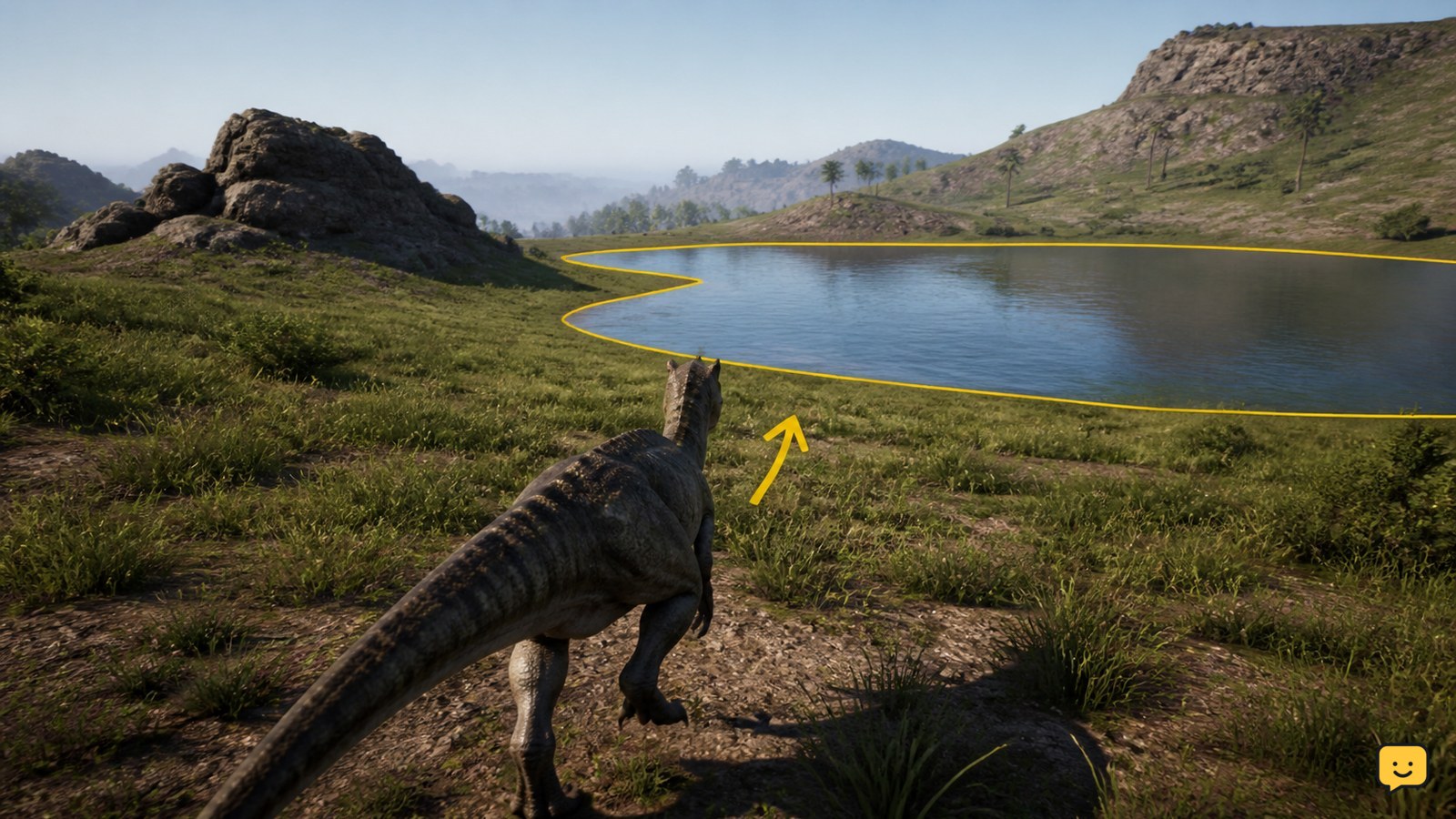
- Water edges: every dinosaur needs water, making shorelines frequent hunting and ambush areas.
- Feeding sites and carcasses: food attracts hungry players and scavengers.
- Open ground: your silhouette is visible from a long distance, especially to larger dinosaurs.
- Cliffs and steep slopes: a startled movement, attack, or awkward spawn may put you at risk of falling.
- Obvious landmarks and crossings: recognizable navigation points tend to collect traffic.
Dense cover is useful, but do not wedge yourself into geometry or choose a spot with only one exit. Concealment combined with room to react is safer than vegetation alone.
-
Stop moving and settle
Once you have selected a location, stop walking, sprinting, turning unnecessarily, eating, drinking, or performing another action. Allow your dinosaur to become still before starting safe logout. Look and listen one final time so that you do not begin the process while another player is approaching.
-
Use the current in-game safe logout action
Activate the safe logout action or the relevant option in the current game menu. Do not assume that a key named in an old video, forum post, or Legacy guide is still correct. Key bindings and interfaces can change between versions.
Open Settings > Key Bindings and look for the current logout, rest, sleep, or related action. You can also inspect the current game or escape menu for a safe logout option. Follow the label and instructions displayed by your installed Evrima version rather than relying on a supposedly universal key.
-
Wait for confirmation
Remain still while the logout process runs. Do not walk away from the computer immediately, because movement, damage, or another required interaction may interrupt it. Watch for the game’s completion message, transition, or return to the appropriate menu.
You are finished only after the game confirms that the safe logout has completed. Starting a countdown and then force-closing the client is not equivalent to completing it.
Safe logout versus hard logout
A safe logout is the deliberate, in-game sequence that finishes only after the server accepts and completes it. The following events are not safe logout methods:
- Closing the game window
- Pressing Alt+F4
- Ending the game through Task Manager or another task-killing tool
- Losing your internet connection
- Crashing to the desktop
- Turning off or restarting the computer
- Being disconnected by a server restart
These events may remove you eventually, but they do not provide the same controlled confirmation. Depending on server behavior and timing, your dinosaur may remain vulnerable for a period after your client disconnects. A server restart is also not a logout strategy: it is an external interruption, and you should not assume your character state is secure until you reconnect and verify it.
For more survival, controls, and branch-specific help, browse The Isle guides. Keep advice matched to Evrima because instructions written for the Legacy branch may describe different menus, controls, and mechanics.
Troubleshooting safe logout problems
The countdown keeps resetting
Stop all movement and avoid rotating, standing, crouching, eating, drinking, calling, or using another ability. Some actions can cancel or restart the process. If it continues, move to a quieter location, settle again, and restart the in-game action.
Movement or damage interrupted the process
Treat the logout as cancelled. If you moved accidentally, become still and begin again. If you took damage or another player found you, prioritize survival: escape, break line of sight, select a new hiding place, and restart only after the danger has passed.
The safe logout action is missing
Check Settings > Key Bindings and inspect the current game menu. Resetting an individual binding may help if it is unassigned or conflicts with another command. Also confirm that you are using up-to-date instructions for your installed version rather than an old interface guide.
You were unexpectedly disconnected
Reconnect to the same server as soon as practical and check whether your dinosaur survived and loaded correctly. Do not assume a connection loss completed safe logout. If the server is offline, wait for it to return and verify your character state before continuing normal play.
You launched the wrong Legacy or Evrima branch
Steam can install different branches of The Isle, and Legacy instructions do not necessarily apply to Evrima. In Steam, open the game’s properties and review the selected beta or branch. Confirm that you launched Evrima before diagnosing missing controls or menu options.
Your configuration may be stale
After updates, old configuration files or unusual custom bindings can cause missing, duplicated, or unresponsive controls. First reset the relevant binding through the game’s settings. If that fails, use Steam to verify the integrity of the installed game files. Back up any configuration you intend to keep before resetting or removing local settings.
Frequently asked questions
Can I press Alt+F4 after starting the logout countdown?
No. Wait until the game confirms that safe logout has completed. Alt+F4 force-closes the client and may leave your dinosaur present and vulnerable on the server.
Is hiding in water a good way to log out?
Generally, no. Water edges are high-traffic locations, and entering water may expose you to aquatic threats or leave limited escape options. Move away from the shoreline and choose concealed land terrain instead.
What is the safe logout key in Evrima?
There is no key you should assume is universal across every setup and update. Check Settings > Key Bindings and the current game menu for the action available in your installed version.
Does a server restart safely log out my dinosaur?
A restart disconnects players, but it is not the player-controlled safe logout sequence. After the server returns, reconnect and verify your dinosaur’s status rather than assuming the restart preserved everything correctly.
Planning your next route? Use the The Isle Evrima map to find key locations before you move.
Sources
- The Isle Wiki: Safe Logout — an overview of the intended logout mechanic and the risk associated with leaving improperly.
- Steam Community discussion about safe logout — community context concerning logout behavior and character persistence.