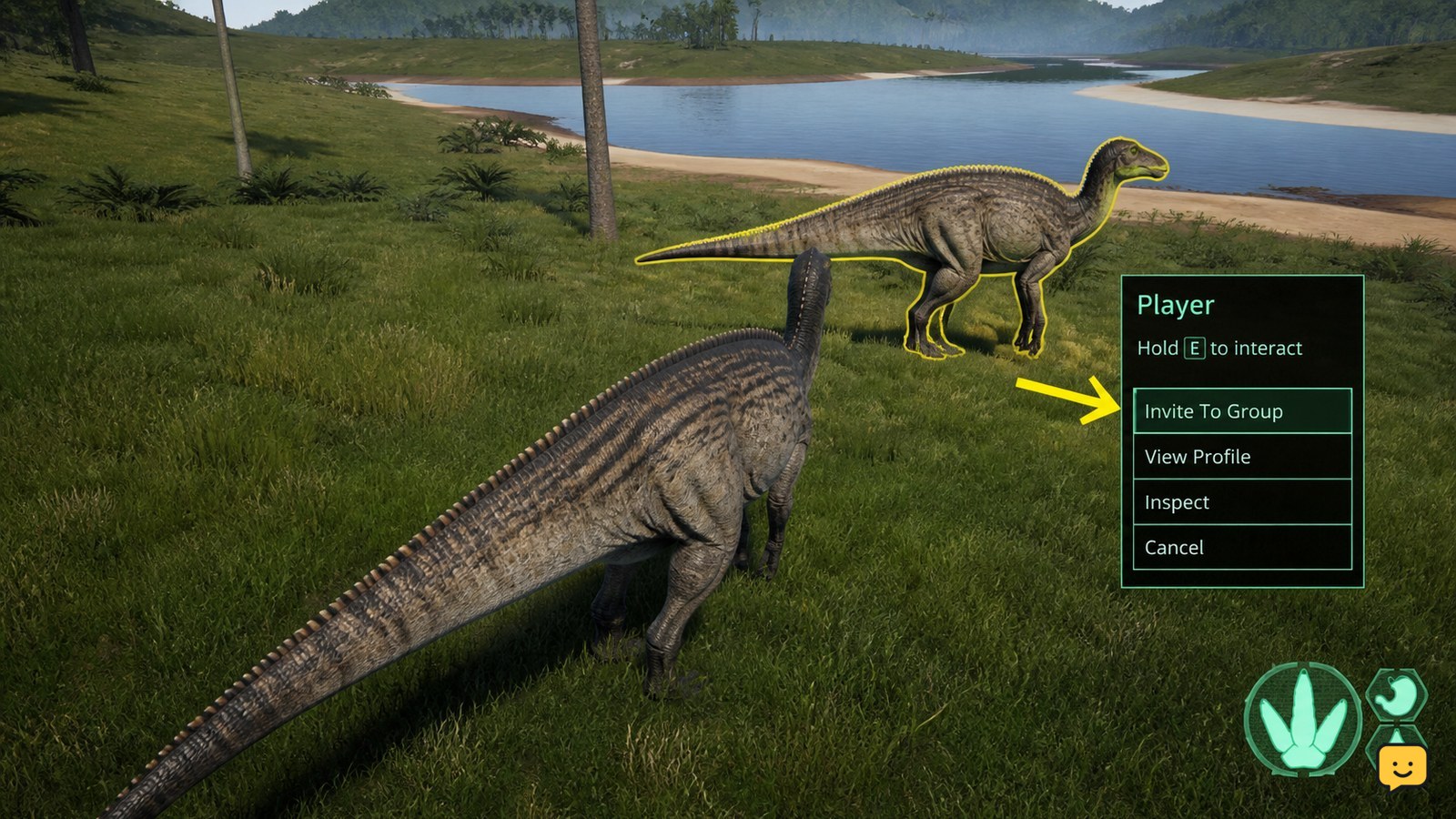
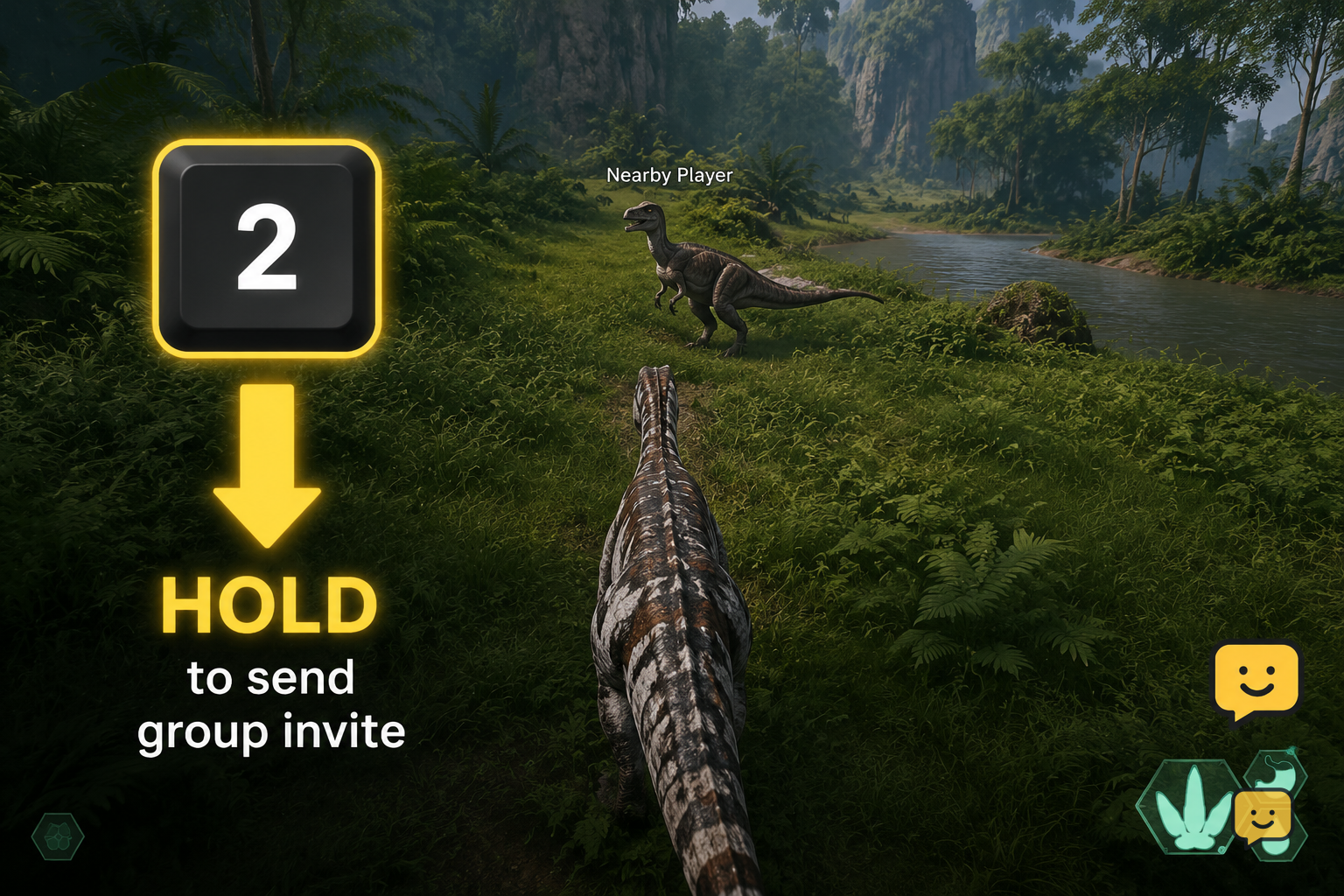
In The Isle Evrima, meet a compatible player in-game, face or locate them clearly, then hold the 2 key to send or accept a group invite. A quick tap makes a friendly call instead. Confirm that both players show as grouped before traveling, sharing food, or relying on group coordination.
How grouping works in Evrima
A group is made when one player sends an invite and the other accepts it. Community reports for Evrima consistently identify holding 2 as the invite action. Tapping 2 is normally a friendly call, so hold the key rather than pressing and releasing it quickly.
This is an Evrima guide. Do not assume a Legacy control layout, menu, or group behavior will match what you see here. Server rules, current patches, and the dinosaur you are playing can also affect who can group and how useful group features are.
1. Find the player before sending an invite
- Agree on a recognizable meeting point through the server’s permitted chat or voice channels.
- Approach slowly and keep enough distance to avoid accidental bites, charges, or panic movement.
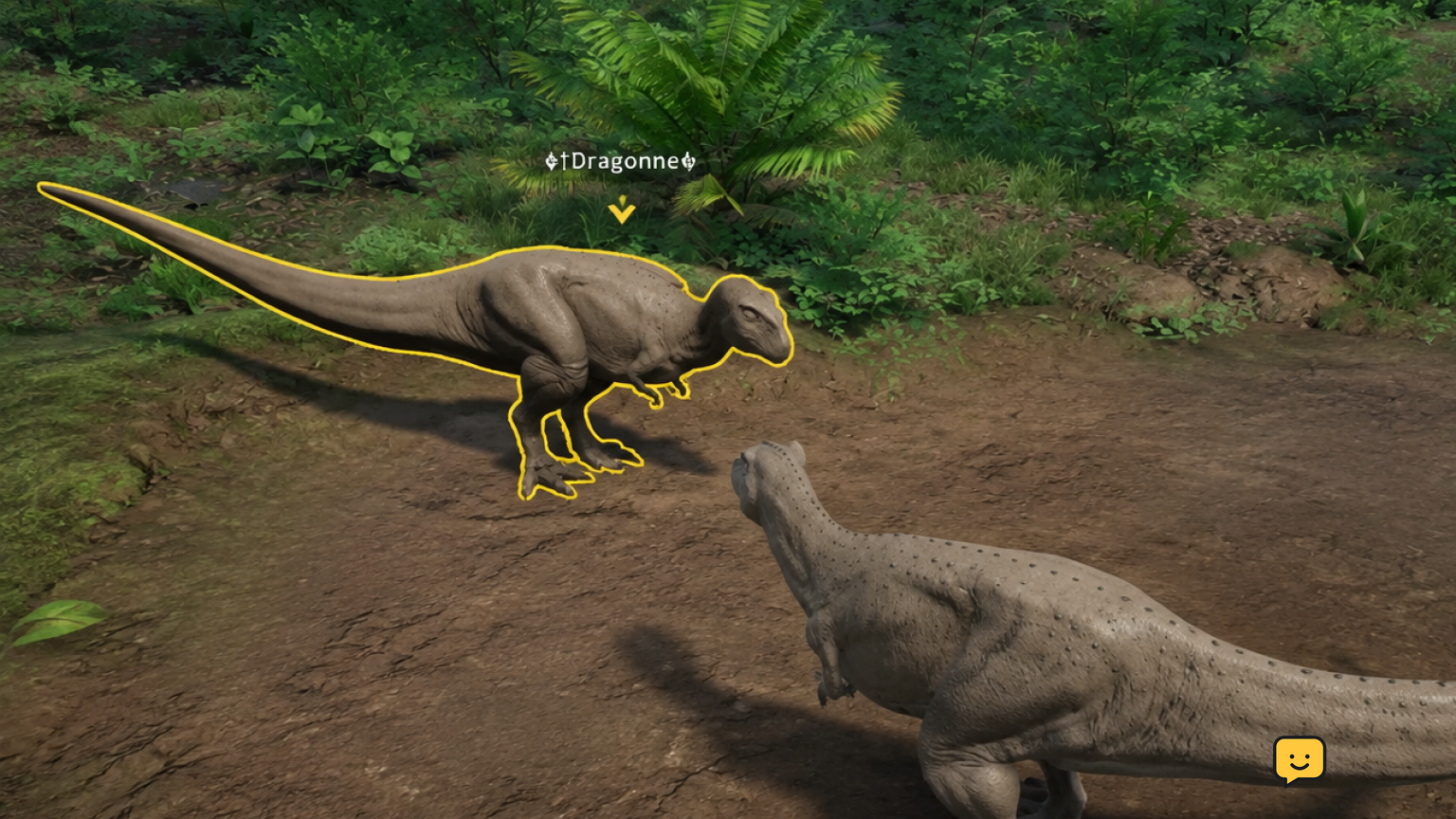
- Use a friendly call and wait for a response so you know you have found the intended player.
- Check that you appear to be compatible playables. Community guidance commonly describes grouping with another player of the same species; if the invite does not work, treat compatibility as the first thing to check.
Do not depend on scent trails alone to identify a prospective group member. They can lead you into a dangerous area or to a different player.
2. Send a group invite
- Keep the other player on screen and close enough to identify.
- Press and hold 2. Do not just tap it.
- Wait briefly for the other player to respond.
- Tell them that you sent the invite, then let them perform the same hold action to accept if prompted by the current game build.
If holding 2 only produces a call, pause before trying again. Check whether the key has been rebound, whether you were close enough to the intended player, and whether the two playables can group.
3. Accept another player’s invite
- Stay near the player who is inviting you and make sure they are not an attacker posing as a teammate.
- When they say an invite has been sent, hold 2 rather than tapping it.
- Wait for the game to show its current group or member indication.
- Ask the inviter to confirm that they also see you as a group member.
Both players should verify the result before moving into a migration route, water source, nesting area, or hunt. Group status is more reliable than assuming that two friendly calls created a group.
4. Confirm the group before you travel
Use the group display or member indicator available in your current Evrima build to check that the other dinosaur is listed or marked as a member. Then have both players move a short distance and confirm the indication remains.
If there is no clear confirmation, treat the group as unsuccessful. Stay together only if you choose to, but do not rely on member tracking, shared coordination, or group-related behavior until the invite is confirmed on both screens.
Group behavior can vary by playable and game version. For example, the practical value of grouping may differ depending on your dinosaur’s diet, social needs, combat role, and the server’s rules. Check your playable’s current in-game information rather than assuming every species uses groups in the same way.
If you cannot invite or join a group
Work through these checks in order:
For the related task, How to Join a Friend in The Isle Evrima covers the next checks separately.
- Try a deliberate hold: Hold 2 for a moment. A fast tap is reported to be only a friendly call.
- Check your controls: Open Evrima’s keybind settings and confirm the relevant call or group action has not been changed or conflicted with another binding.
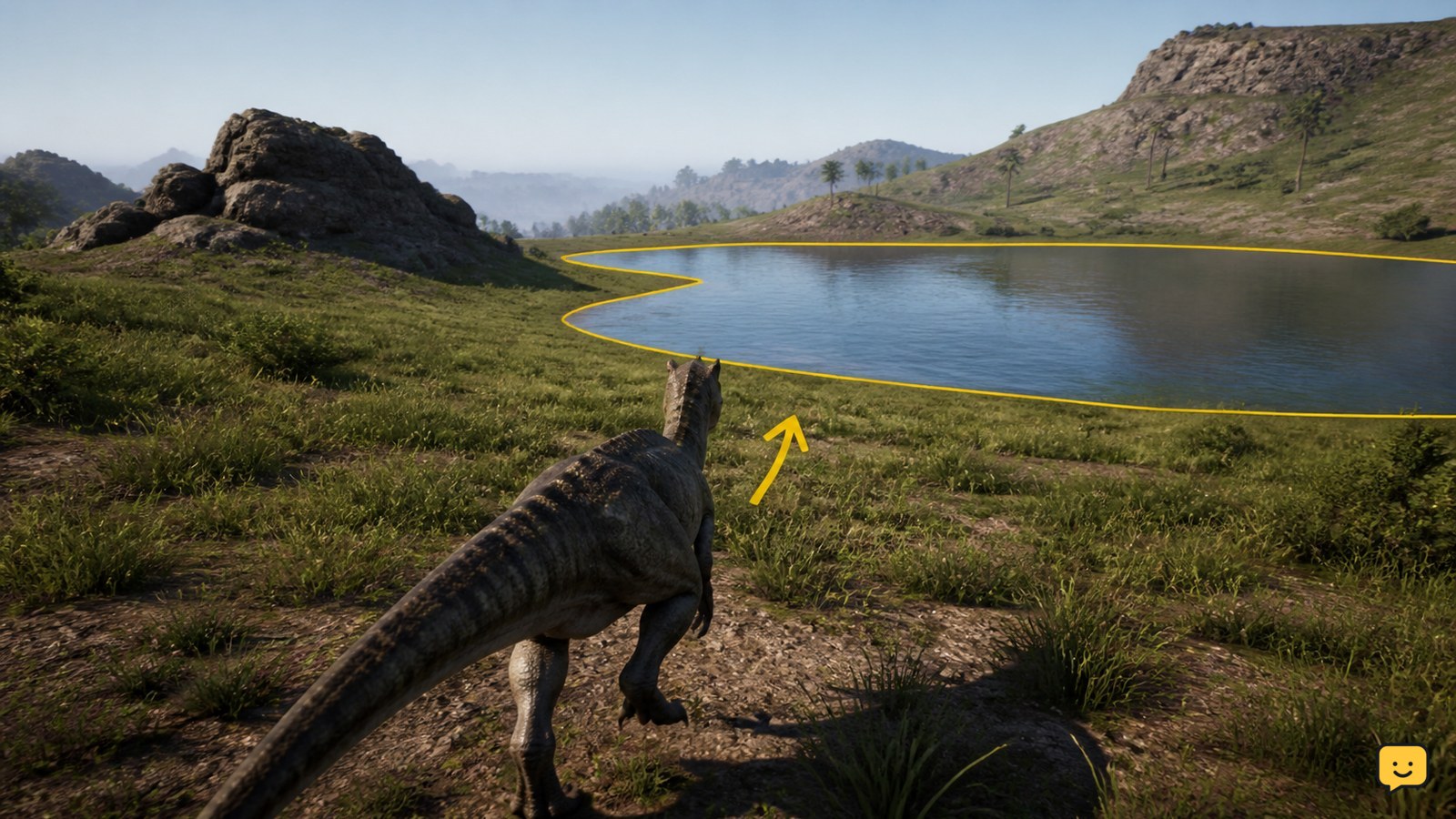
- Get closer and identify each other: Face the intended player in a safe open area. Avoid attempting invitations through foliage, water, or a crowd.
- Check playable compatibility: Switch to compatible dinosaurs if your server or current playable combination does not permit the group you want.
- Rule out a server issue: Ask whether other players can group on that server. If not, reconnect once or try another server running the same Evrima version.
Stop after one reconnect and a compatibility check if the problem affects only that server. Repeatedly reconnecting will not fix a server-side setting or a temporary server fault.
Stay safe when grouping with strangers
A group invite is not a safety guarantee. Meet in open ground, keep stamina for an exit, and avoid revealing a vulnerable nesting or feeding location immediately. New group members can leave at any time, and some servers allow playstyles that make strangers unreliable.
For a safer first trip, travel to water or food together only after everyone has confirmed group status and agreed on a direction. If a member becomes aggressive, separate, relocate, and use the server’s reporting process if its rules were broken.
Frequently asked questions
What key makes a group in The Isle Evrima?
Hold the 2 key to send or accept a group invite in Evrima, according to community gameplay reports. A quick press is generally a friendly call, so use a deliberate hold. If it does not work, verify your keybinds and make sure the other player is compatible.
Can different dinosaurs group in Evrima?
It depends on the current playable combination, game version, and server settings. Community advice commonly points to grouping with the same species, but you should test the invite in a safe area and check your server’s rules. Do not assume all dinosaur types can form the same group.
Why does holding 2 only make a call?
First, check whether you are tapping rather than holding the key and whether the intended player is clearly nearby. If the problem continues, inspect Evrima’s control bindings for a changed or conflicting action. Also test with a compatible player on another server to separate a local control issue from a server restriction.
How do I know I joined the group?
Check the current group or member indicator on your screen, then ask the other player to confirm that they see you as a member too. If neither player sees a confirmation, assume the invite failed and retry once in a clear, safe location.
Does this work in The Isle Legacy?
Not necessarily. This guide covers the Evrima branch. Legacy can use different interfaces, controls, and group mechanics, so use Legacy-specific instructions if you are playing that version rather than assuming Evrima’s hold-2 behavior applies.
Planning your next route? Use the The Isle Evrima map to find key locations before you move.